← All features

Routes and jumps

Gate routes with jump bridges, capital ranges, in-game waypoints

Route planner on the star map

What you get

Plan the trip before you undock. Gate routes for any ship, jump routes and ranges for capitals, all drawn on the star map as you build them.

  • Gate routes that use your alliance's jump bridges: shorter, safer or less secure
  • Jump routes for capitals and jump freighters, by ship type and your Jump Drive Calibration
  • Waypoints in order and systems to avoid, with an option to skip active incursions
  • Every jump with its distance in light years, the sovereignty holder of each system and a DOTLAN link
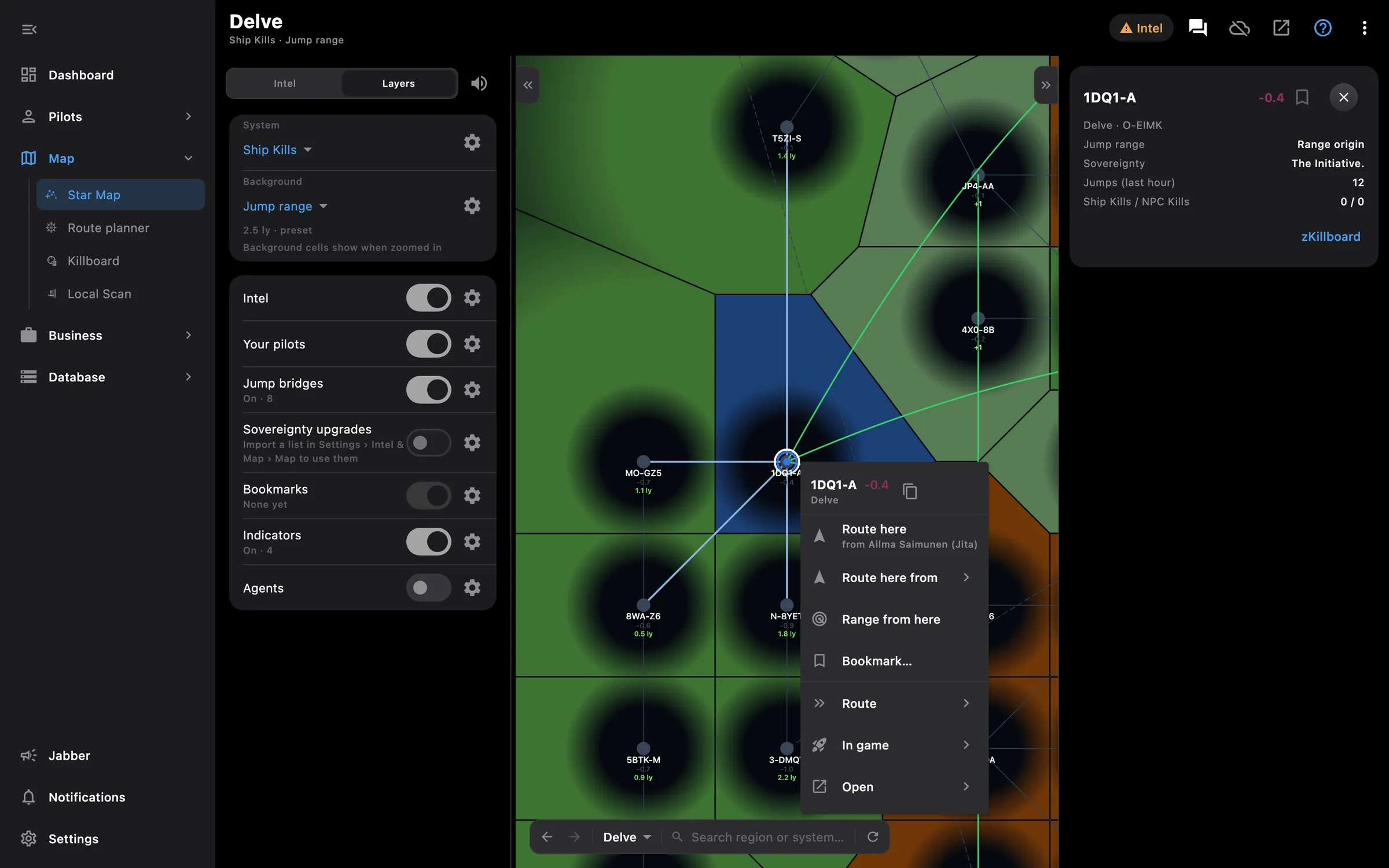
  • Range tab: every system within jump range of one system, with systems one gate further
  • Jump range that follows a pilot as they move
  • From and to any pilot, bookmark or system, from the planner or the map's right-click menu
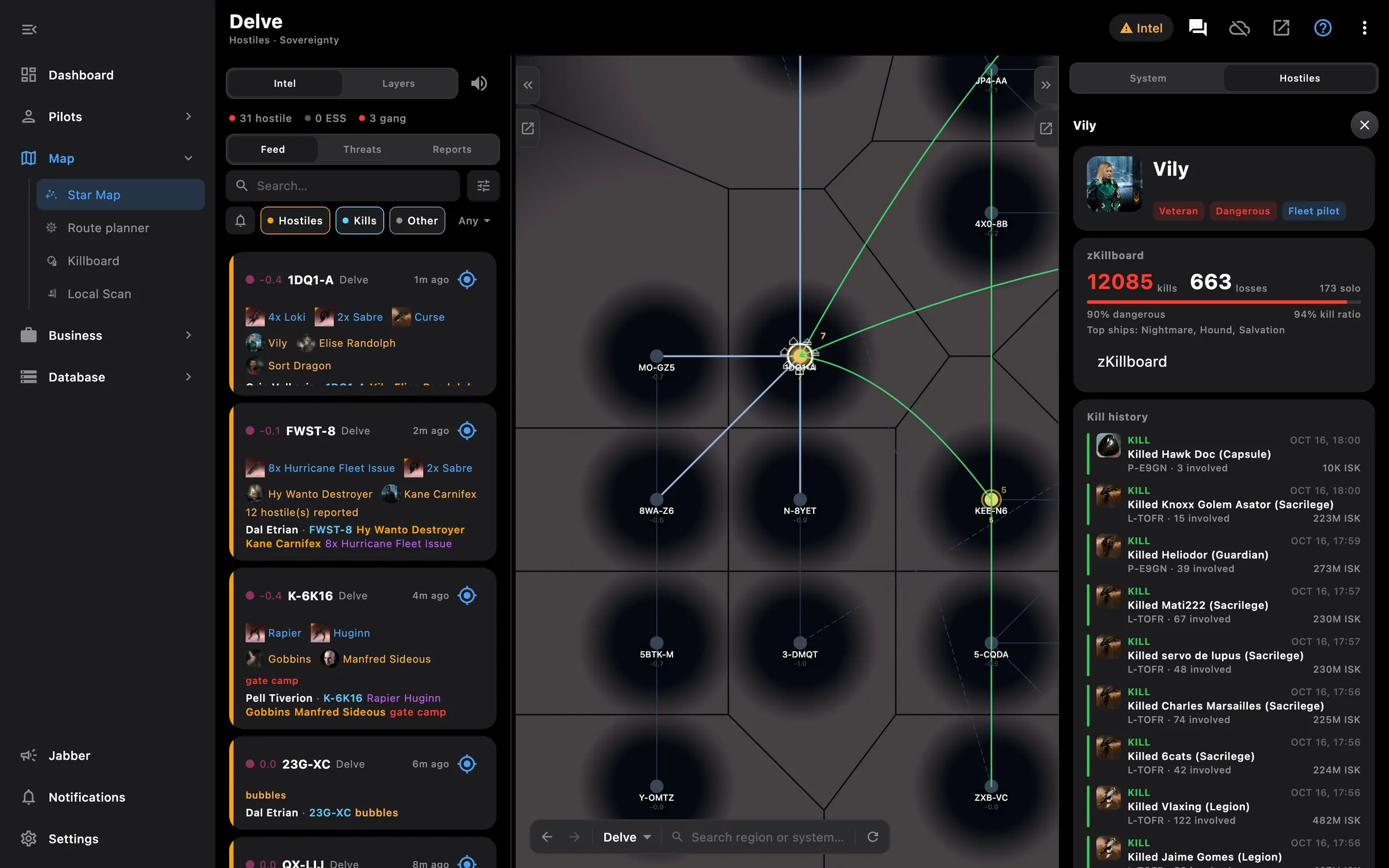
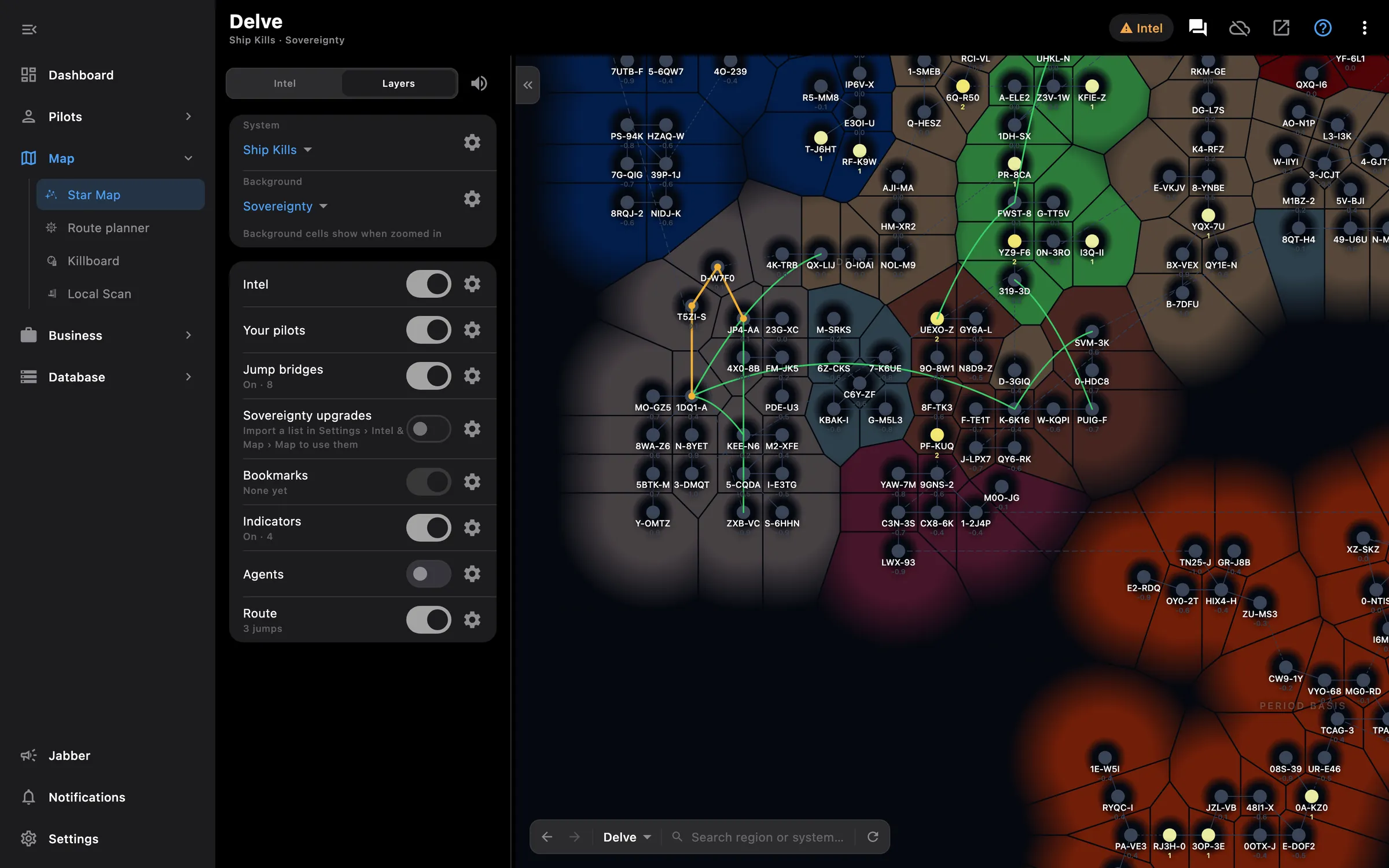
  • On the PC the planner sits beside the star map and draws the route the moment it is ready
  • Send the destination or waypoints straight into the game for any of your pilots

Paste your alliance's jump bridge list in Settings > Navigation once. Gate routes go through the bridges from then on, and the map shows the Ansiblex zones.

Access needed

Works without any access. Grant these to a pilot to get more:

  • Location and ship — Where the pilot is, the ship and online status
  • Fleet and waypoints — Fleet, in-game windows and waypoints
  • Clones and implants — Jump clones, implants and jump fatigue

You pick the areas when you log a pilot in and can add more later on the Access screen. How access works →

How to use it

  1. Open the planner from the Map section, or right-click (long-press) a system on the map
  2. Choose Gate route, Jump route or Range; for jumps pick the ship and the pilot whose skills to use
  3. Set origin and destination from a pilot, a bookmark or a system name; add waypoints and systems to avoid
  4. Calculate: the result lists every system with its security and owner, and the map draws the path
  5. Press Set destination to send the route into the game for the pilot you choose

Phone and PC

On the phone — the planner is its own screen with the three tabs; results come as a list first, with Show on map to see the route drawn.

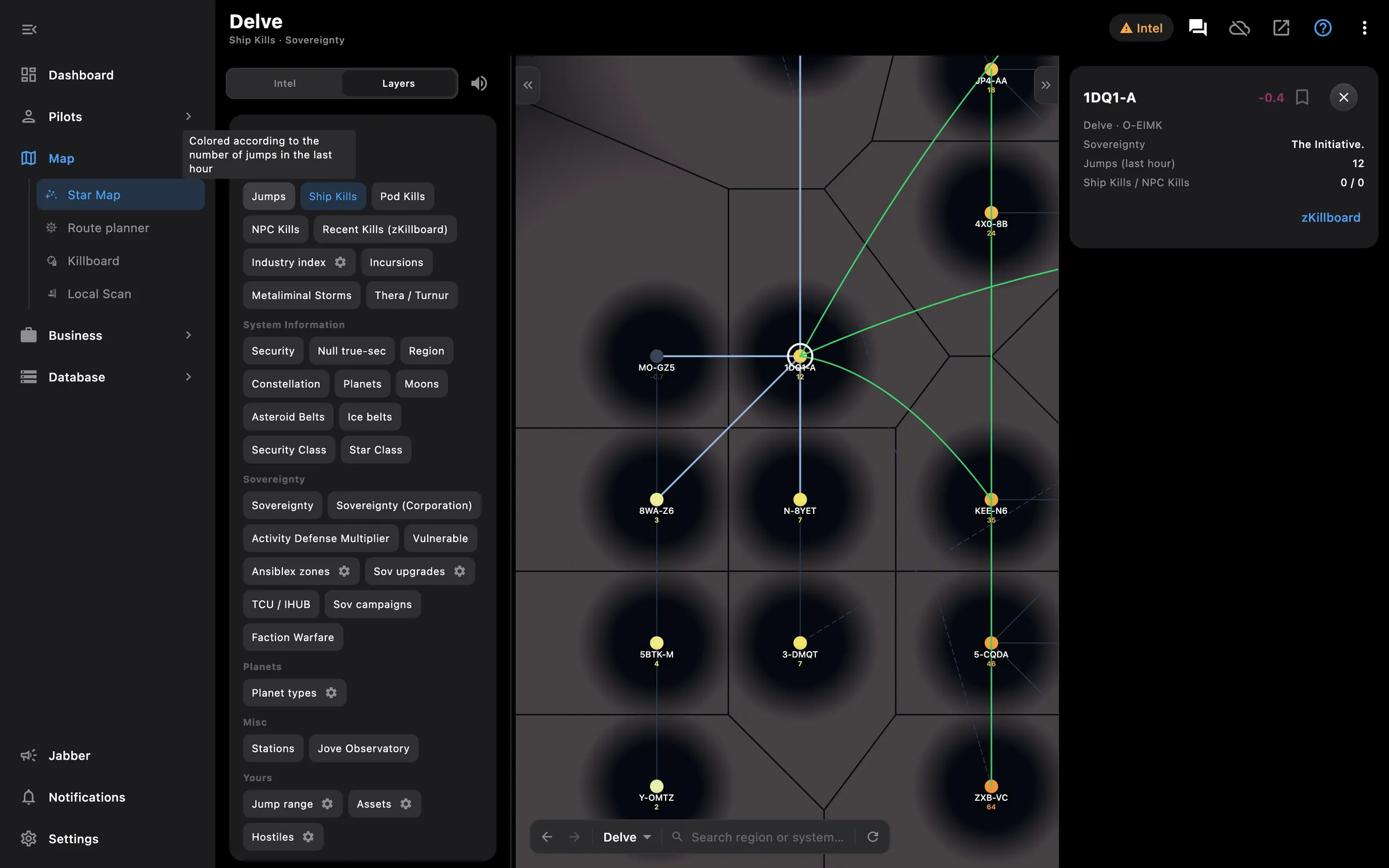
On the PC — the planner is a side panel of the star map, and a system's card on the map sets origin, destination or avoid directly. The route paints on the map as soon as it is calculated.
More screenshots

See also

Something missing? Recent changes are in the patch notes, and you can ask on Discord.