← All features
You choose the access
Pick what each pilot shares at login, widen it later on the Access screen
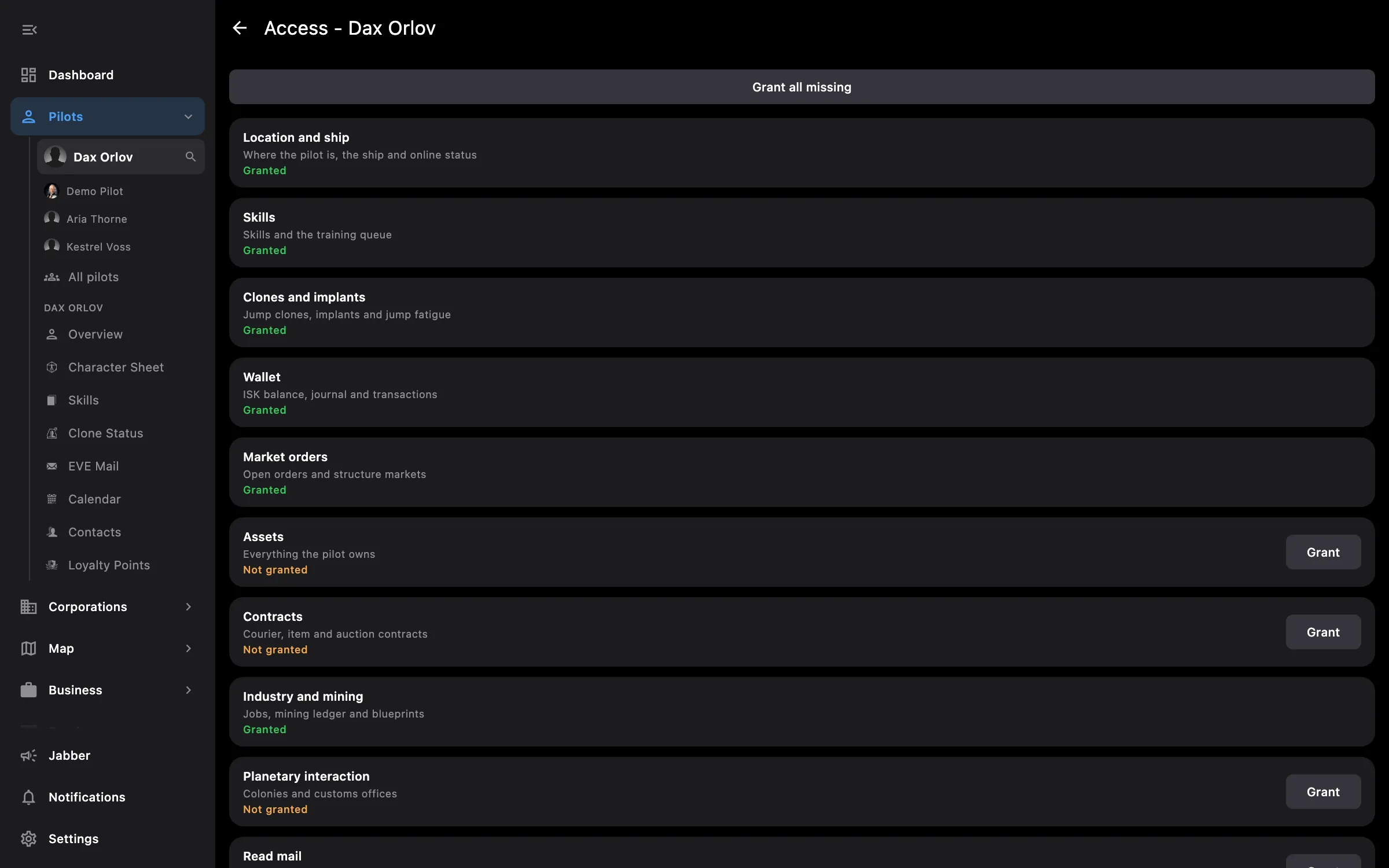
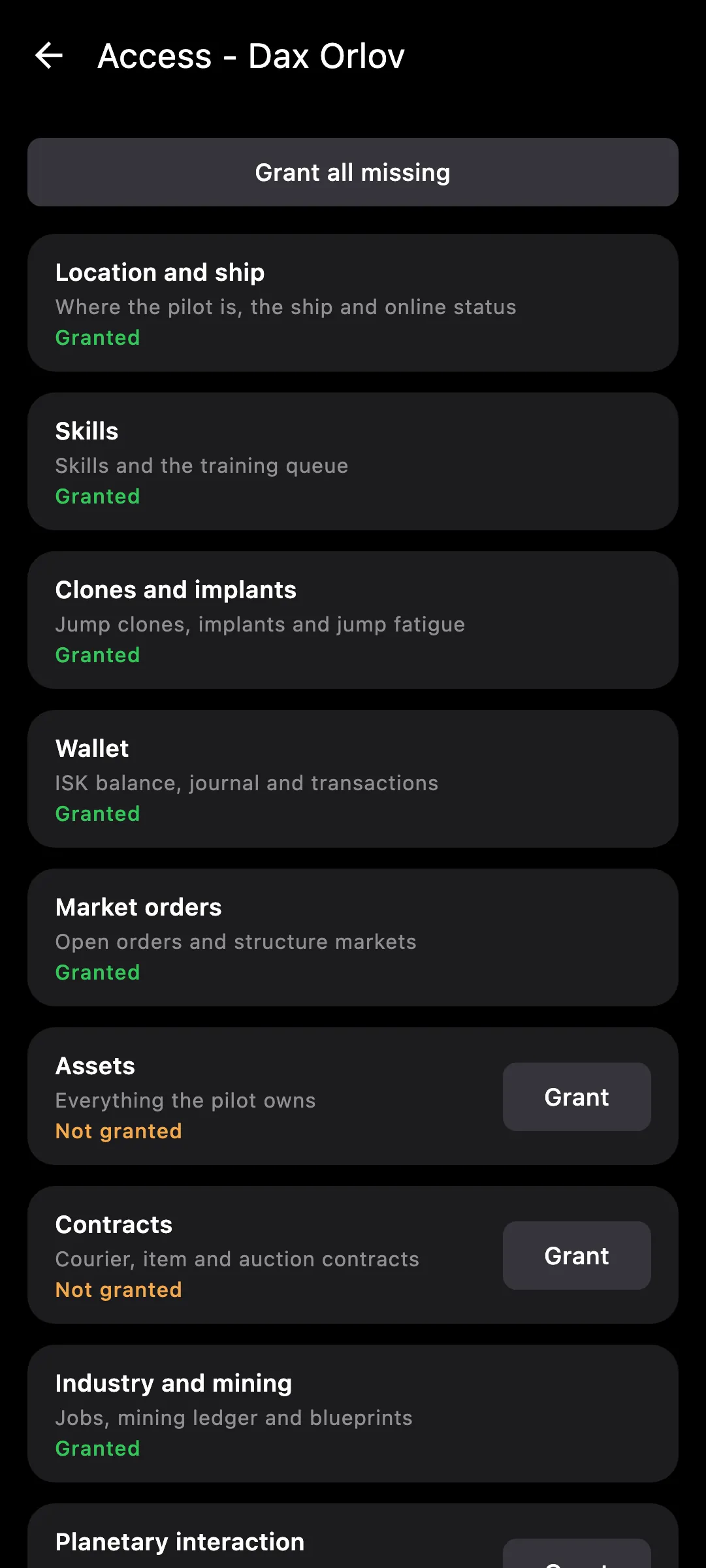
Pick what each pilot shares at login, widen it later on the Access screen
When you log a pilot in, you decide what Eve Empire may read: everything, the basics, or a list of areas you tick. Access is grouped by area rather than by raw ESI scope, and the Access screen shows per pilot what is granted and what is still missing.
Tip: to grant an area later, open the pilot, then Access, tick the area and sign in once more.
Needs no access to your EVE account.
You pick the areas when you log a pilot in and can add more later on the Access screen. How access works →
On the phone — the EVE sign-in page opens and comes straight back to the app when you finish. The Access screen is the same.
On the PC — sign-in opens in your browser and returns to the app on its own. If the EVE page says Request Too Long, the waiting screen explains why and lets you copy the link to open it in a private window.
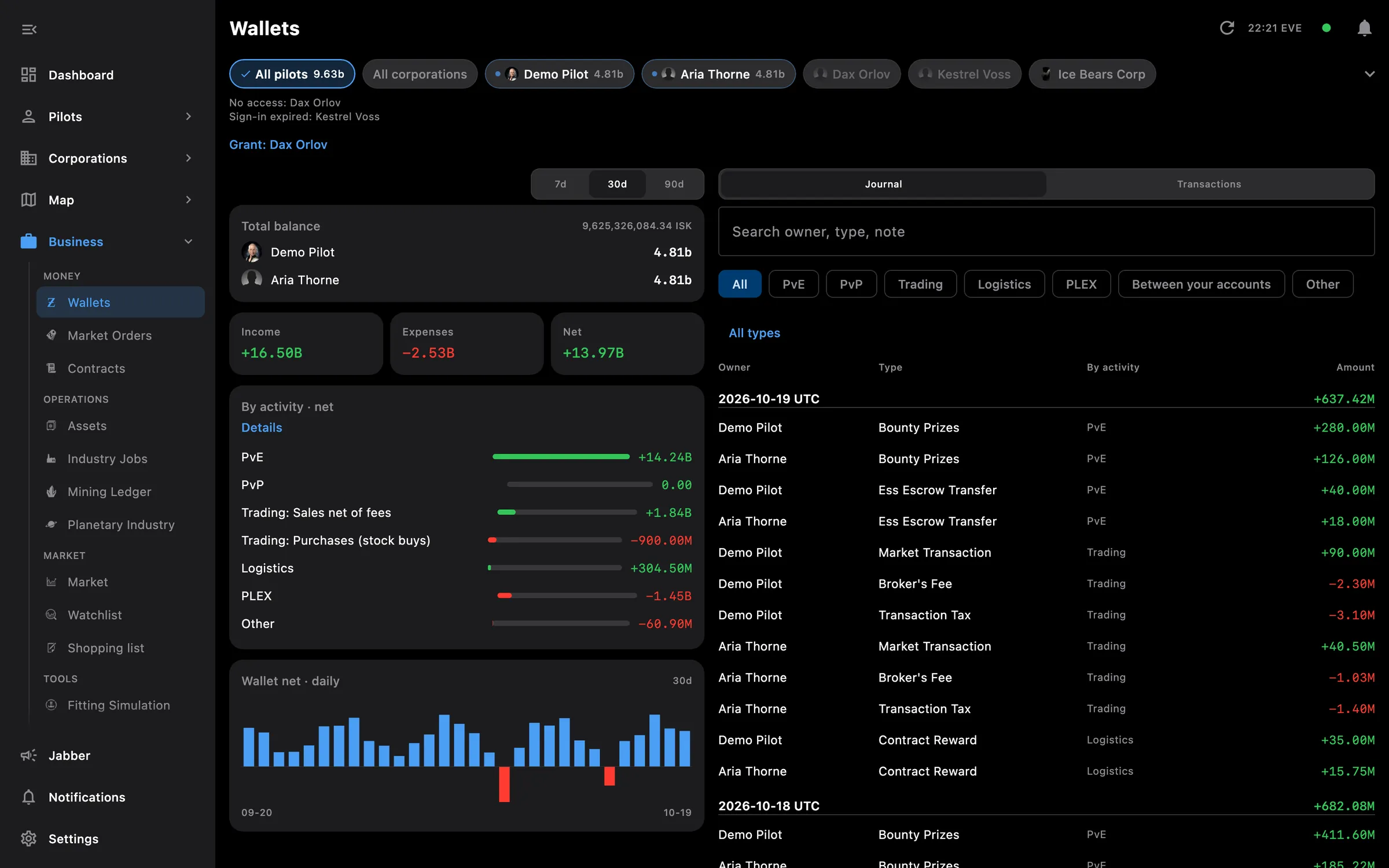
Wallets, orders, contracts, assets, industry, mining and planetary, everyone together
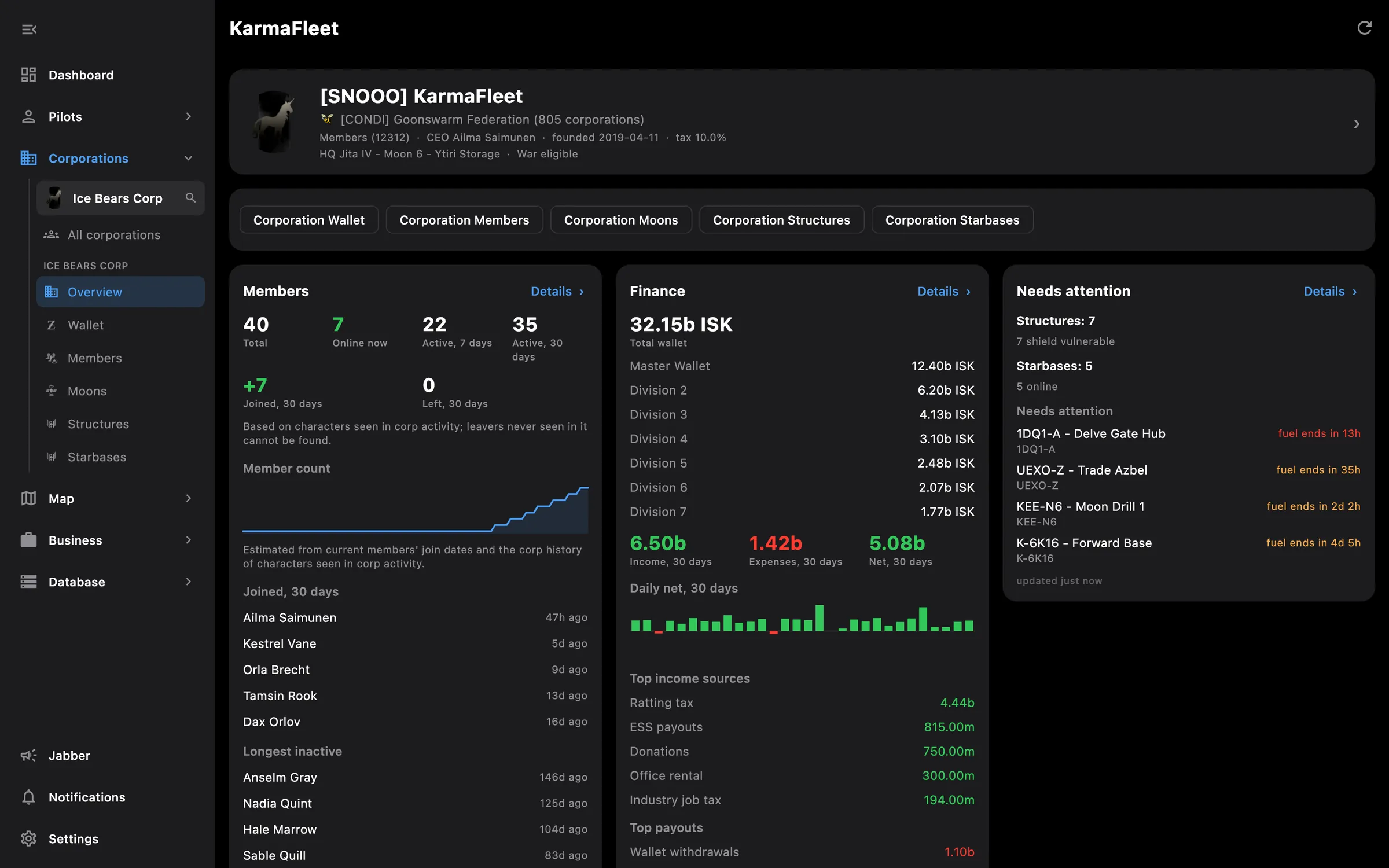
Finances, members, structures, moons, mining, industry, standings and roles
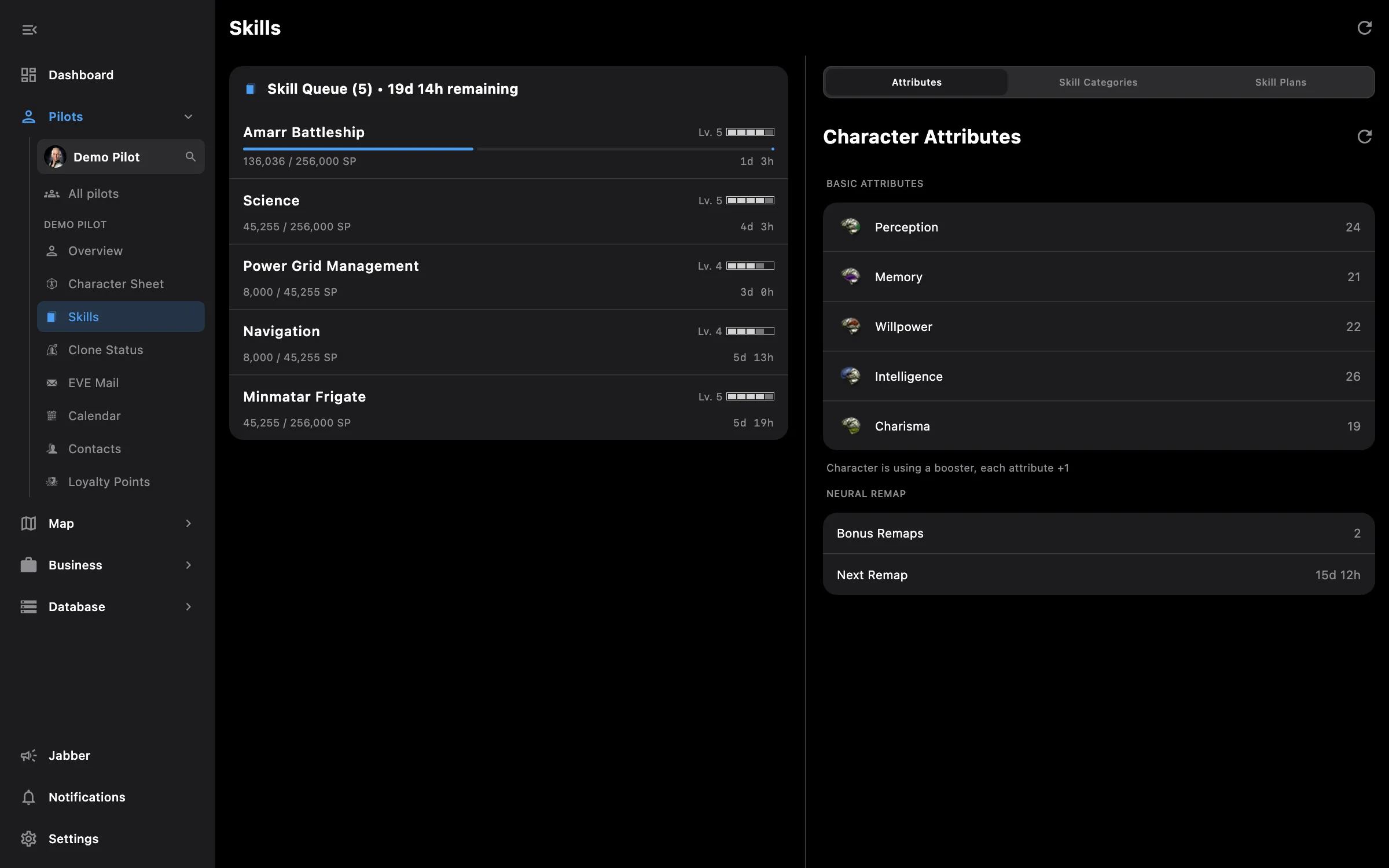
Skills, clones, implants, wallet, mail, calendar and loyalty points
Something missing? Recent changes are in the patch notes, and you can ask on Discord.