← All features

All pilots in one place

Wallets, orders, contracts, assets, industry, mining and planetary, everyone together
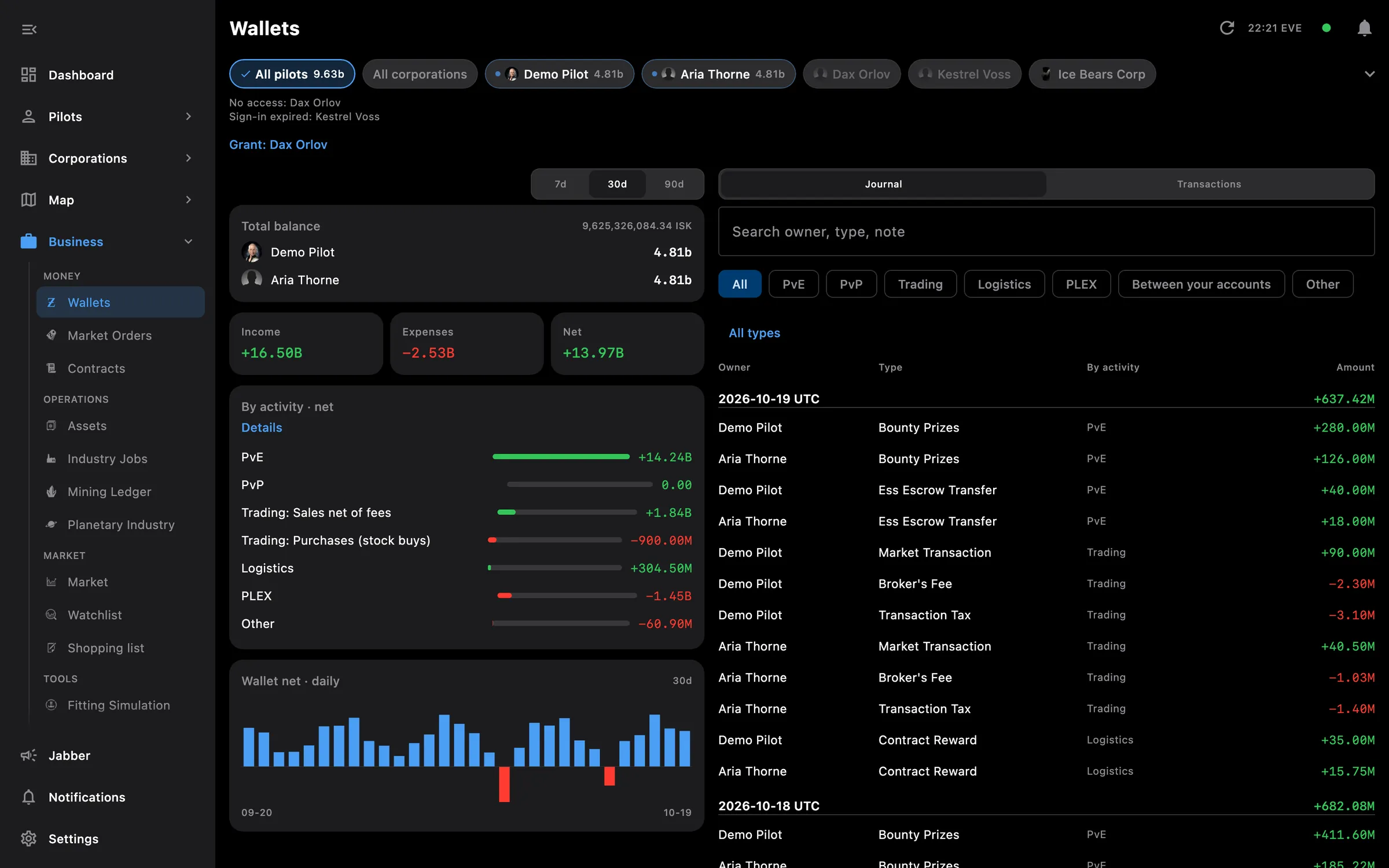
Wallets for all pilots: balance, income and expenses by activity, and the journal
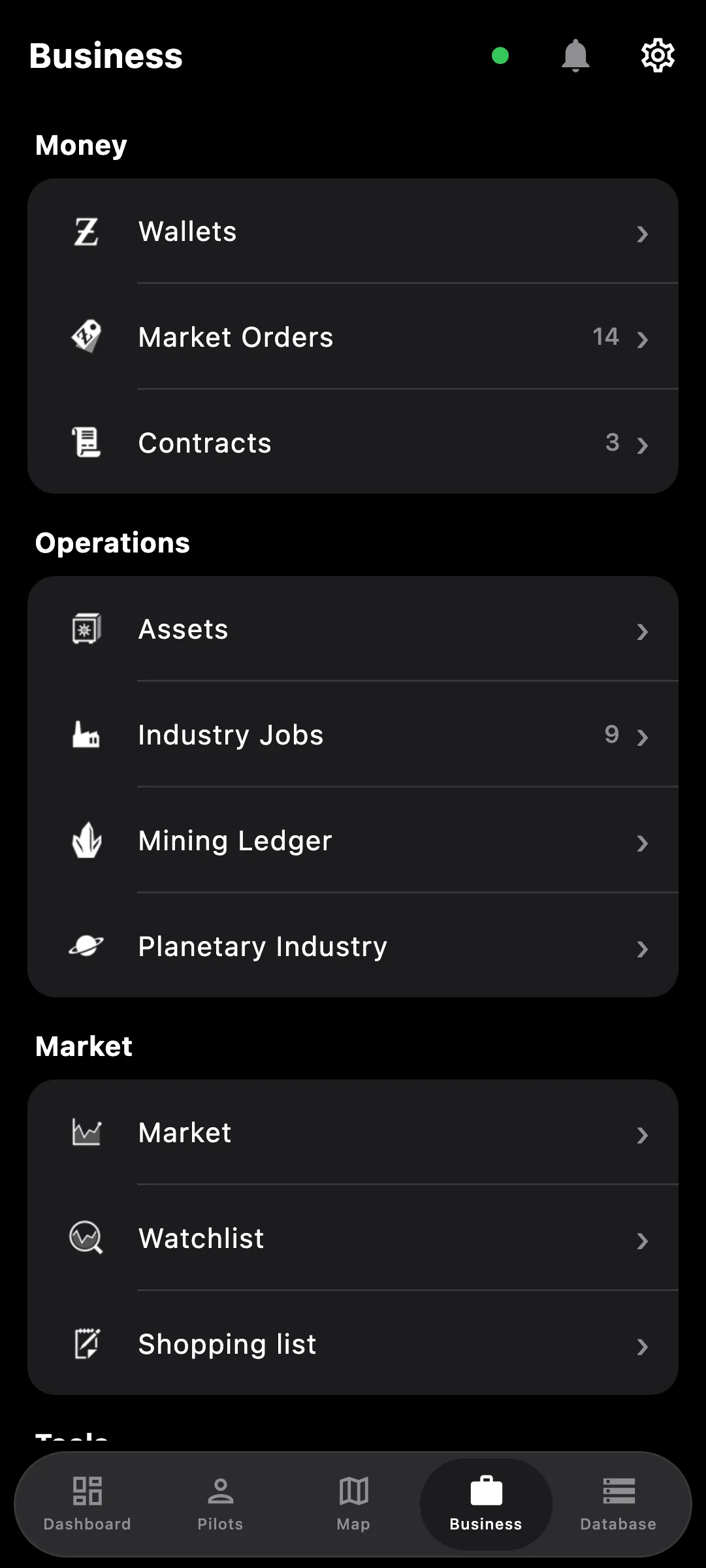
Business hub on a phone: wallets, orders, contracts, assets, industry and more

What you get

Wallets, Orders, Contracts, Assets, Industry, Mining and Planetary show everyone together instead of one pilot at a time. Anything that can be summed across pilots lands on one screen, with chips to narrow it down to one pilot or one corporation when you need to.

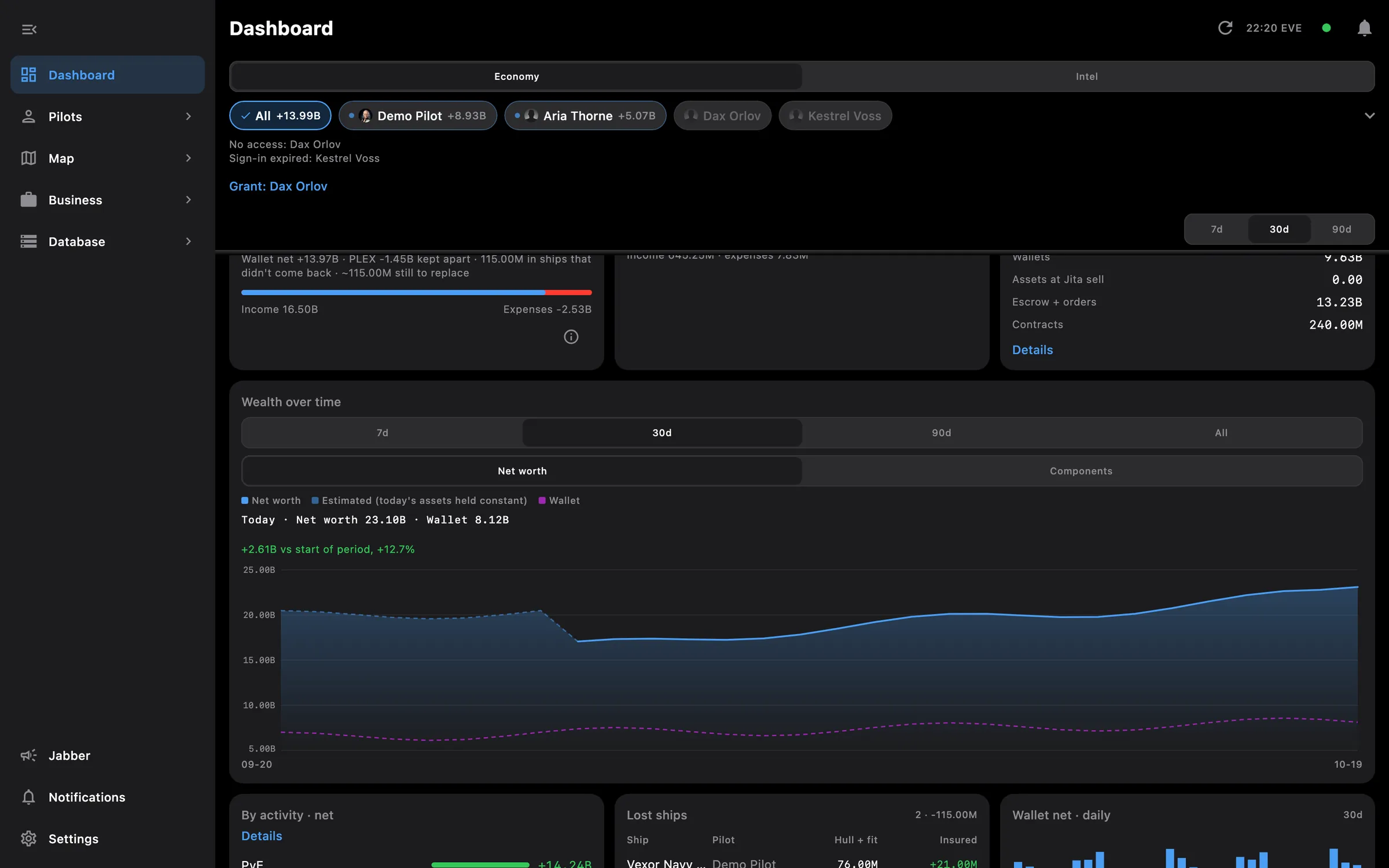
  • Chips at the top choose who is included: all pilots, all corporations, or any single one
  • Pilots with no access or an expired sign-in are listed above the table, with a Grant link
  • Wallets: balance per pilot, income and expenses by activity, journal and transactions underneath
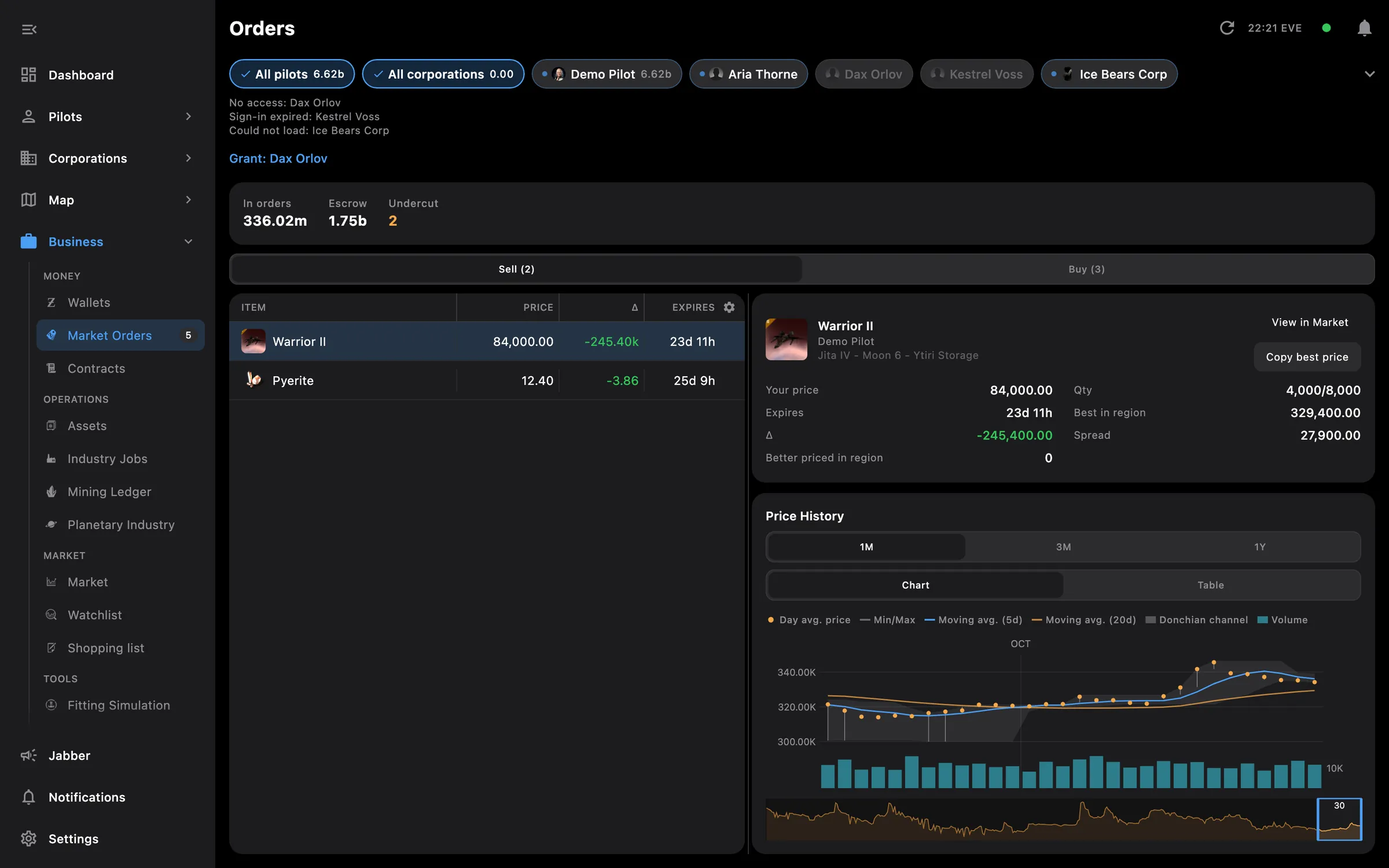
  • Orders with a check of your own orders against the market, and a price chart beside the order you select
  • Contracts and orders as tables with a detail pane on the PC, as cards on the phone
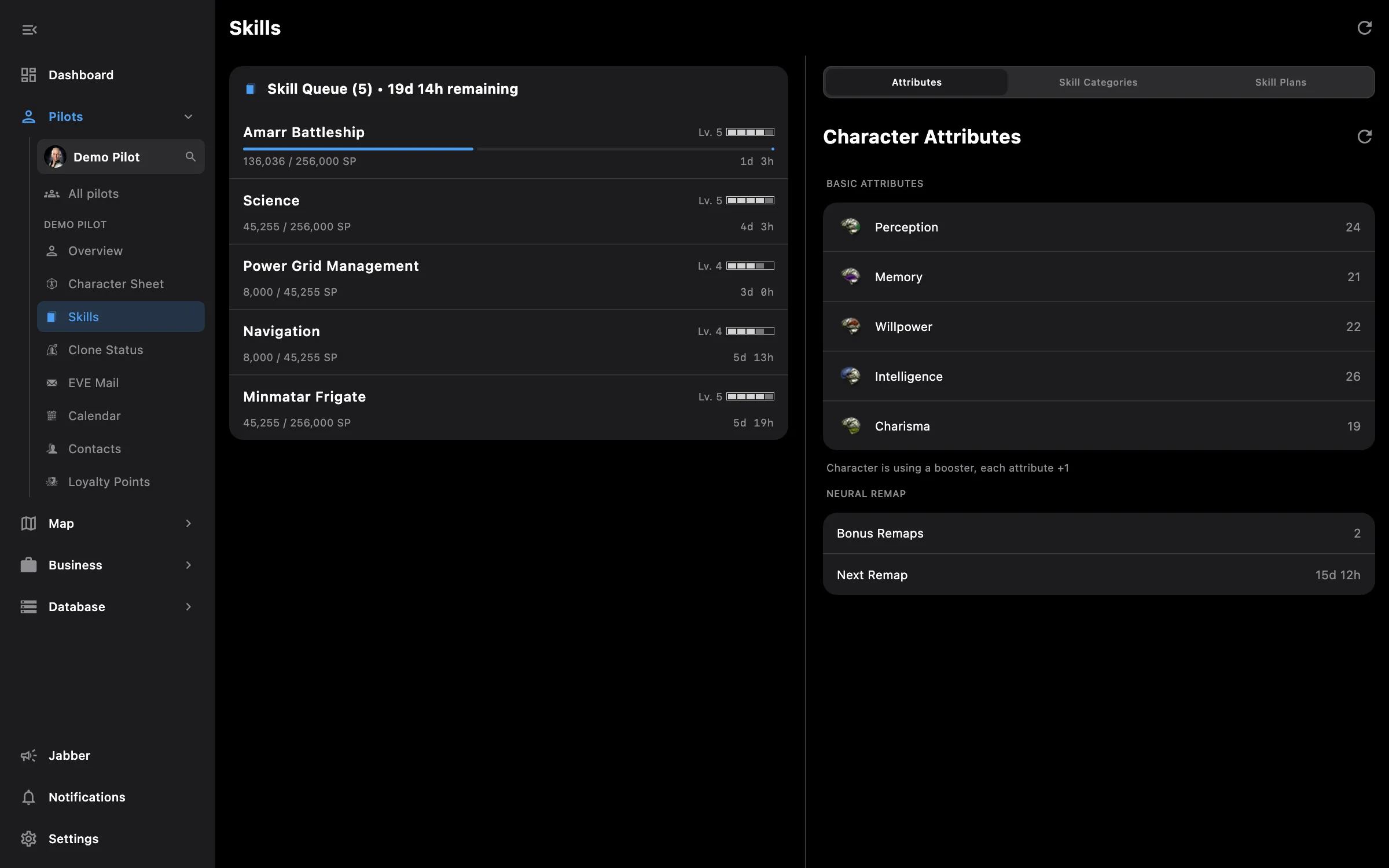
  • Assets by location and container, with blueprint copies labelled and abyssal items on their own page
  • Industry jobs for every pilot and corporation in one list, corporation jobs marked Corp
  • Planetary with Critical, Warning and OK counters, sorted by pilot or by urgency
  • Alerts when an order fills or is about to expire, and when a wallet moves by more than your threshold
  • Screens open with what they showed last time and refresh in the background
  • Business on the phone groups it all: money, operations, market and tools

Tip: tap a pilot's chip to see only their rows, then All to go back to everyone.

Access needed

This screen needs these access areas for each pilot you want included:

  • Wallet — ISK balance, journal and transactions
  • Market orders — Open orders and structure markets
  • Contracts — Courier, item and auction contracts
  • Assets — Everything the pilot owns
  • Industry and mining — Jobs, mining ledger and blueprints
  • Planetary interaction — Colonies and customs offices

You pick the areas when you log a pilot in and can add more later on the Access screen. How access works →

How to use it

  1. Open Business, then Wallets, Orders, Contracts, Assets, Industry, Mining or Planetary
  2. Tap All, a pilot or a corporation in the chip row at the top; the table below follows
  3. Tap a wallet for its journal and transactions, or an order to see its price chart beside it
  4. Pull down on the phone, or press the refresh button in the top bar on the PC, to force an update

Phone and PC

On the phone — Business is a grouped list: money, operations, market and tools. Orders and contracts are cards, tables fit the screen, and the list keeps its place when you go back.

On the PC — Orders and contracts are tables with a detail pane next to them, and Wallets, Contracts and Orders pick their wide layout from the space beside the side menu. A refresh button sits in the top bar.
More screenshots

orders all desktop

See also

Something missing? Recent changes are in the patch notes, and you can ask on Discord.