← All features

Your characters

Skills, clones, implants, wallet, mail, calendar and loyalty points

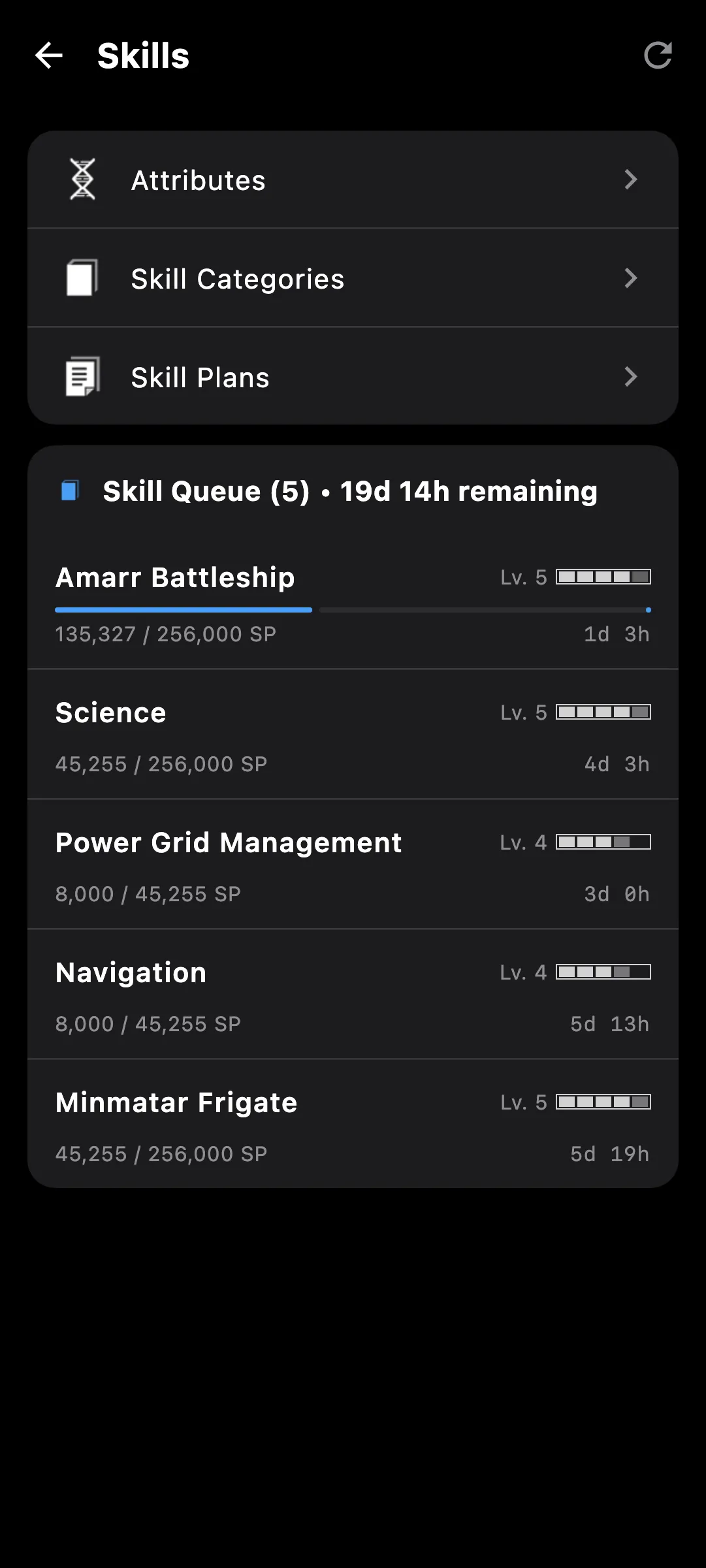
Skill queue on a phone
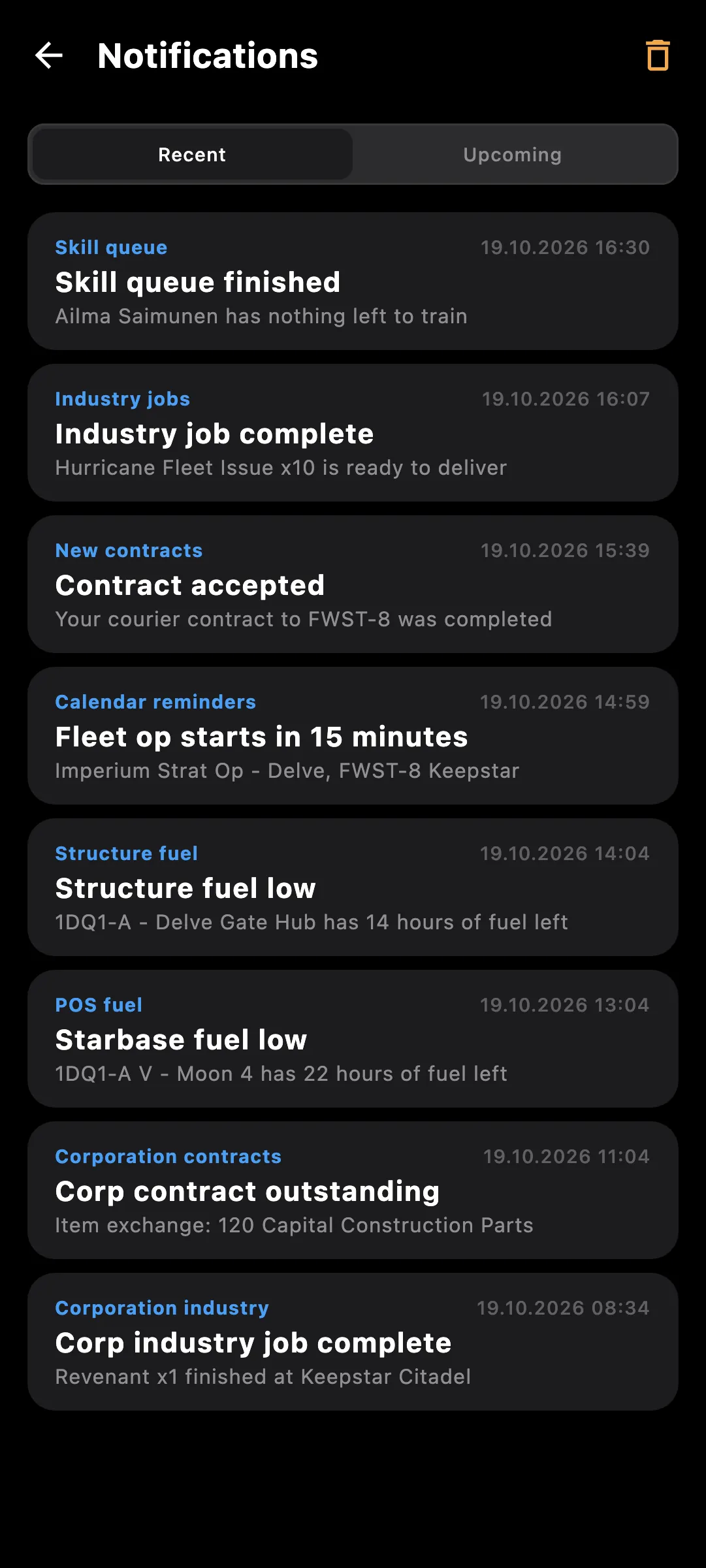
Notifications on a phone

What you get

Every pilot you fly has its own page, one click away from the others. What cannot be summed across pilots lives here: skills, clones, mail, contacts, loyalty points, the calendar and the notifications EVE sends that pilot.

  • Sheet with location, current ship, security status, jump fatigue and medals
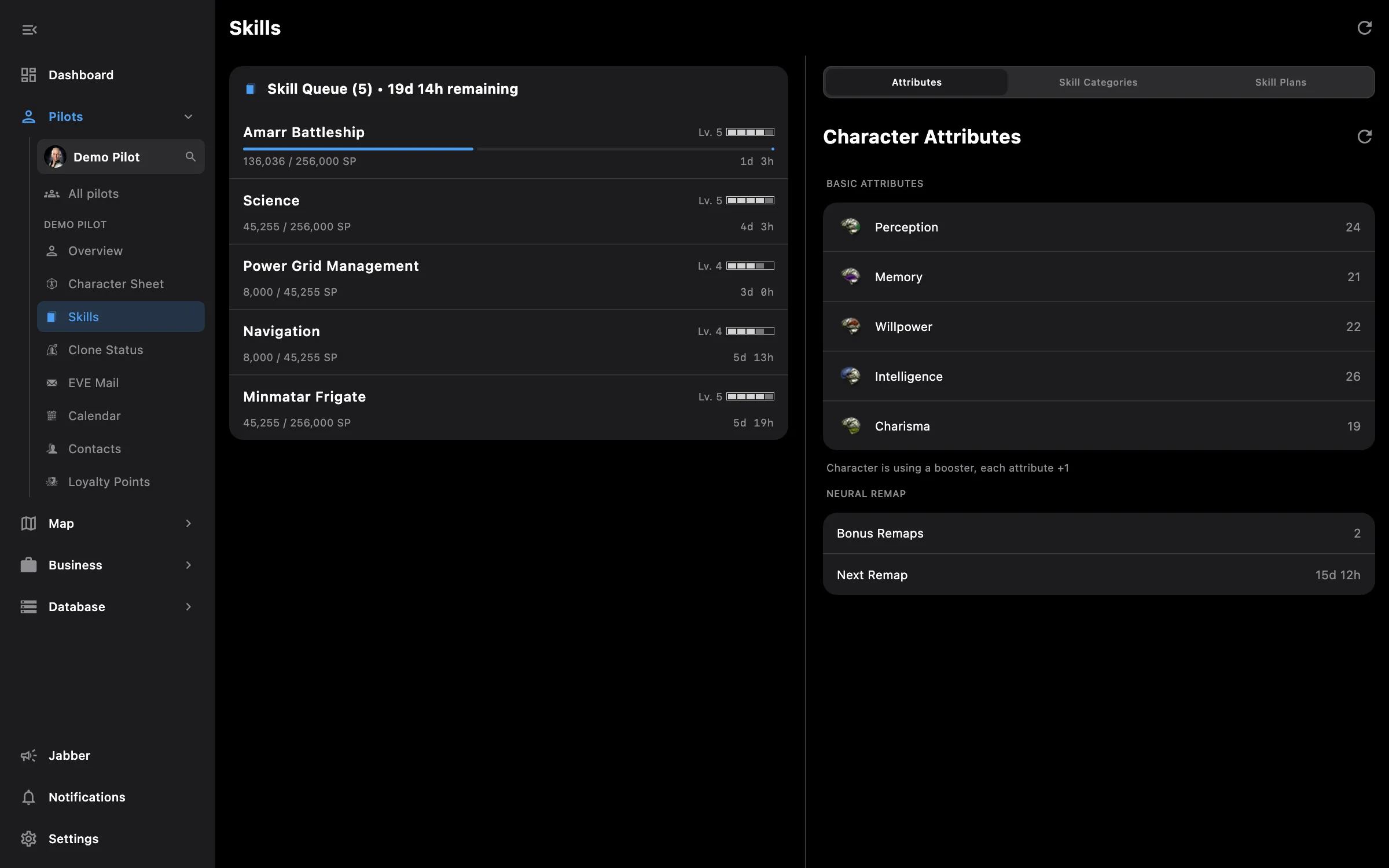
  • Skill queue with a live countdown, attributes, and every skill by group with filters and search
  • Required for on any skill lists the ships, modules and blueprints that need it
  • Skill plans, with missing skills sent from a fit and the injectors and ISK a plan needs
  • Clones with the jump countdown and the implants in each clone
  • Mail with mailboxes, labels and mailing lists; reply, reply all, forward and compose with recipient search
  • Contacts and standings, including alliance contacts
  • Loyalty points per corporation and an LP store browser that searches items across corporations
  • Calendar with event details and reminders you set per event
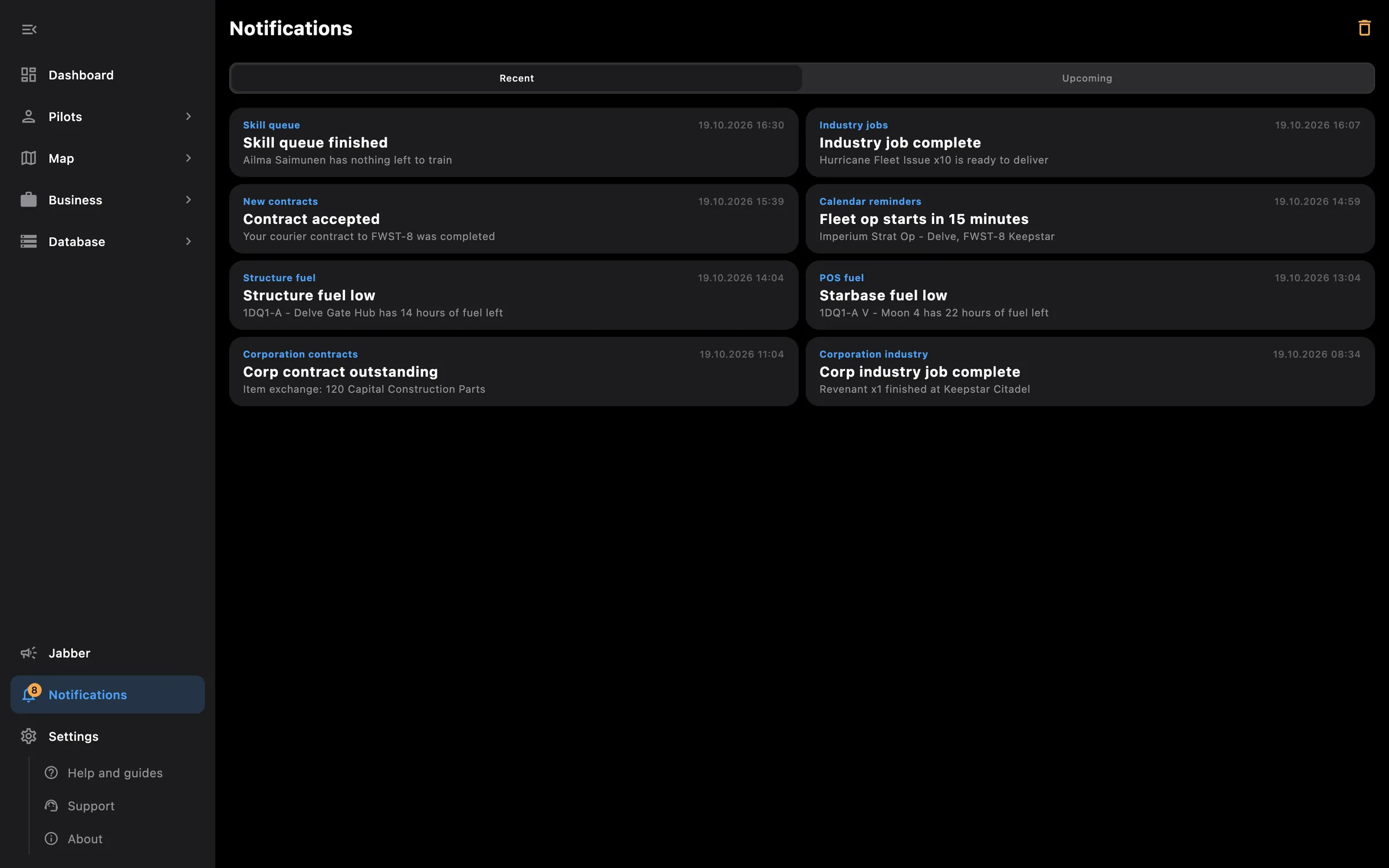
  • EVE notifications in one feed: structure attacks, fuel, moons, wars and corporation messages, with per-type mute

Tip: tap a skill anywhere, in the queue, a group or a fit, to open its page and see what it unlocks.

Access needed

This screen needs these access areas for each pilot you want included:

  • Skills — Skills and the training queue
  • Clones and implants — Jump clones, implants and jump fatigue
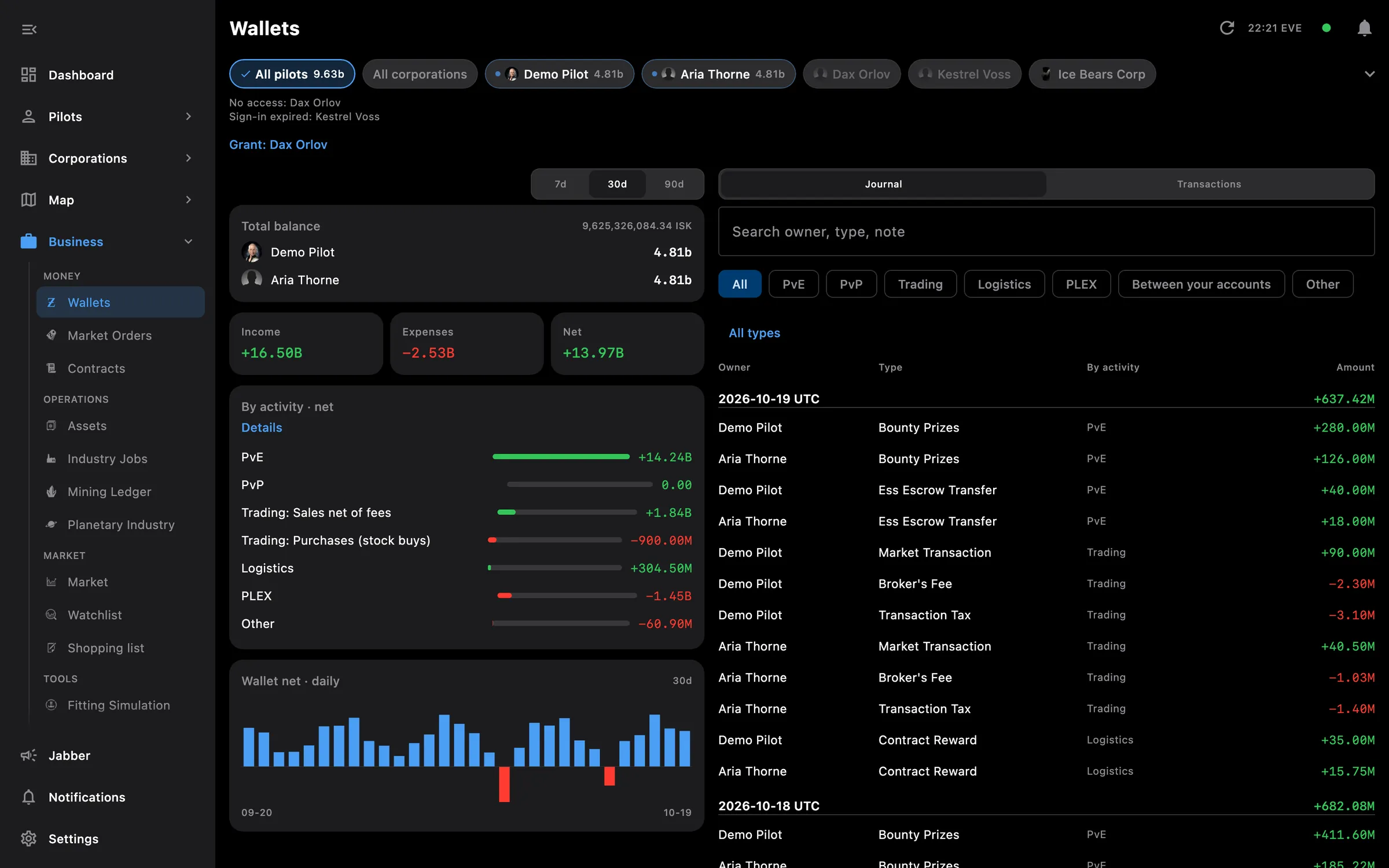
  • Wallet — ISK balance, journal and transactions
  • Assets — Everything the pilot owns
  • Market orders — Open orders and structure markets
  • Contracts — Courier, item and auction contracts
  • Read mail — Read and organize EVE mail
  • Calendar and notifications — Calendar events and in-game notifications
  • Loyalty points — LP balances and research agents
  • Planetary interaction — Colonies and customs offices
  • Industry and mining — Jobs, mining ledger and blueprints

You pick the areas when you log a pilot in and can add more later on the Access screen. How access works →

How to use it

  1. Open Pilots and tap a pilot; the list can be reordered by dragging, and + adds another
  2. Pick a section on the pilot's page: Sheet, Skills, Clones, Mail, Contacts, LP, Calendar or Notifications
  3. In Skills, tap a skill for its page, Required for and Add to Skill Plan; a plan shows the injectors it needs
  4. In Mail, open a mailbox or label, tap a mail to read it, and use reply, reply all, forward or compose
  5. In Calendar, open an event and add a reminder; it fires as a notification at the time you choose

Phone and PC

On the phone — the pilot's page is one long screen with its sections one after the other; Pilots is a tab in the bottom bar.

On the PC — Skills shows the queue and the skill lists side by side, Mail has the folder list beside the message, and the pilot switcher at the top of the side menu changes pilot without leaving the screen.
More screenshots

See also

Something missing? Recent changes are in the patch notes, and you can ask on Discord.