← All features

Corporations

Finances, members, structures, moons, mining, industry, standings and roles
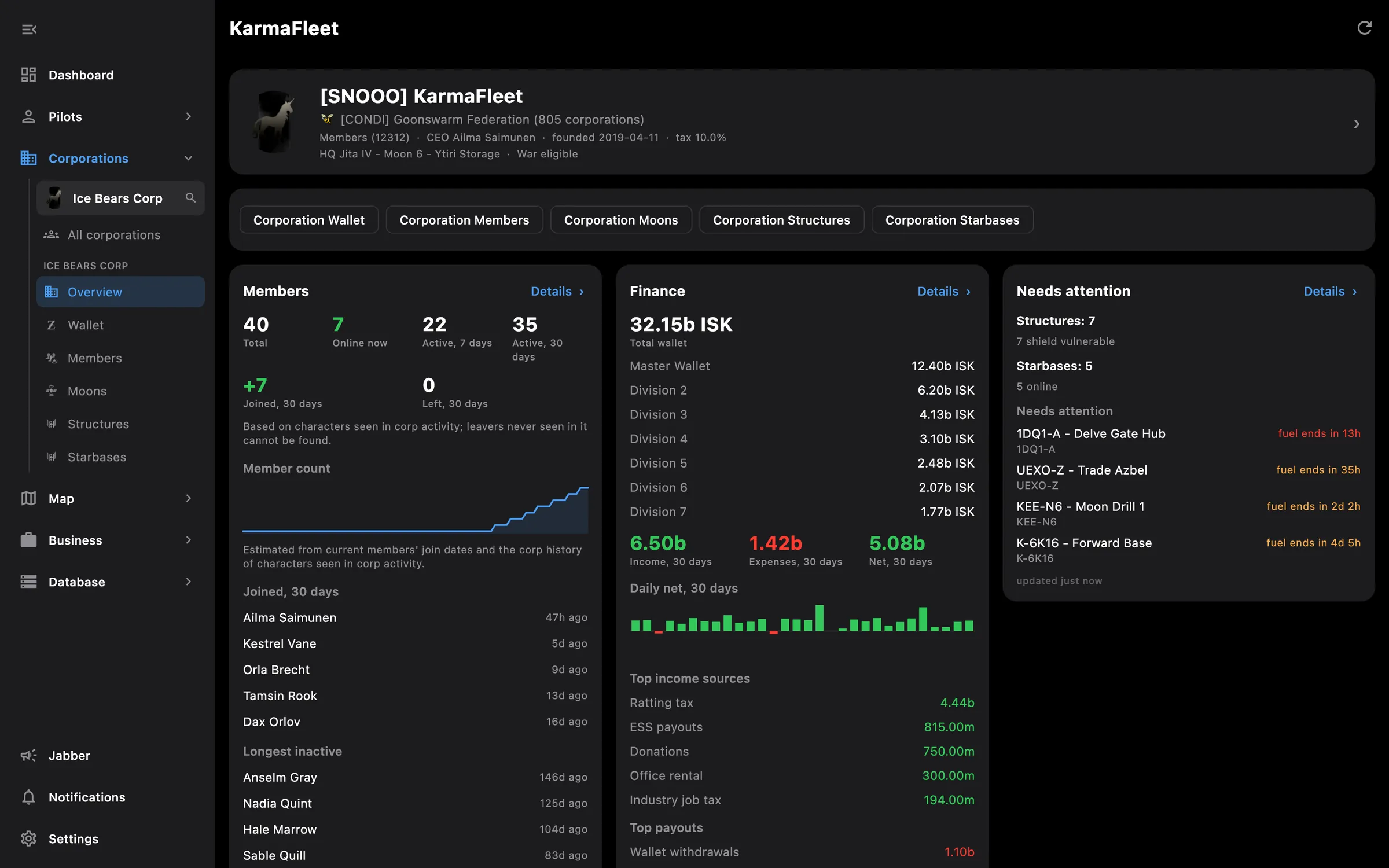
Corporation overview: members, finance and structures that need attention
Corporation overview on a phone

What you get

Add a corporation and it sits next to your pilots as an entry of its own, with its own overview, its own screens and its own notifications in the background. Adding one needs a director or CEO, and the corporation asks for its own access separately from the pilot who adds it.

  • Overview cards for members, finances by wallet division, structures and starbases that need fuel, and moons
  • Overview cards for mining, industry, standings and roles
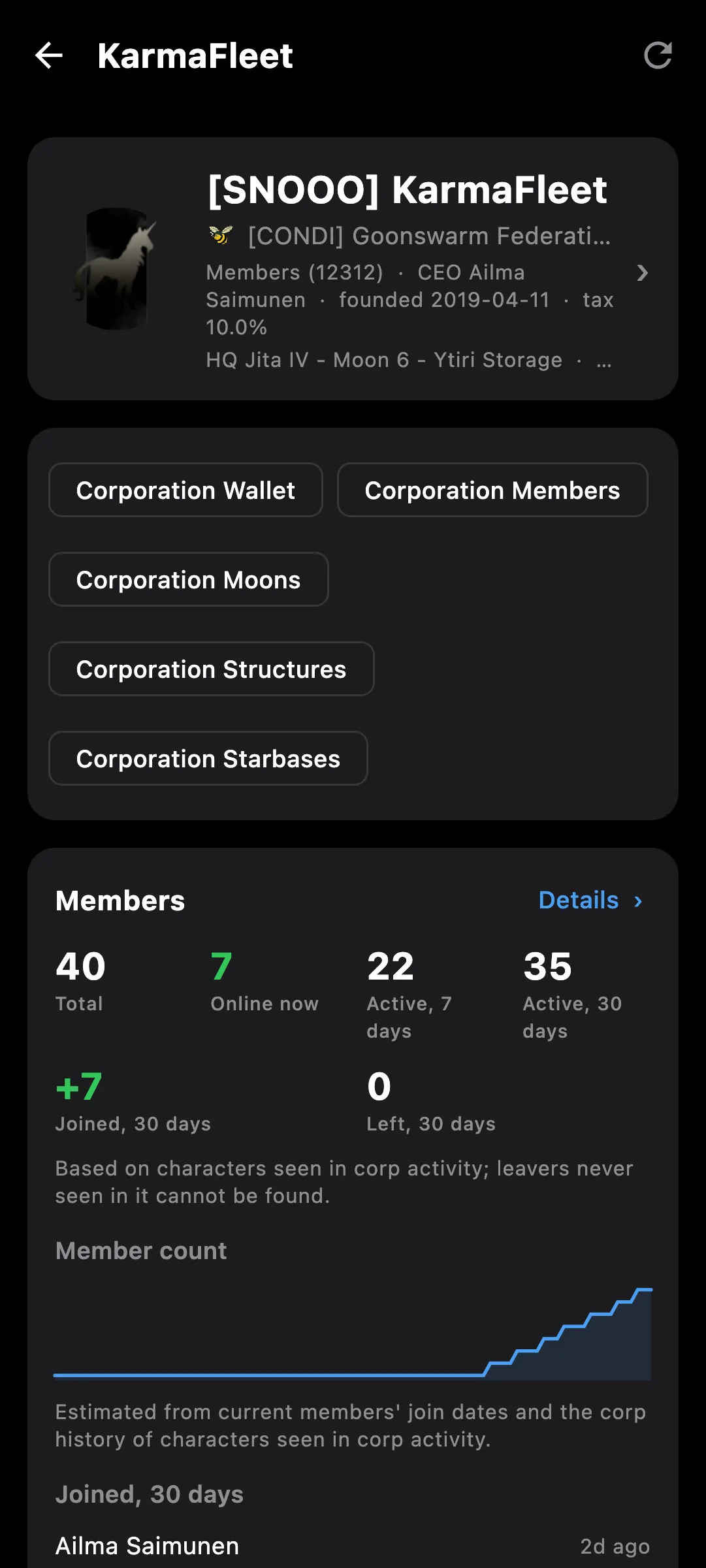
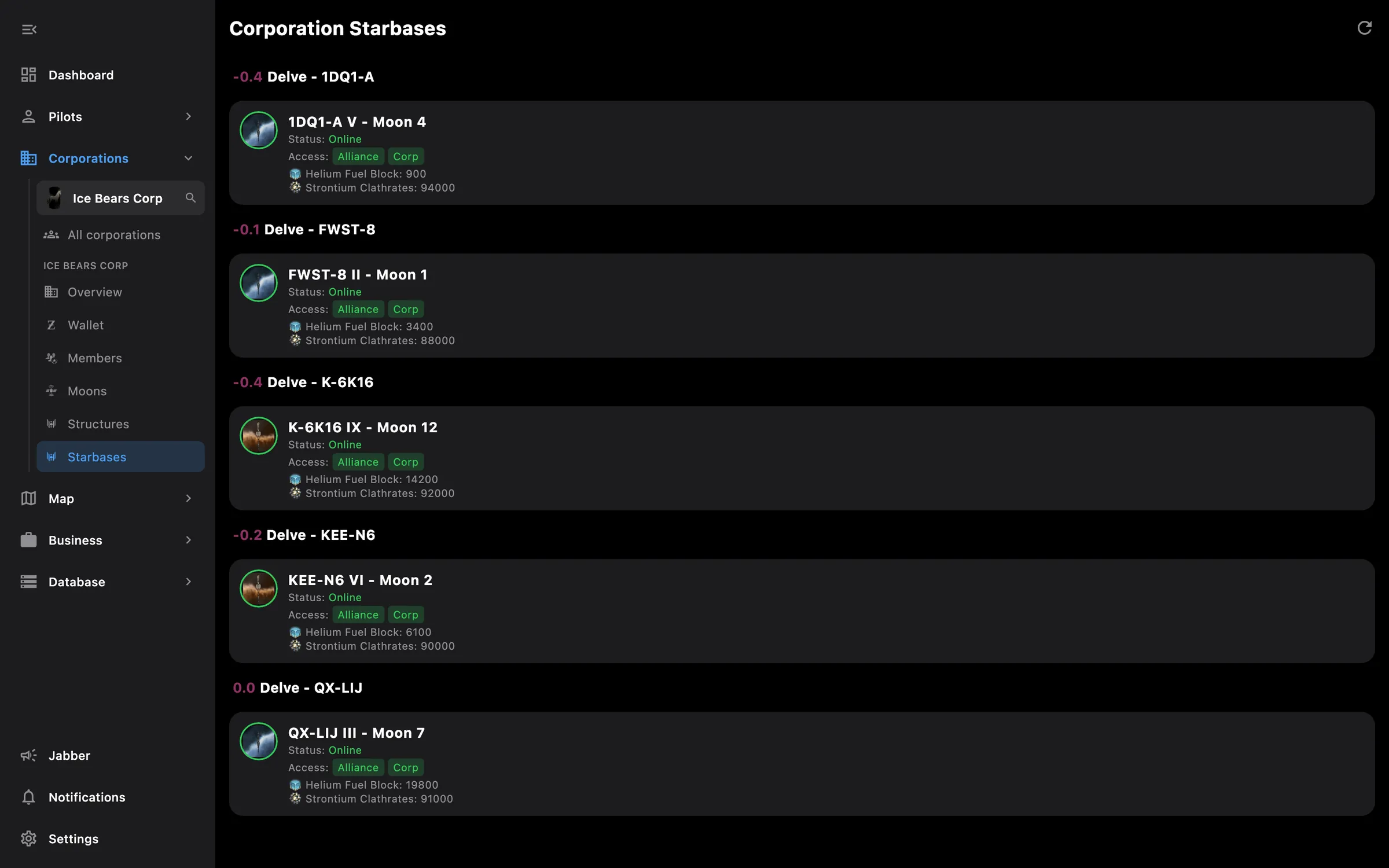
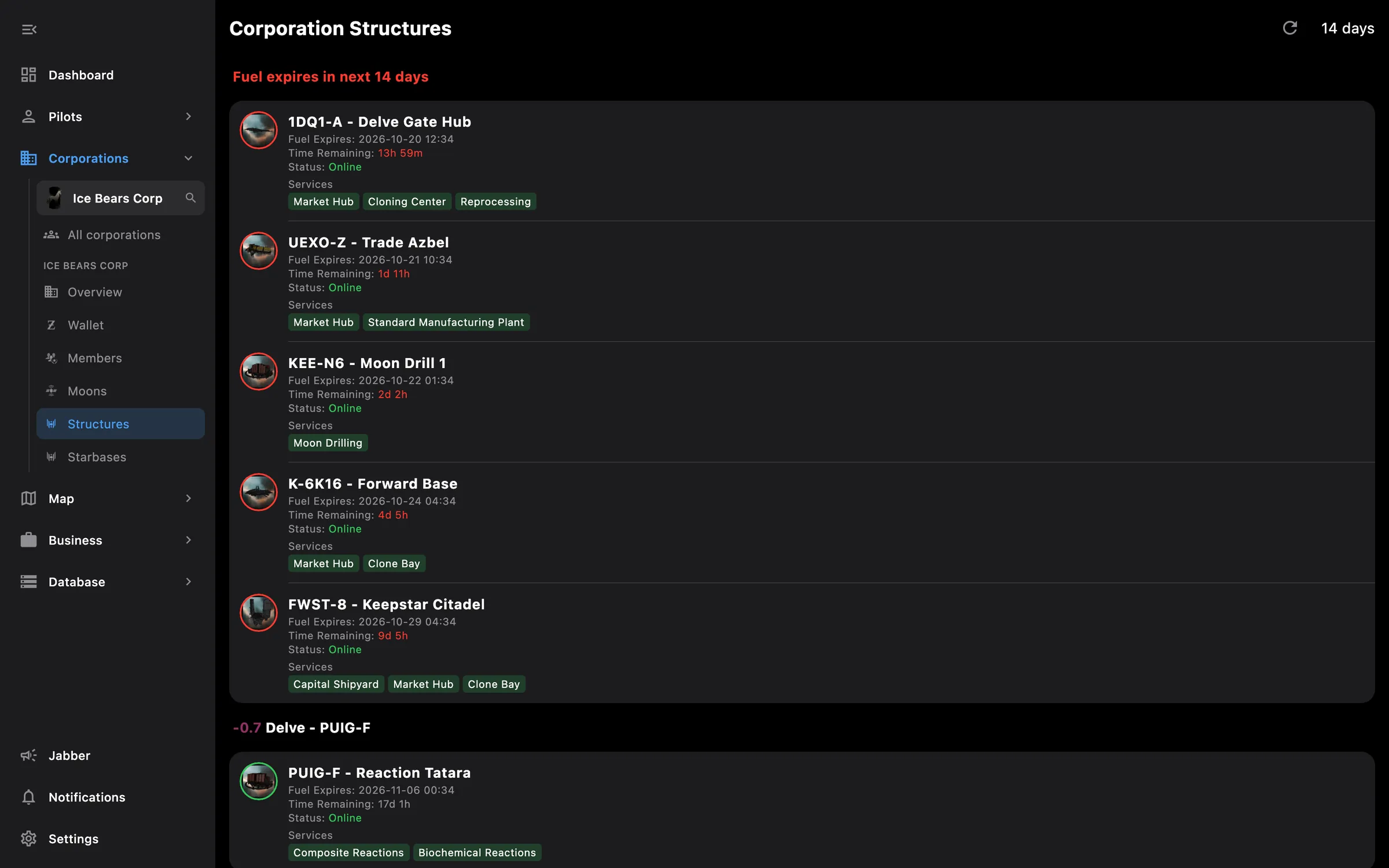
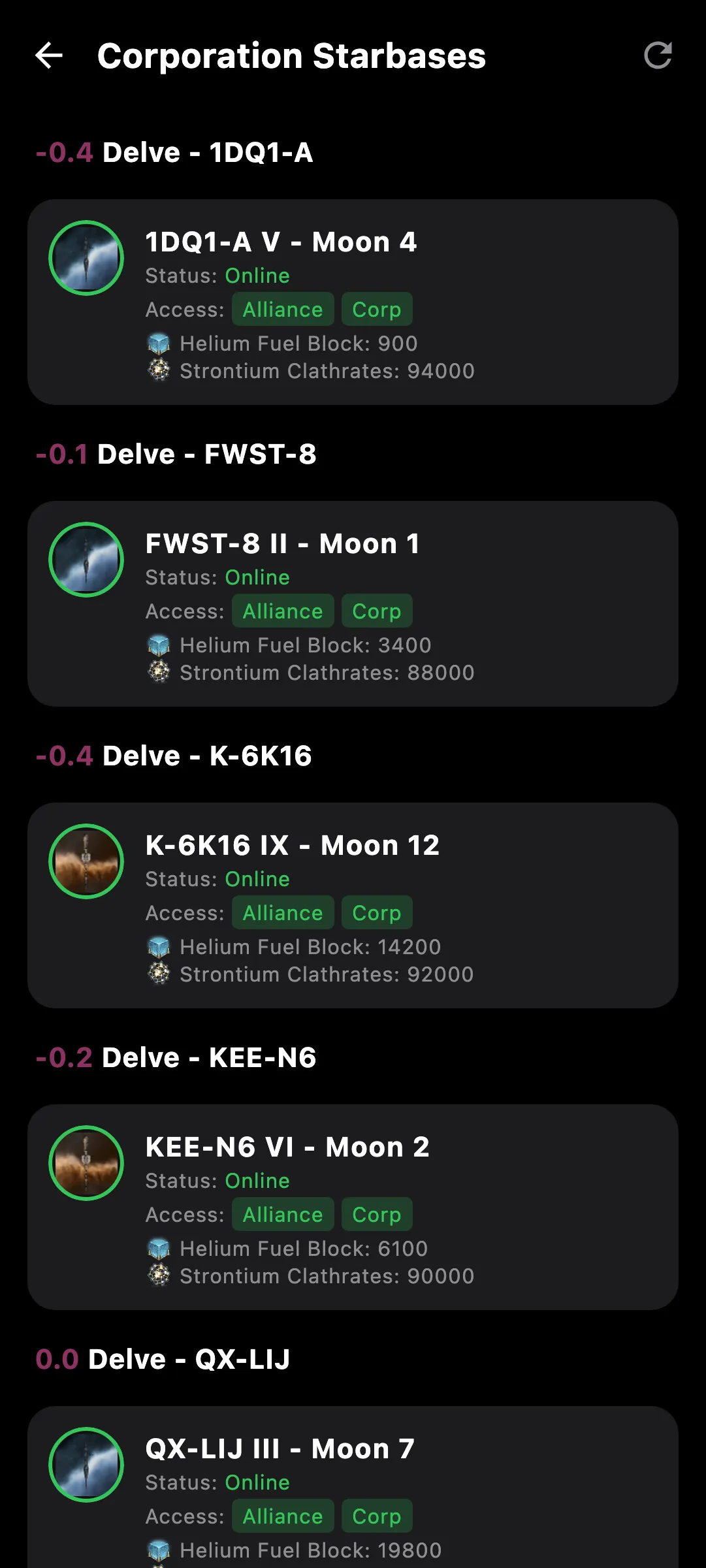
  • Structures with fuel left, services and state; starbases with their own fuel countdown
  • Moon extractions with when each chunk arrives
  • Members with ship, location and last login; search, sort by name or ship, and pin the ones you watch
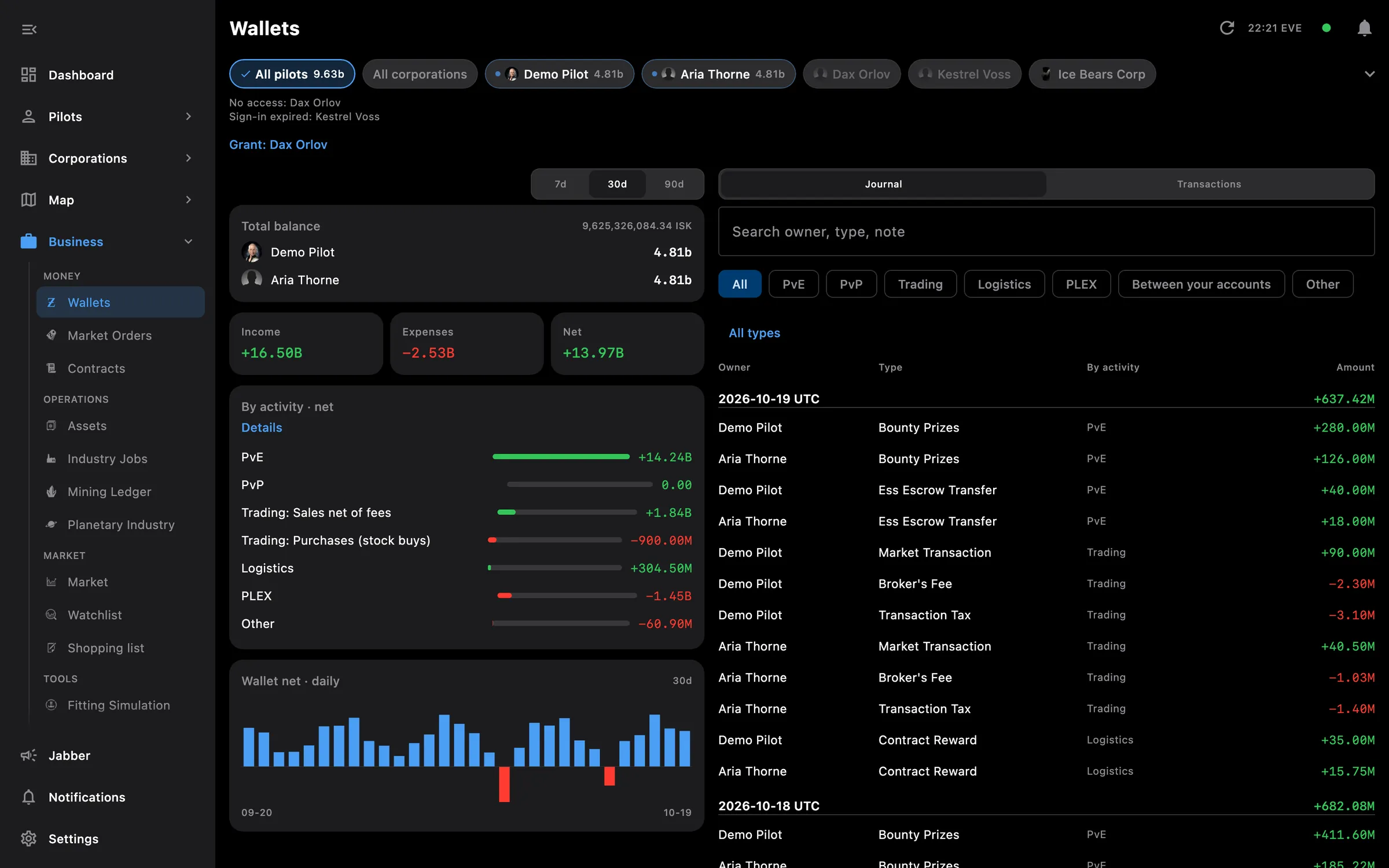
  • Wallet by division, each with its journal and transactions
  • Assets, orders, contracts and industry jobs for CEOs and directors
  • Corporation orders highlighted in the market like your own; corporation jobs in the all-pilot Industry list
  • Notifications for structure and POS fuel running low, new corporation contracts and finished corporation jobs
  • EVE's own messages in one feed: structure attacks, fuel, moons, wars and corporation notices, with per-type mute

Tip: to add one, open Pilots, press +, choose Add corporation and sign in as a director or CEO of it.

Access needed

Add the corporation as its own entry. It asks for its own access, and you need to be a CEO or director in game:

  • Corporation wallet — Wallet divisions, journal and transactions
  • Corporation members — Members, titles, medals and tracking
  • Corporation structures — Structures, starbases, facilities and moon mining
  • Corporation assets — Assets, blueprints and container logs
  • Corporation business — Orders, contracts, jobs, killmails, standings and projects

You pick the areas when you log a pilot in and can add more later on the Access screen. How access works →

How to use it

  1. Open Pilots, press + and choose Add corporation; sign in with a pilot who is a director or CEO
  2. Grant the corporation's access when EVE asks; it is requested on top of what the pilot already has
  3. The corporation appears as its own tile under Pilots and as a chip on every all-pilot screen
  4. Open Business, then the corporation, for the overview, structures, moons, members and wallet
  5. Switch fuel, contract and job alerts on under Settings, Notifications, Corporation alerts

Phone and PC

On the phone — the same overview and screens, reached from the corporation's tile under Pilots or from the Business list, one screen at a time.

On the PC — each added corporation gets its own group in the Business part of the side menu, with its screens listed under it.
More screenshots

corp desktop
corp phone
corp starbases desktop

See also

Something missing? Recent changes are in the patch notes, and you can ask on Discord.