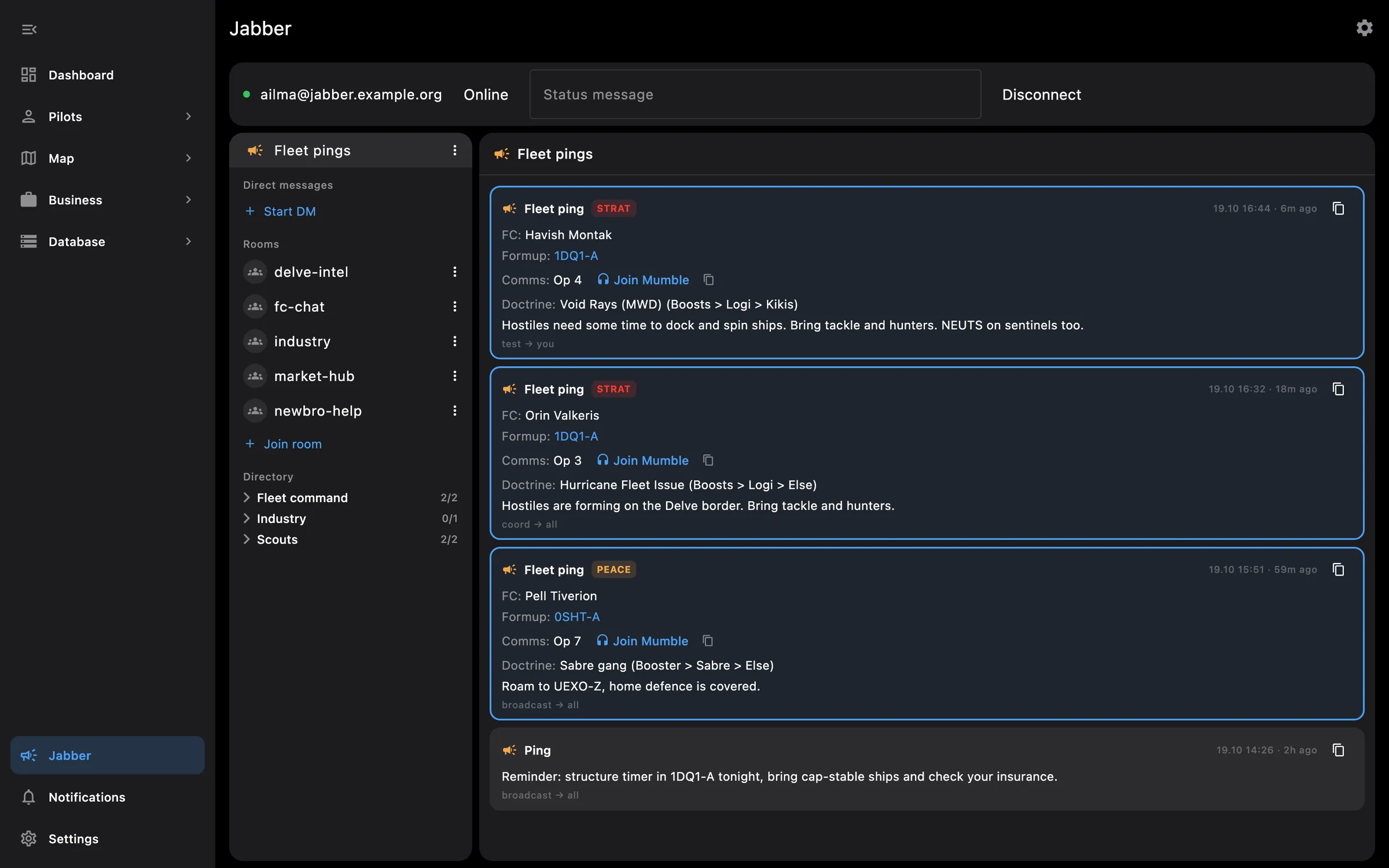
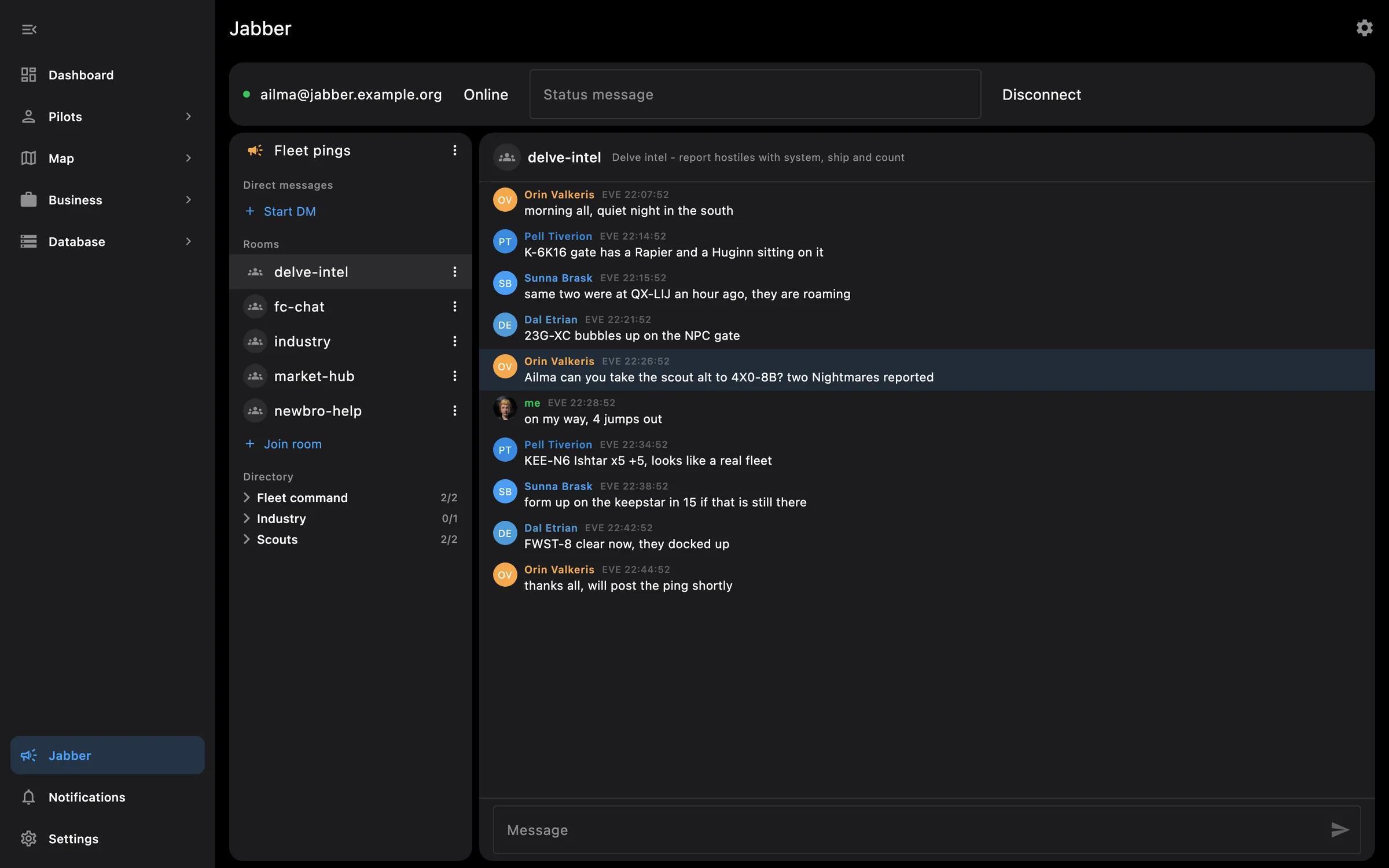
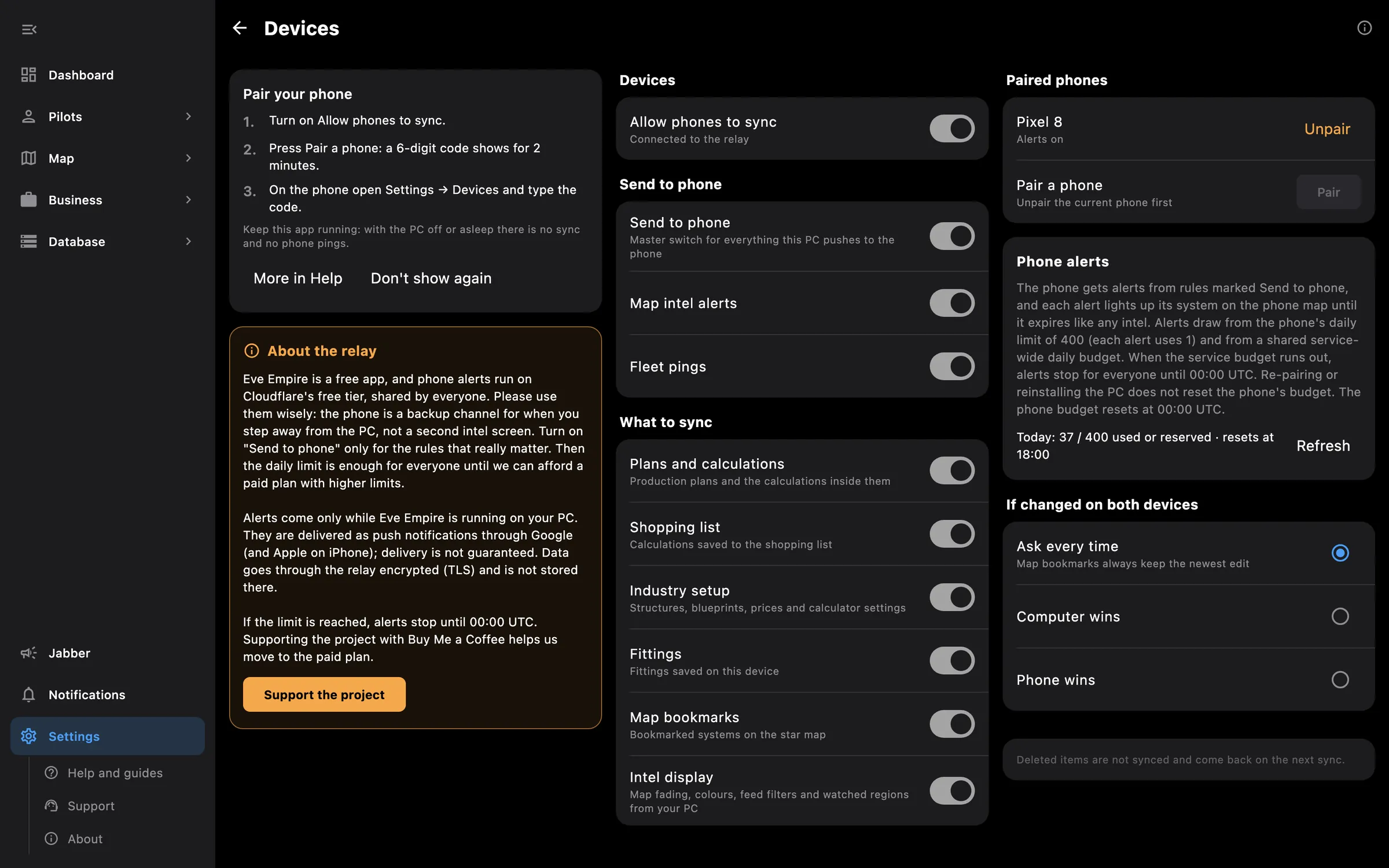
Chat and fleet pings on your PC, your setup on both, and an alert in your pocket when you step away. The phone and the PC talk through the Eve Empire relay over the internet, so they can be anywhere, as long as the PC app is running.
Tip: Settings, Devices on the PC shows the code; type it on the phone under Settings, Devices, then press Sync now.
Needs no access to your EVE account.
You pick the areas when you log a pilot in and can add more later on the Access screen. How access works →
On the phone — you pair by typing the code, sync while the app is open, and get intel alerts and fleet pings as push notifications in their own feeds. There is no Jabber chat on the phone.
On the PC — the PC hosts the pairing and the sync, runs Jabber with rooms, direct messages and the ping rules, and sends alerts to the phone only while Eve Empire is running.
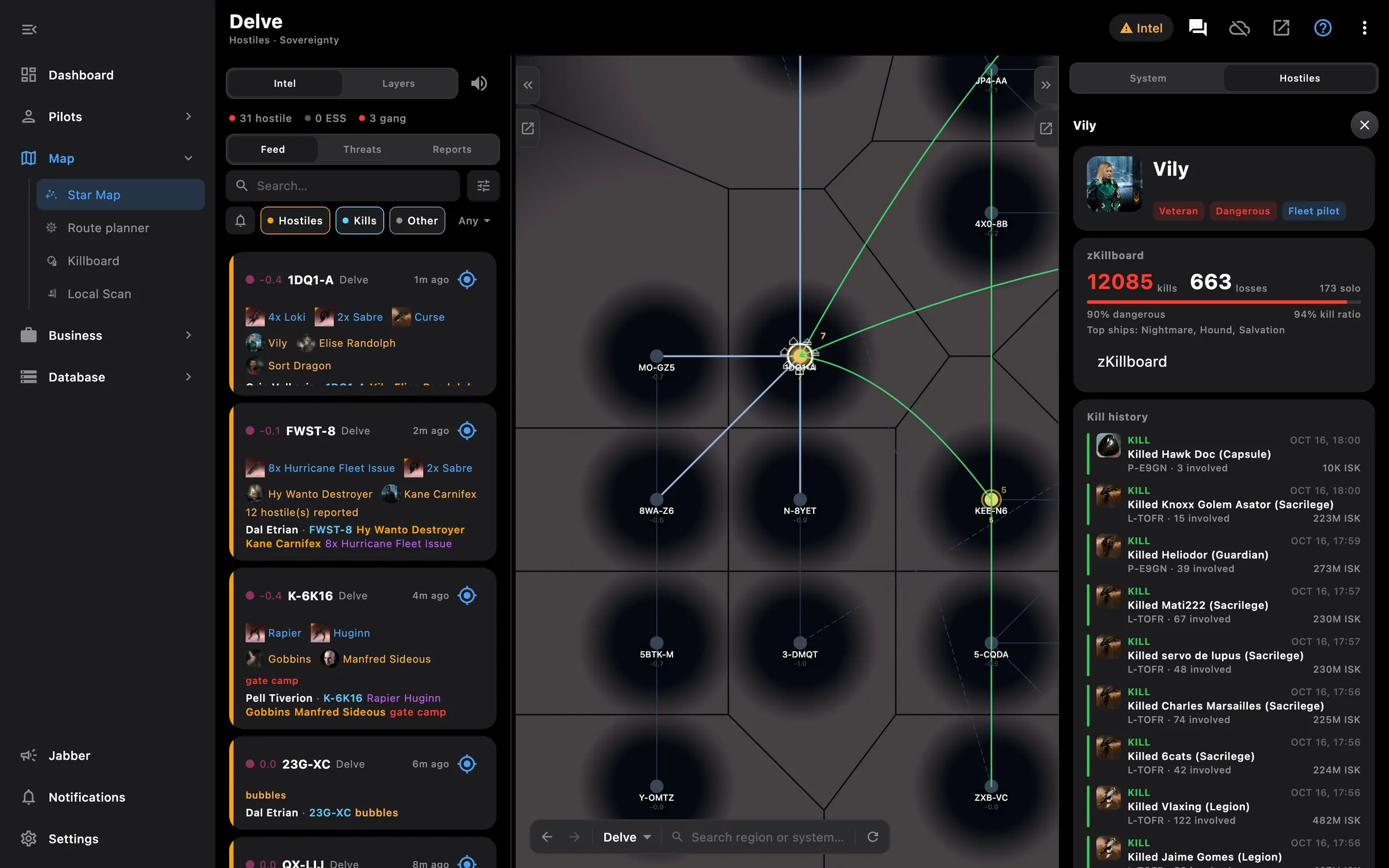
Your intel channels as reports and alerts, hostiles drawn on the map
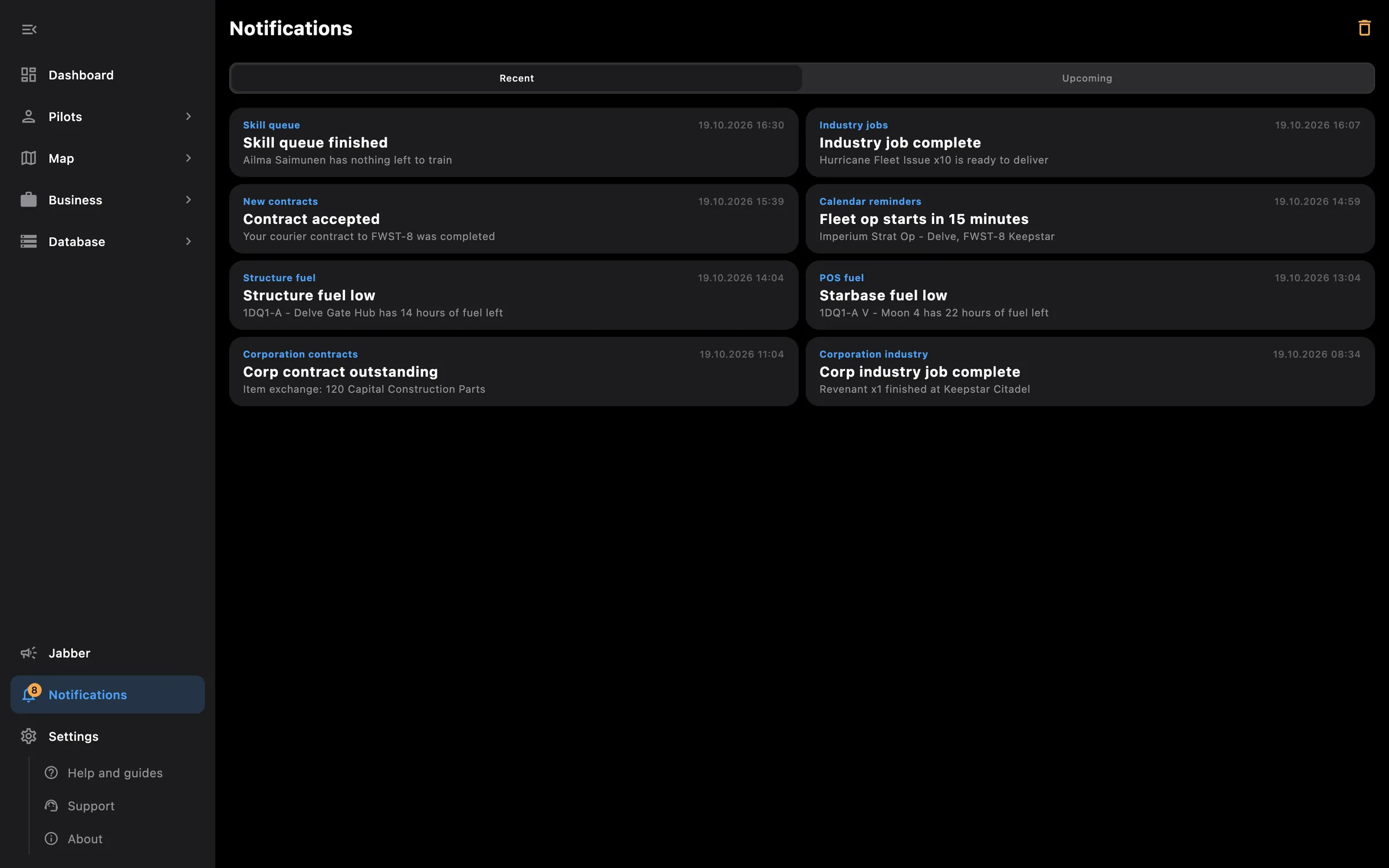
Several windows, wide tables with a detail pane, keyboard import
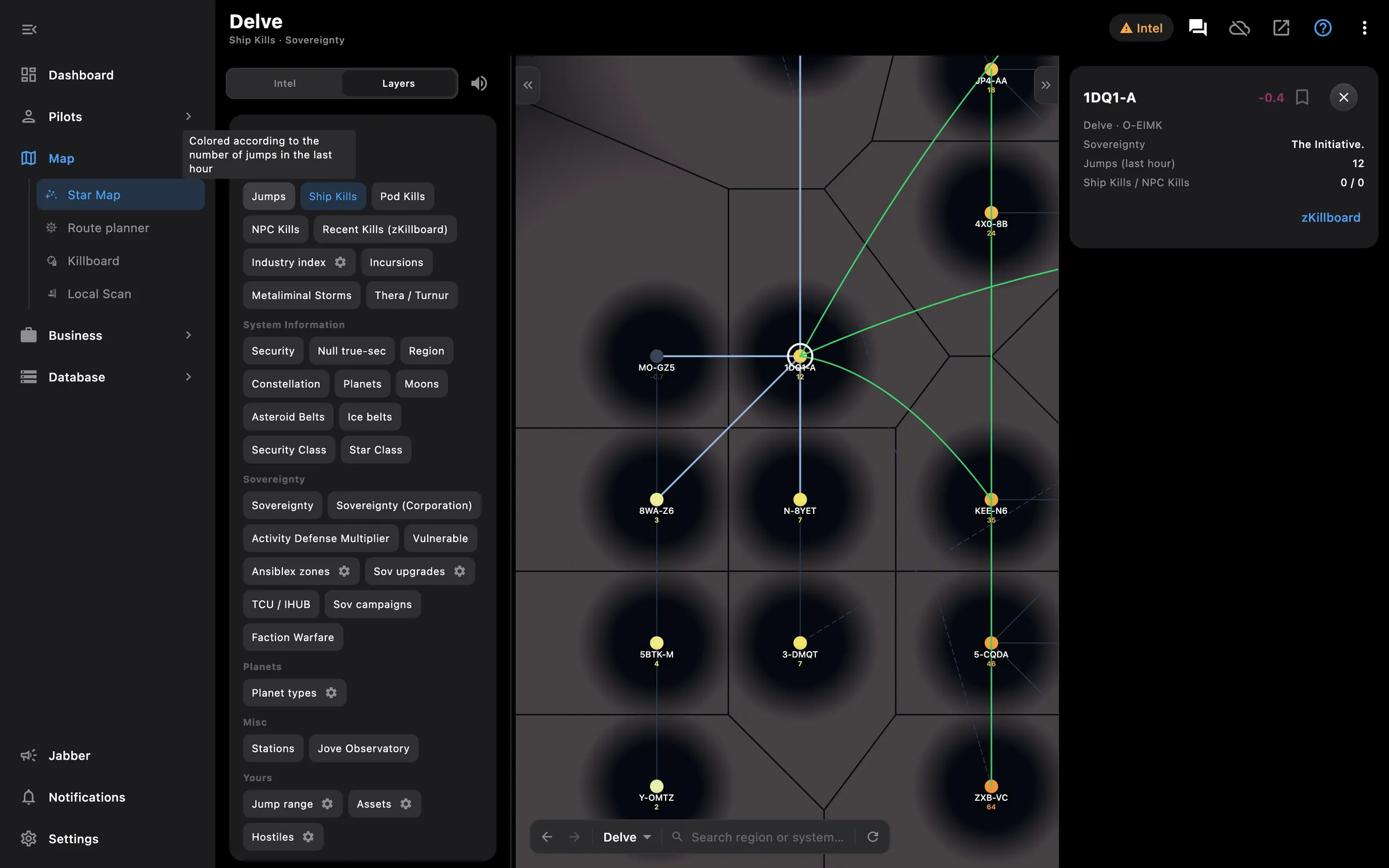
Map colours, alert rules, intel channels, bridges, three languages
Something missing? Recent changes are in the patch notes, and you can ask on Discord.