Set it up once, the way you play.
Needs no access to your EVE account.
You pick the areas when you log a pilot in and can add more later on the Access screen. How access works →
On the phone — map colours, bookmarks, notifications, theme and language are all there, with a long-press where the PC uses a right-click. Intel channels, alert rules and Jabber are set on the PC, since the PC reads the game's chat logs.
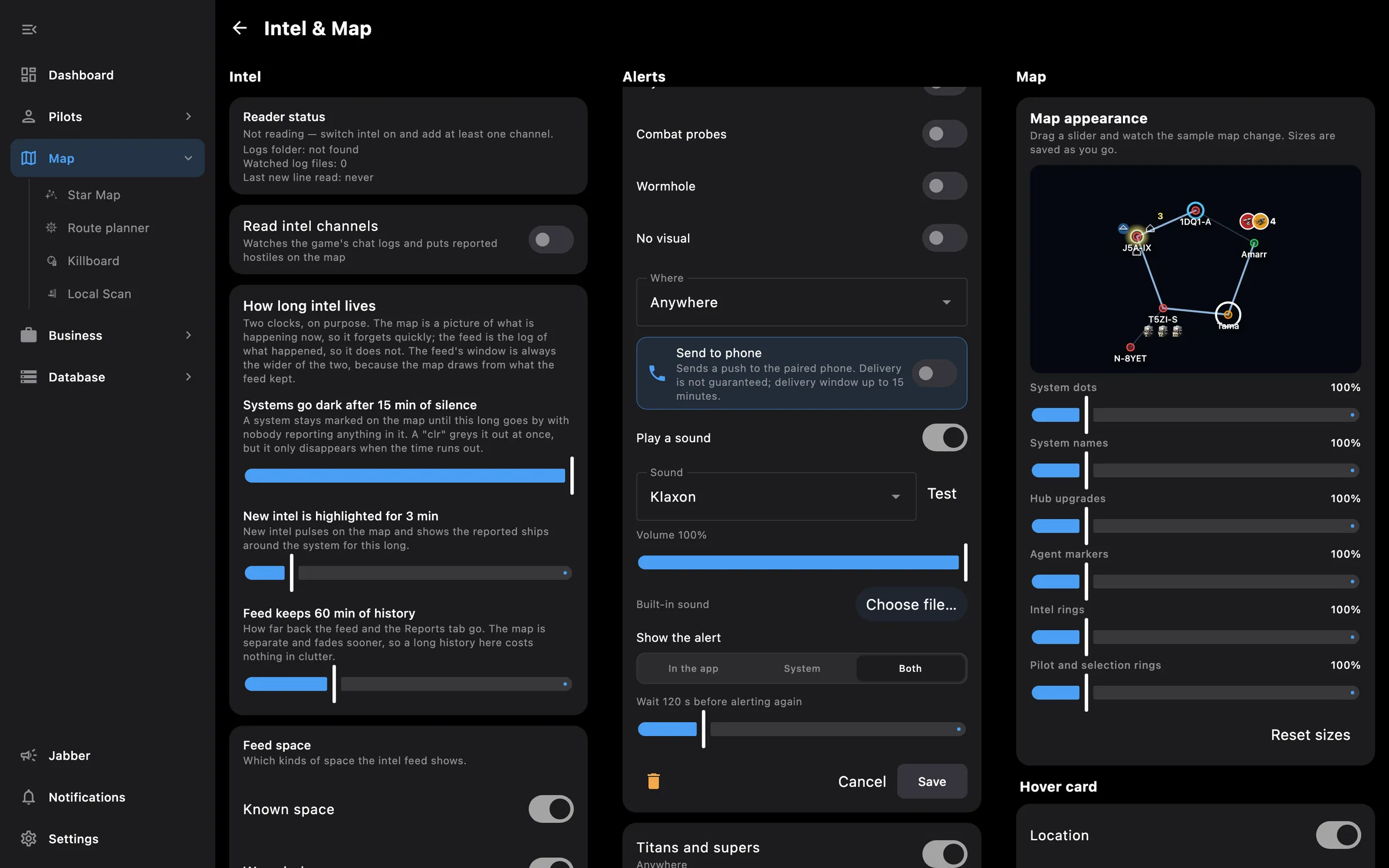
On the PC — everything, including the intel and Jabber settings, hostile colours, map fade, the close-button behaviour and the collapsed or expanded side menu.
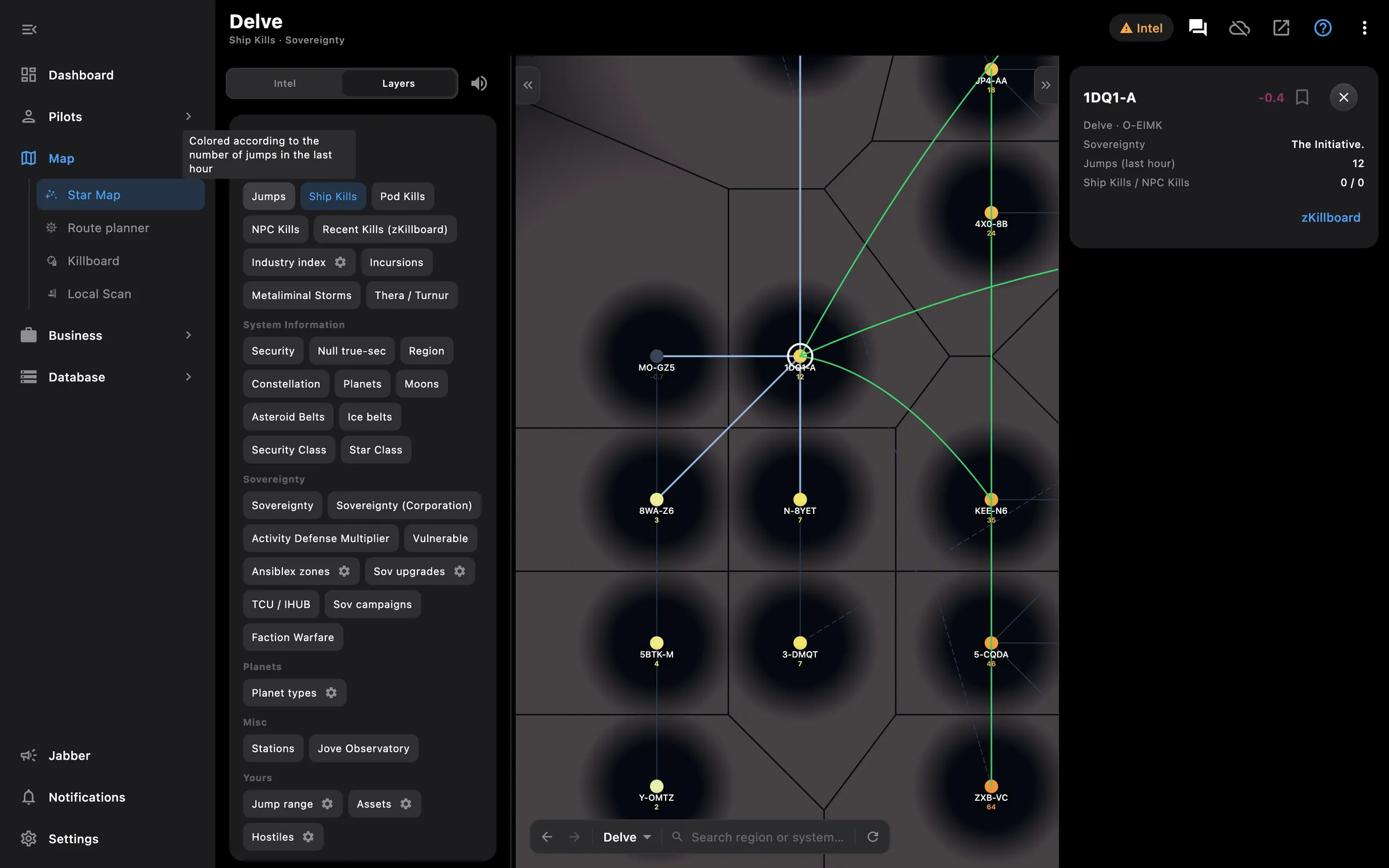
Sovereignty, activity, kills, jump ranges, bridges, assets and bookmarks on one map
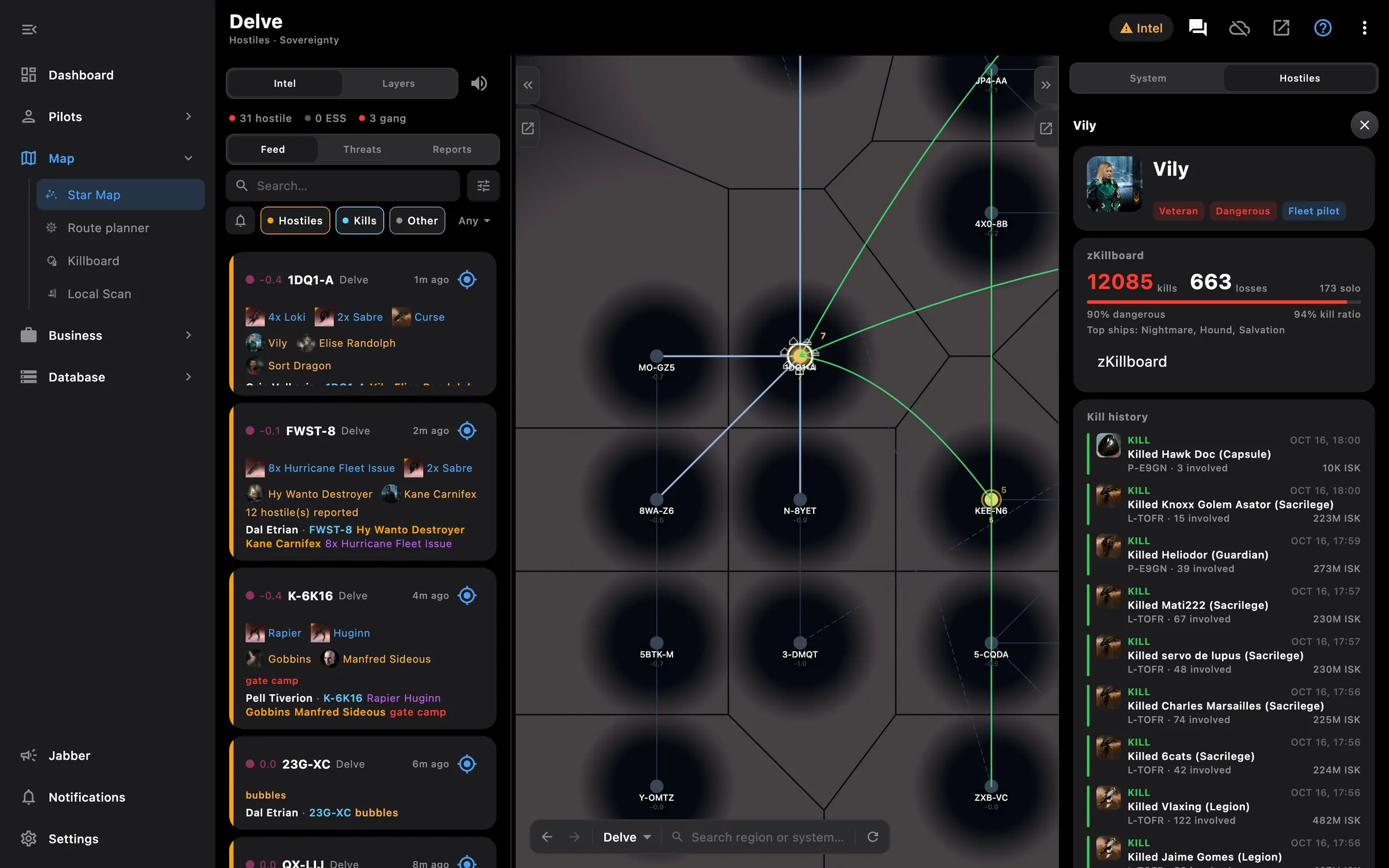
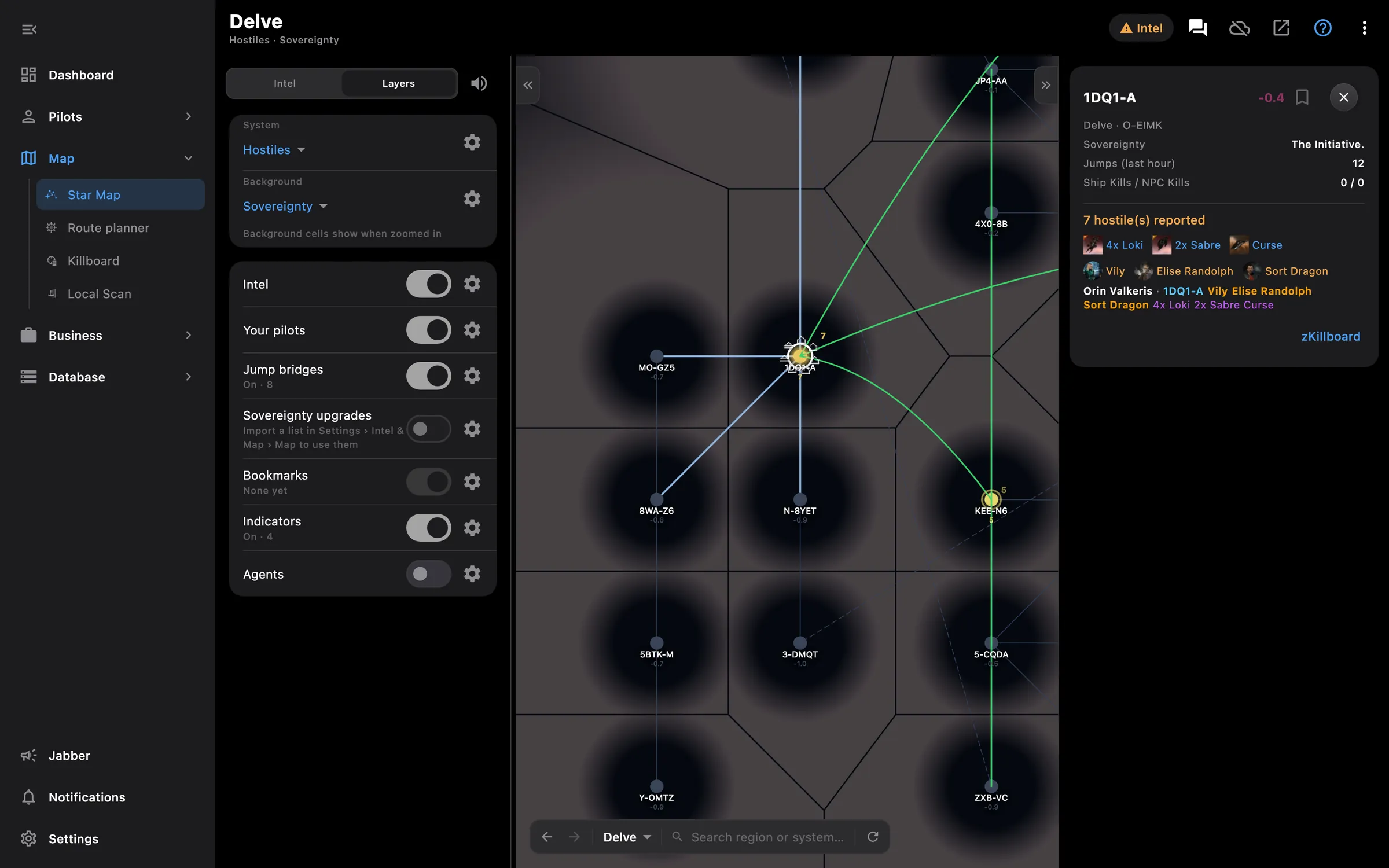
Your intel channels as reports and alerts, hostiles drawn on the map

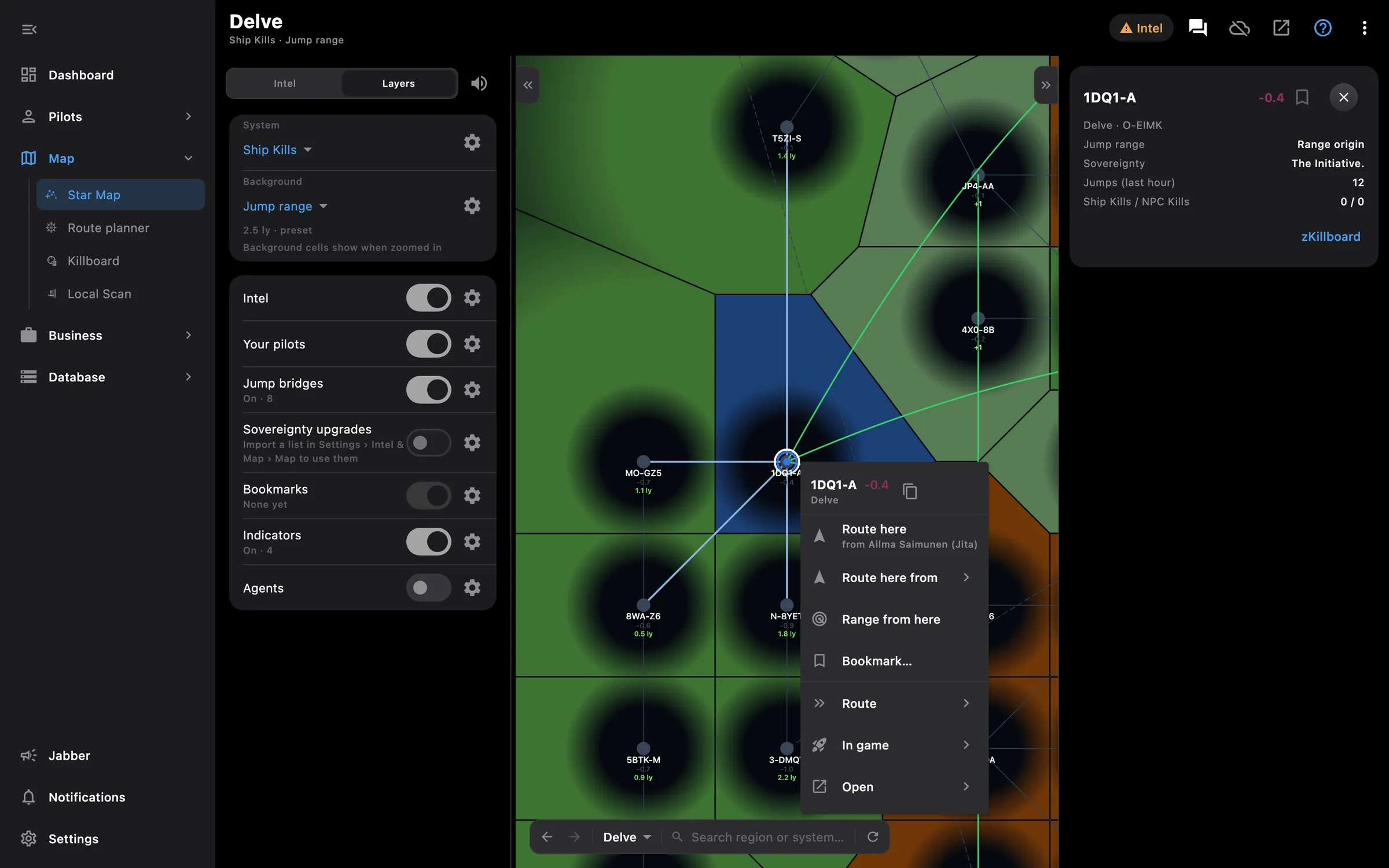
Gate routes with jump bridges, capital ranges, in-game waypoints
Something missing? Recent changes are in the patch notes, and you can ask on Discord.