← All features

Industry calculator

Build or buy each component, reactions, invention, shopping lists and plans
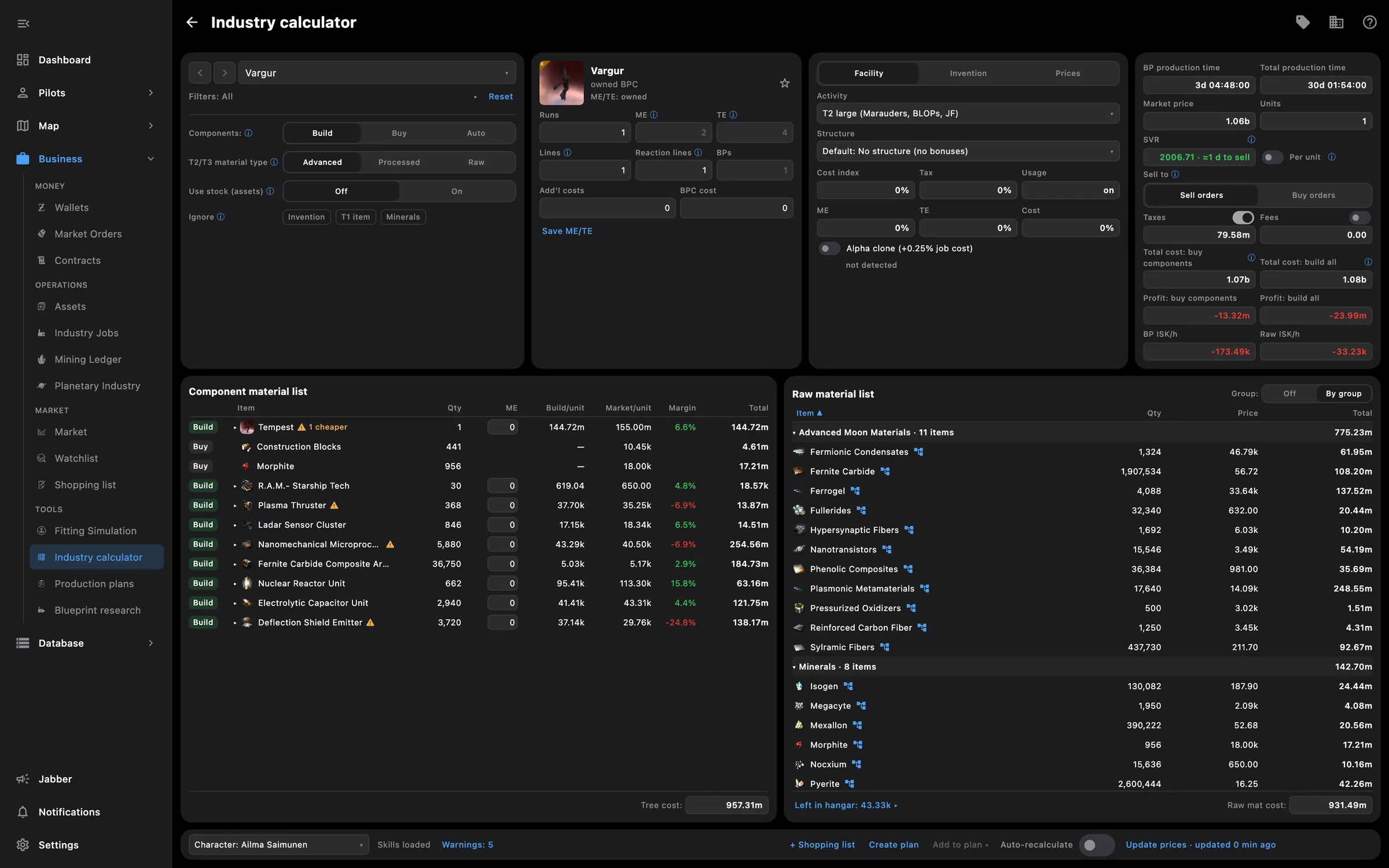
Industry calculator with the build tree
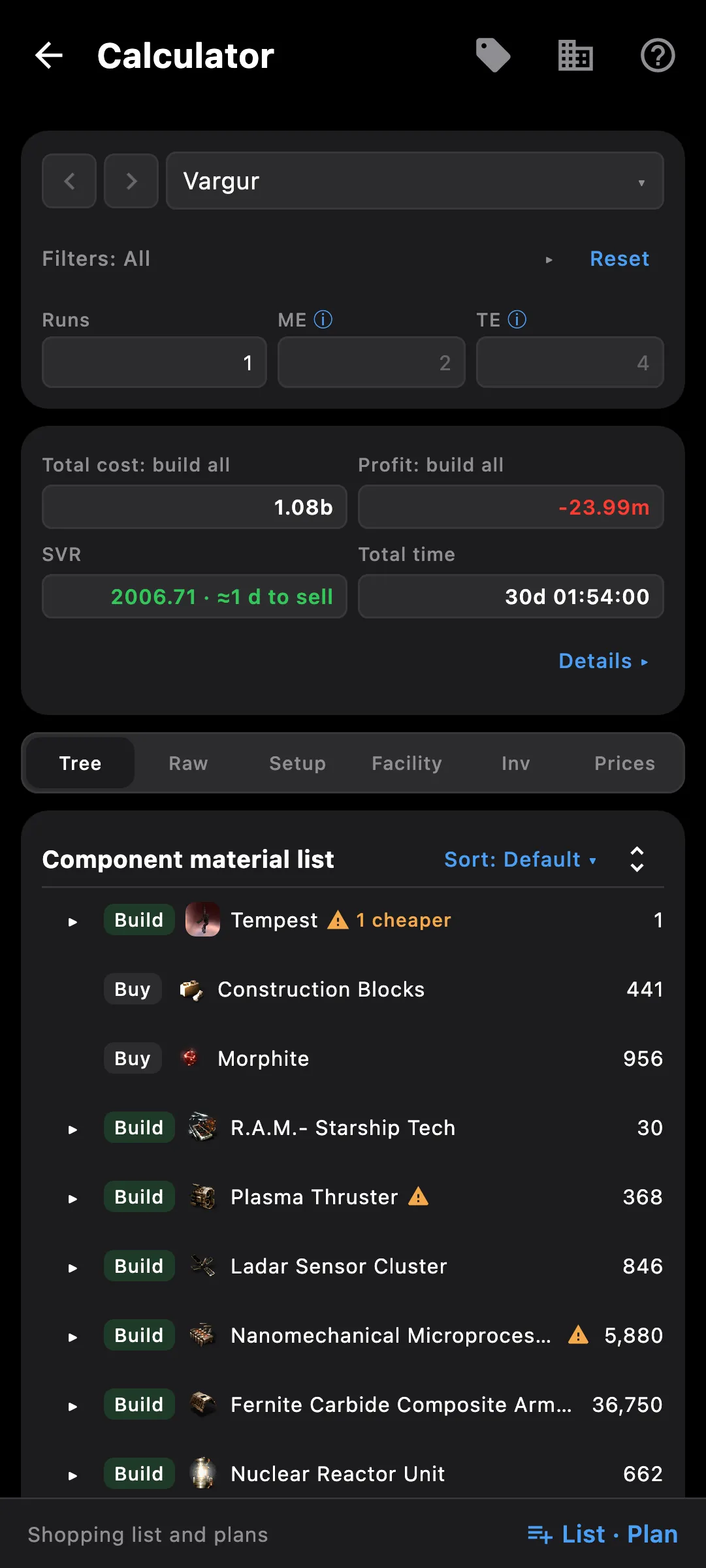
Industry calculator on a phone

What you get

A full build calculator with your own blueprints, skills, structures and stock — inspired by EVE Isk per Hour. It shows what an item costs to build compared with buying it, and the profit for selling to sell or buy orders.

  • Whole build tree: build, buy or take from stock for each component, and see what is cheaper
  • Reactions and T2/T3 invention in the same tree
  • Your engineering complexes and refineries with rigs, saved once and picked per build
  • Market prices kept on your device and updated when you say so, with their age shown
  • Stock from your assets and corp hangars, or pasted from the game, counted once across calculations
  • Shopping list across many builds: mark items bought, copy as Multibuy or a table
  • Production plans with stages, waves and timings, suggested pilots per step and advice on blueprints to buy
  • Plans, calculations and industry setup sync between your phone and PC

Access needed

Works without any access. Grant these to a pilot to get more:

  • Industry and mining — Jobs, mining ledger and blueprints
  • Skills — Skills and the training queue
  • Assets — Everything the pilot owns

You pick the areas when you log a pilot in and can add more later on the Access screen. How access works →

How to use it

  1. In Settings > Industry, save your structures with their rigs and press Update prices once
  2. Open the Calculator in Tools, pick a blueprint and the number of runs
  3. In the tree, set each component to build, buy or stock and watch the cost and margin change
  4. Press + Shopping list to collect what to buy, or Start plan to turn the build into stages
  5. In the plan, mark waves as started and done; stock used by a plan is reserved for it

Phone and PC

On the phone — a more compact calculator, shopping list and plans; the tree expands with a tap on its arrow, and a tapped row opens its details as a sheet.

On the PC — the calculator, production plans and shopping list open in their own windows, with the row details in a side panel next to the tree.
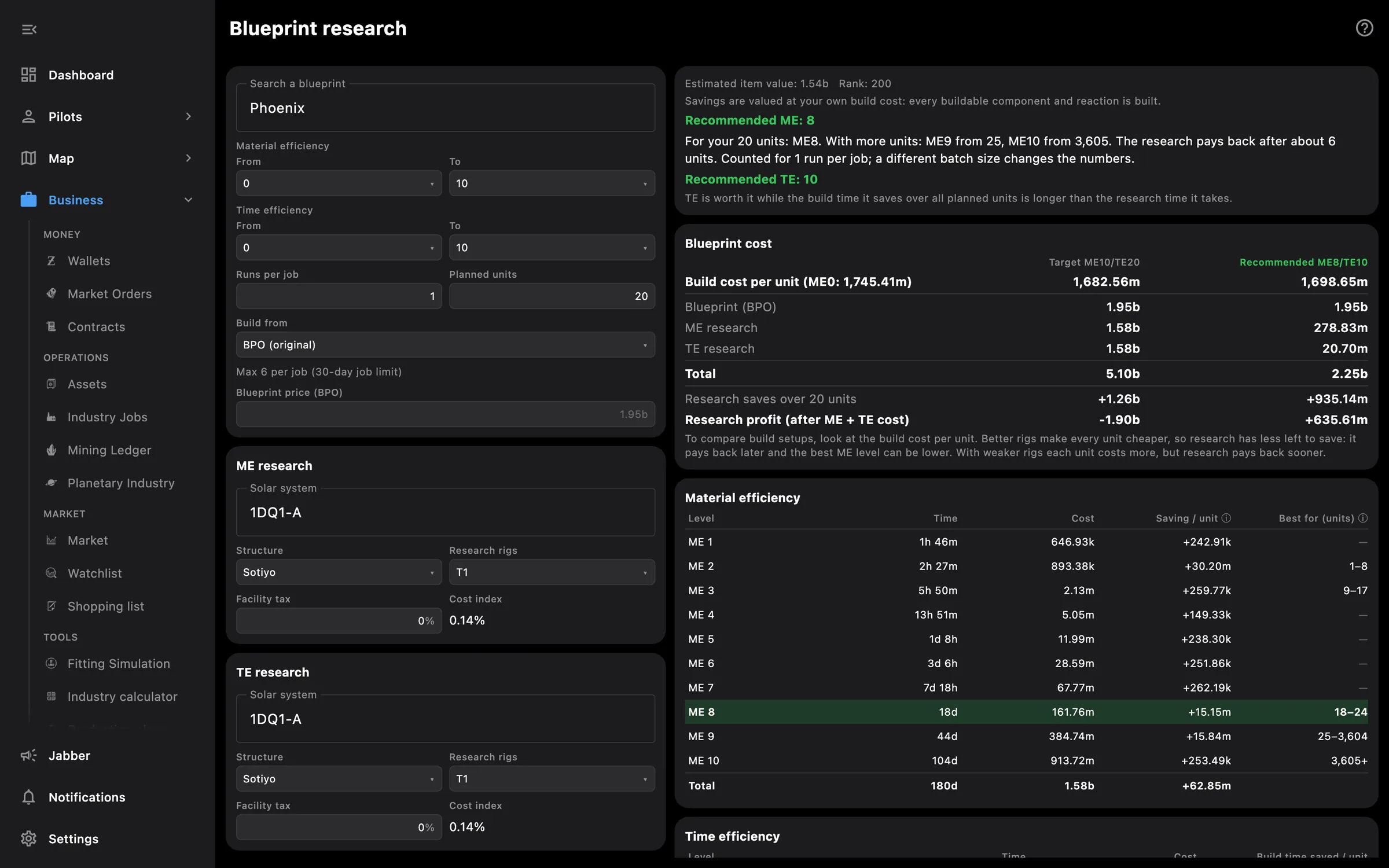
See also

Something missing? Recent changes are in the patch notes, and you can ask on Discord.