← All features

Market and database

Price history, orders, a watchlist, every item and NPC

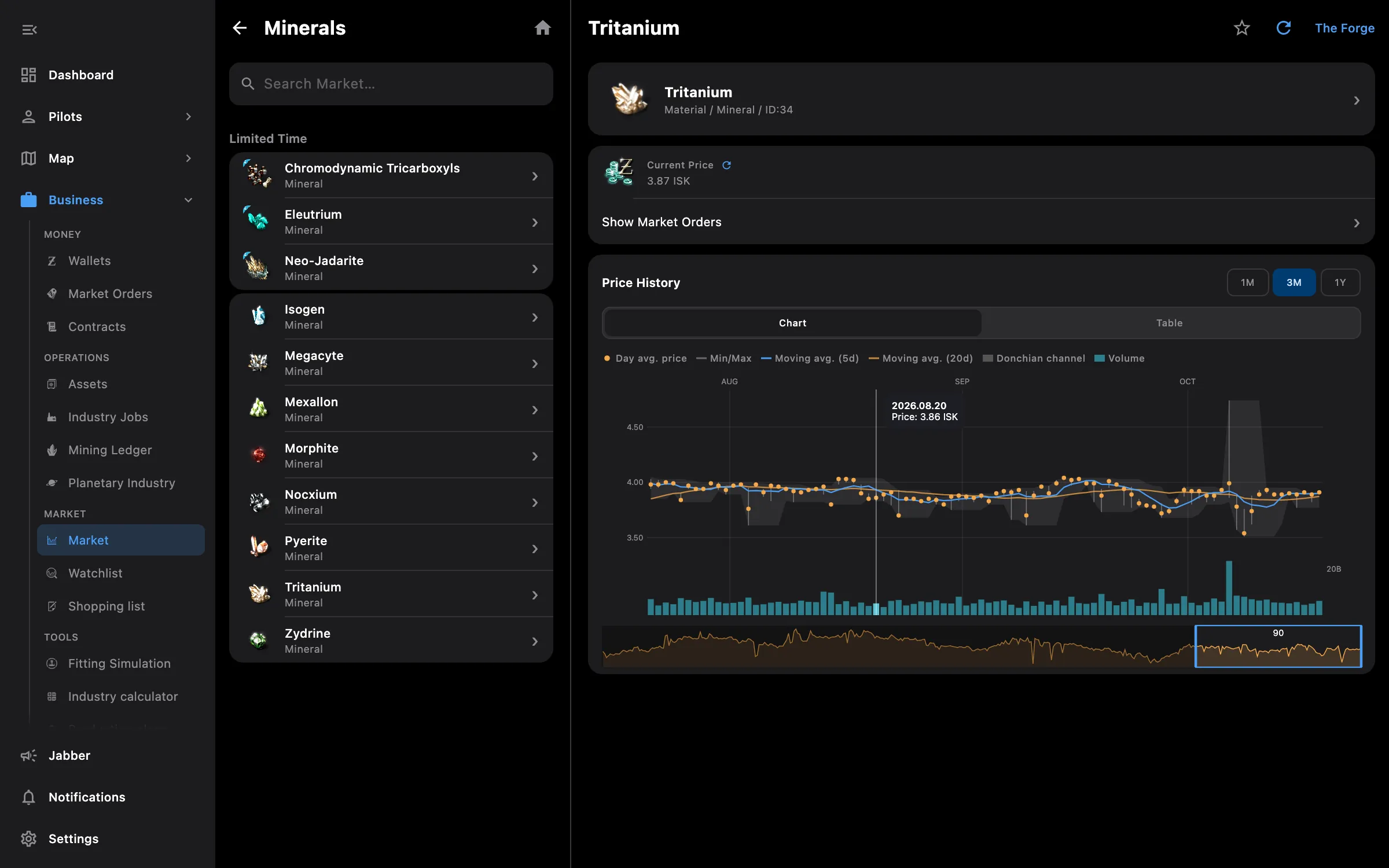
Market browser with the price history chart for the selected item
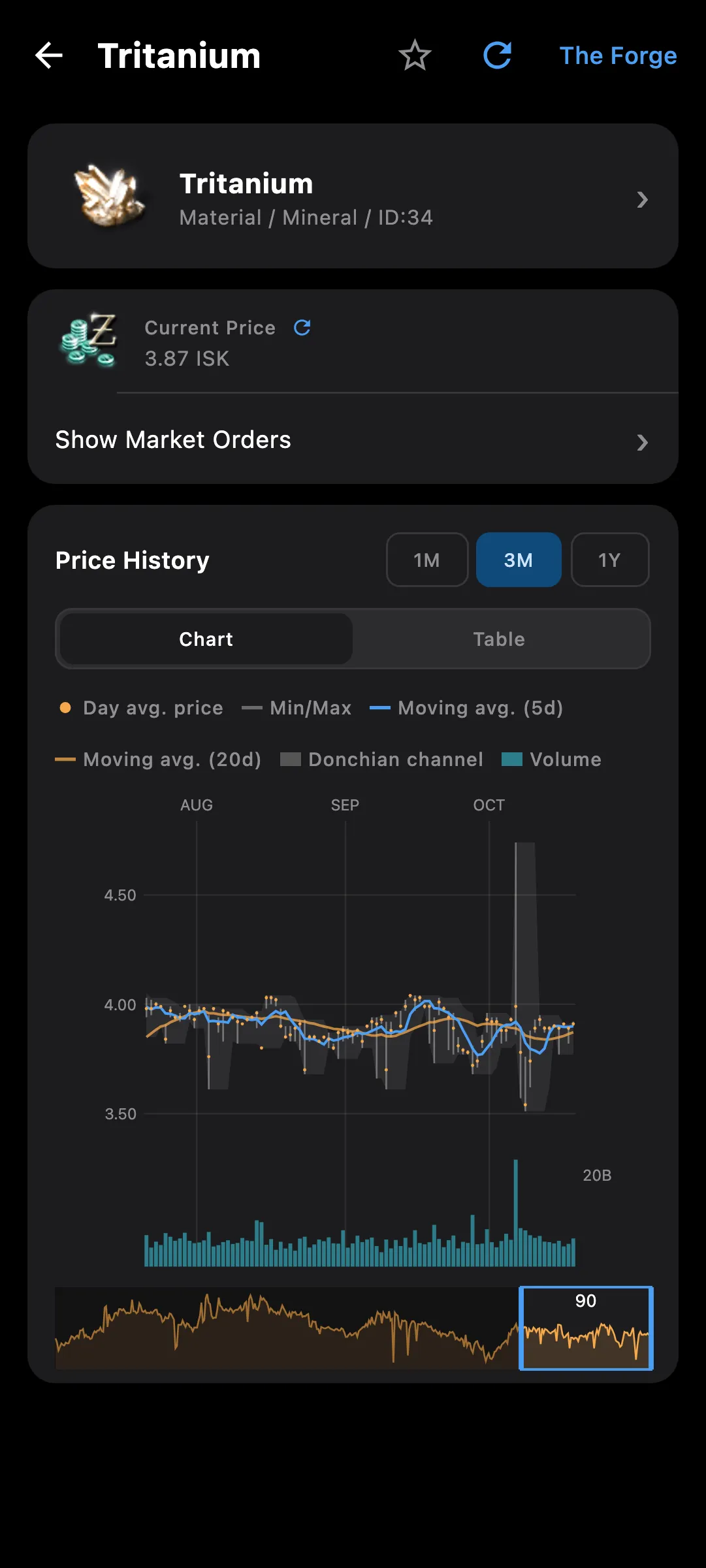
Market price history chart with tooltip, moving averages and volume

What you get

The rest of New Eden in your pocket. The market browser shows the same price history the game does, and the item database covers every type, blueprint, NPC and faction without a connection.

  • Price history chart with tooltips, moving averages, series toggles, volume with orders and a table view
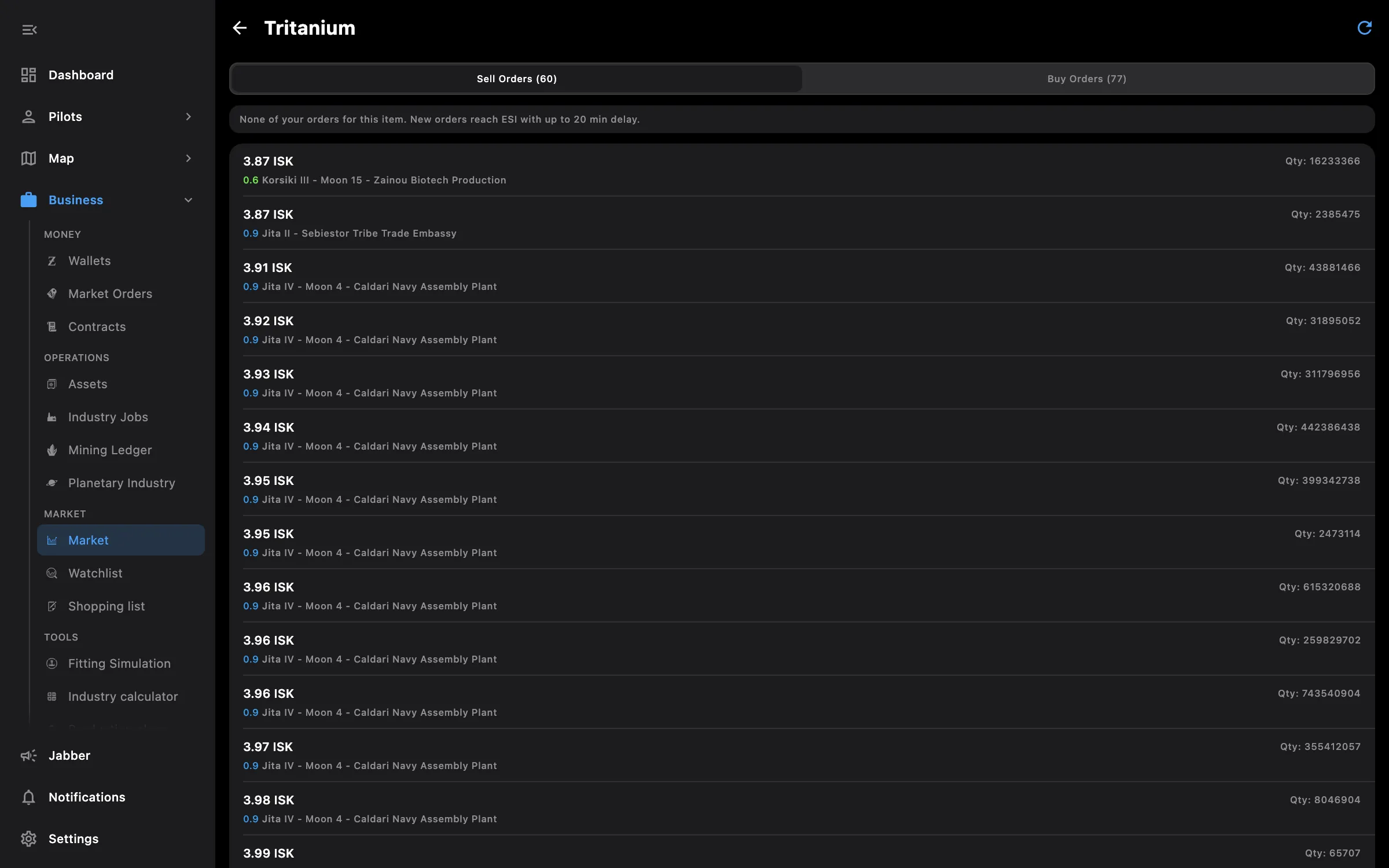
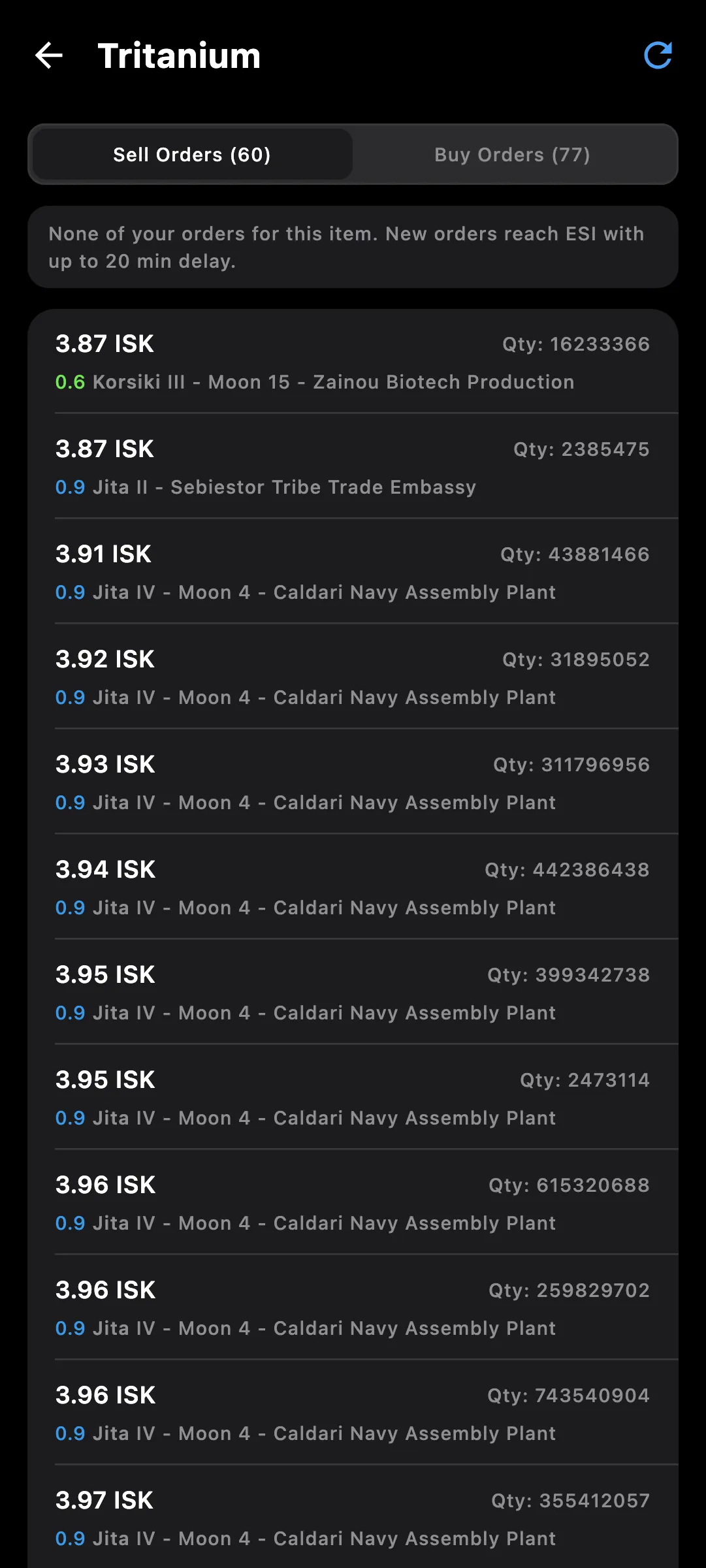
  • Sell and buy orders with yours and your corporations' highlighted, and the best sell and buy marked
  • Structure markets inside the regular market: add a structure a pilot can dock at and orders switch to it
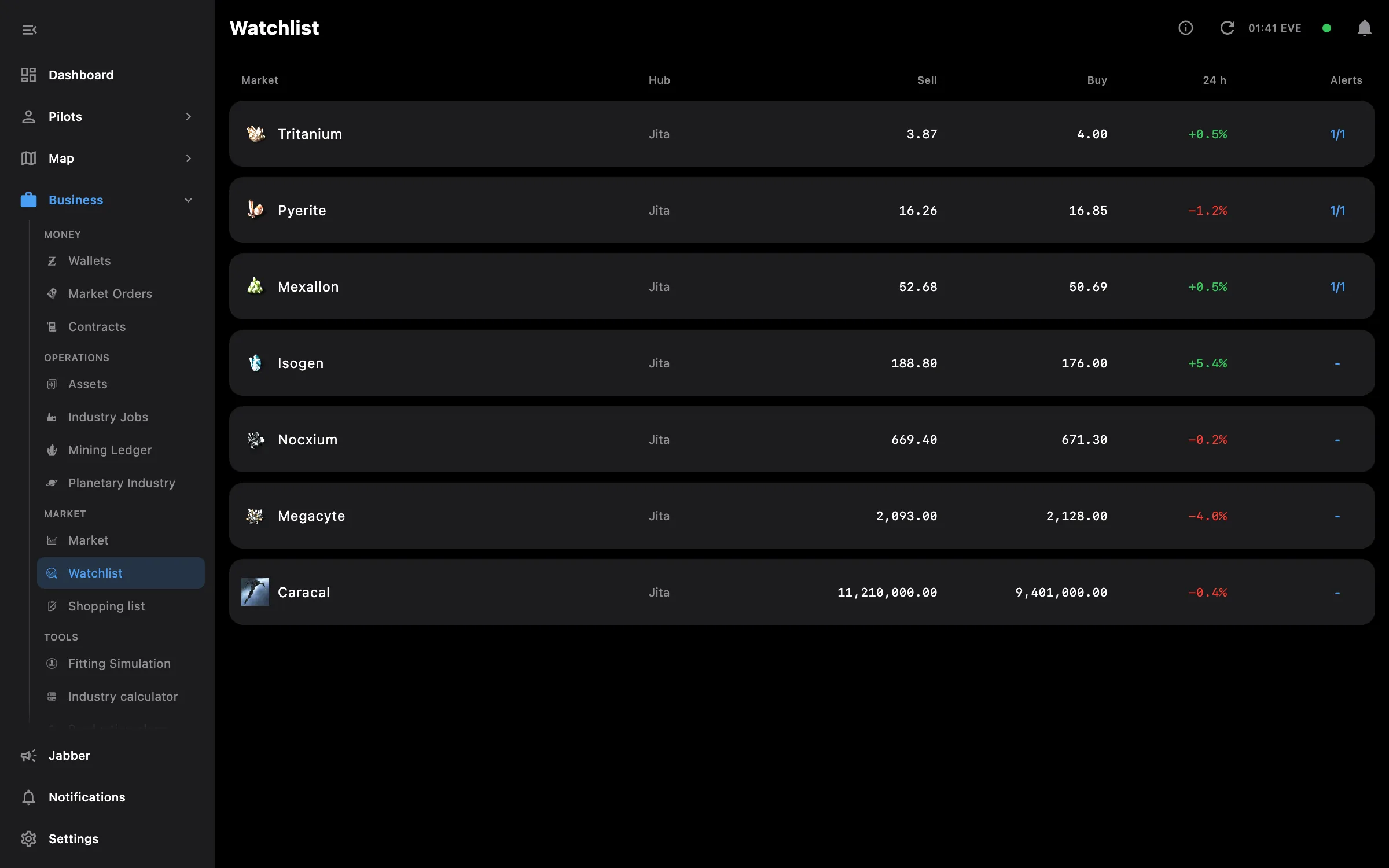
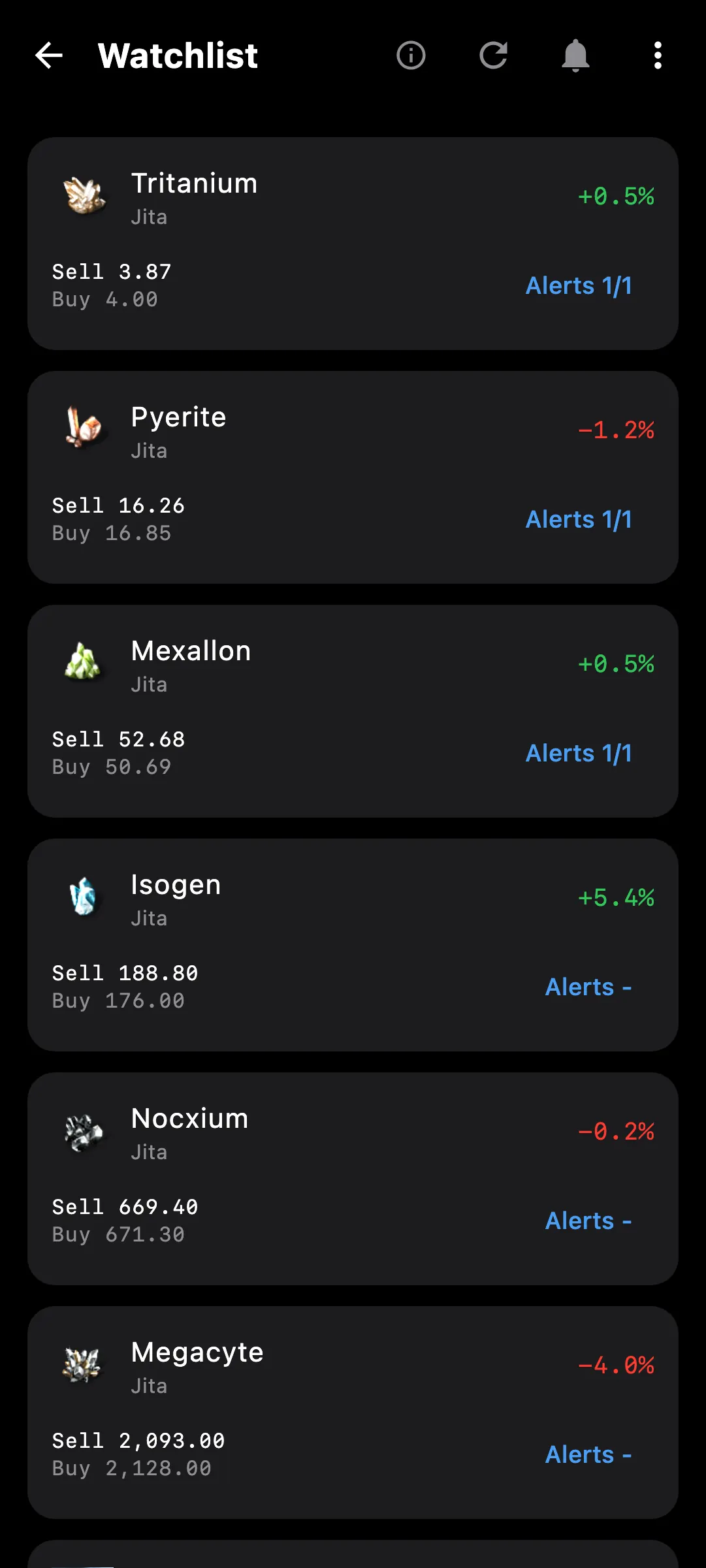
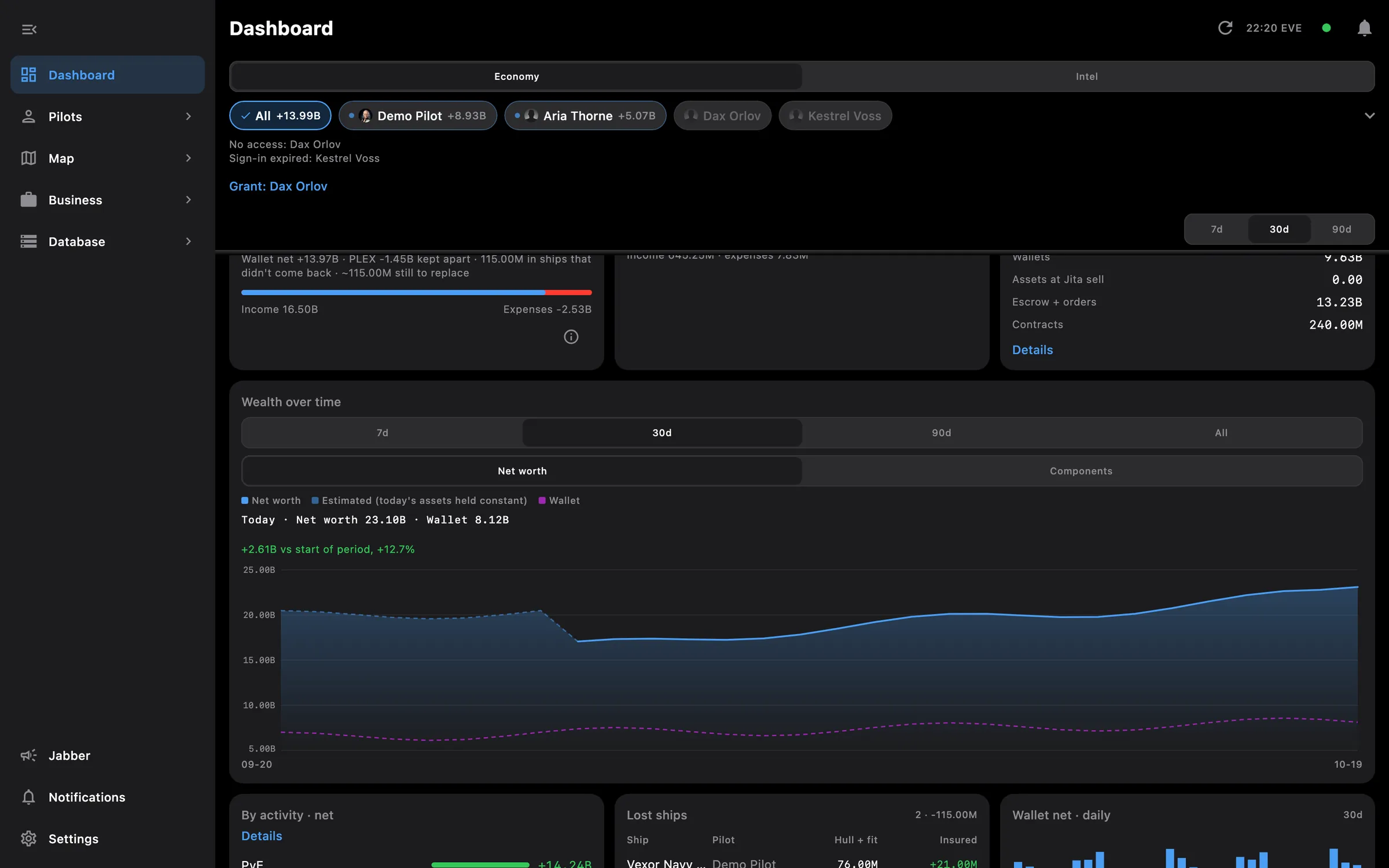
  • A watchlist of market prices with price alerts, and a card for it on the Dashboard
  • Every item with attributes, traits, required skills and Required For, down to the blueprints that need a skill
  • Blueprints with manufacturing, invention and reaction formulas: inputs, skills, output and time
  • Compare variations: every variant of a module side by side, best in green, differences only
  • NPC ships and factions, wormholes, incursions with stage and influence, faction warfare and sovereignty
  • Agent finder with results grouped by corporation or by system
  • Search understands abbreviations and words in any order: dc2, lse, rf emp, gyro 2

The region or structure you pick is remembered between items, and price history stays regional even when the orders come from a structure.

Access needed

Works without any access. Grant these to a pilot to get more:

  • Market orders — Open orders and structure markets

You pick the areas when you log a pilot in and can add more later on the Access screen. How access works →

How to use it

  1. Open Market in Business and browse the groups, or type a name or abbreviation in search
  2. On the item, hover or press the chart for a date's prices, toggle series in the legend, drag the window, or switch to Table
  3. Pick a region or a structure market from the top bar; your own orders are highlighted in the list
  4. Add the item to a watchlist and set a price alert; it shows on the Dashboard too
  5. Open the Database section for any item, blueprint, NPC or faction, and Compare variations from a module

Phone and PC

On the phone — the chart tooltip follows your finger as you press and drag; the browser is one screen at a time.

On the PC — the chart tooltip follows the mouse, and Market opens in its own window so it can stay beside the game or another screen.
More screenshots

market orders desktop
market orders phone
watchlist desktop
watchlist phone

See also

Something missing? Recent changes are in the patch notes, and you can ask on Discord.