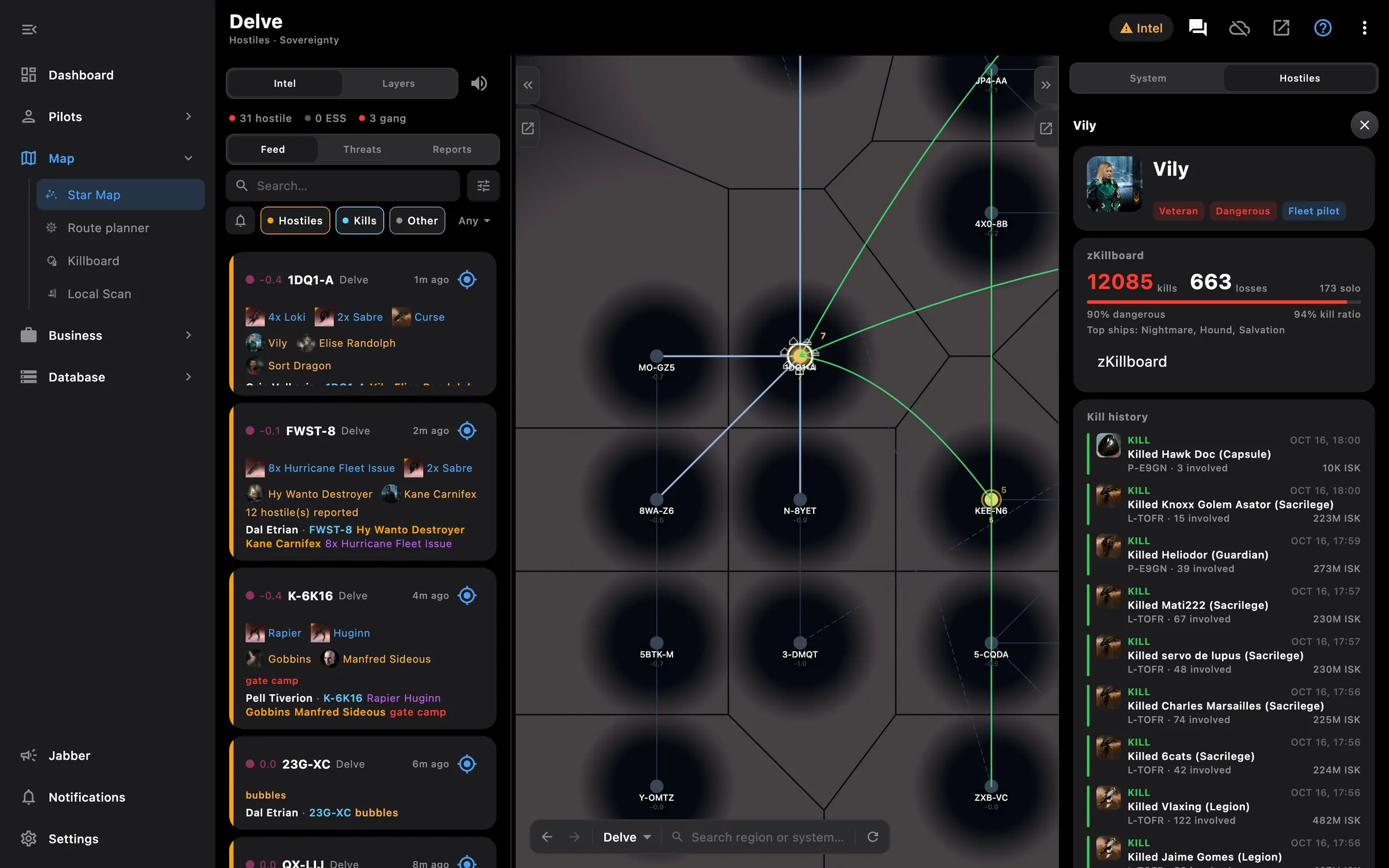
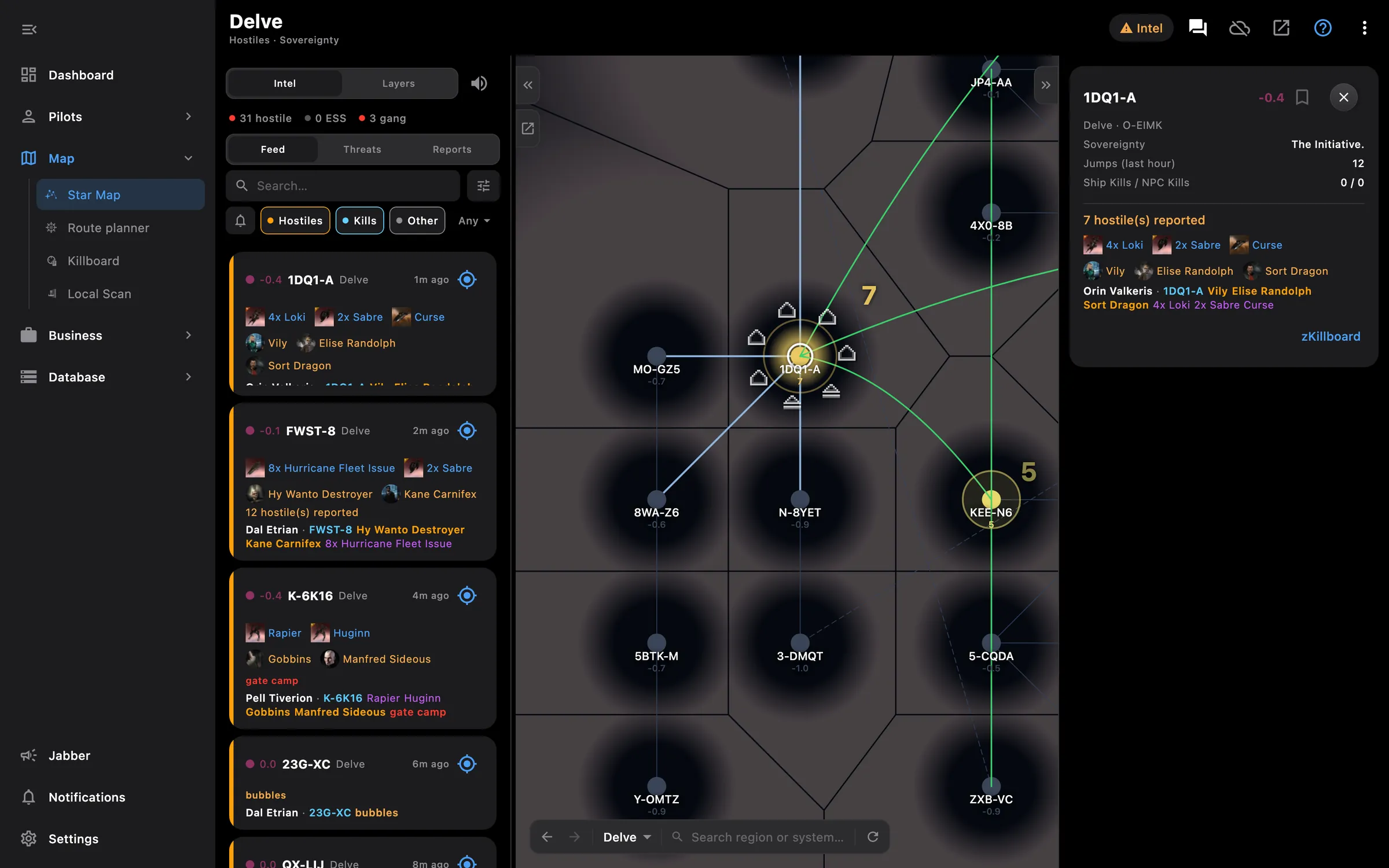
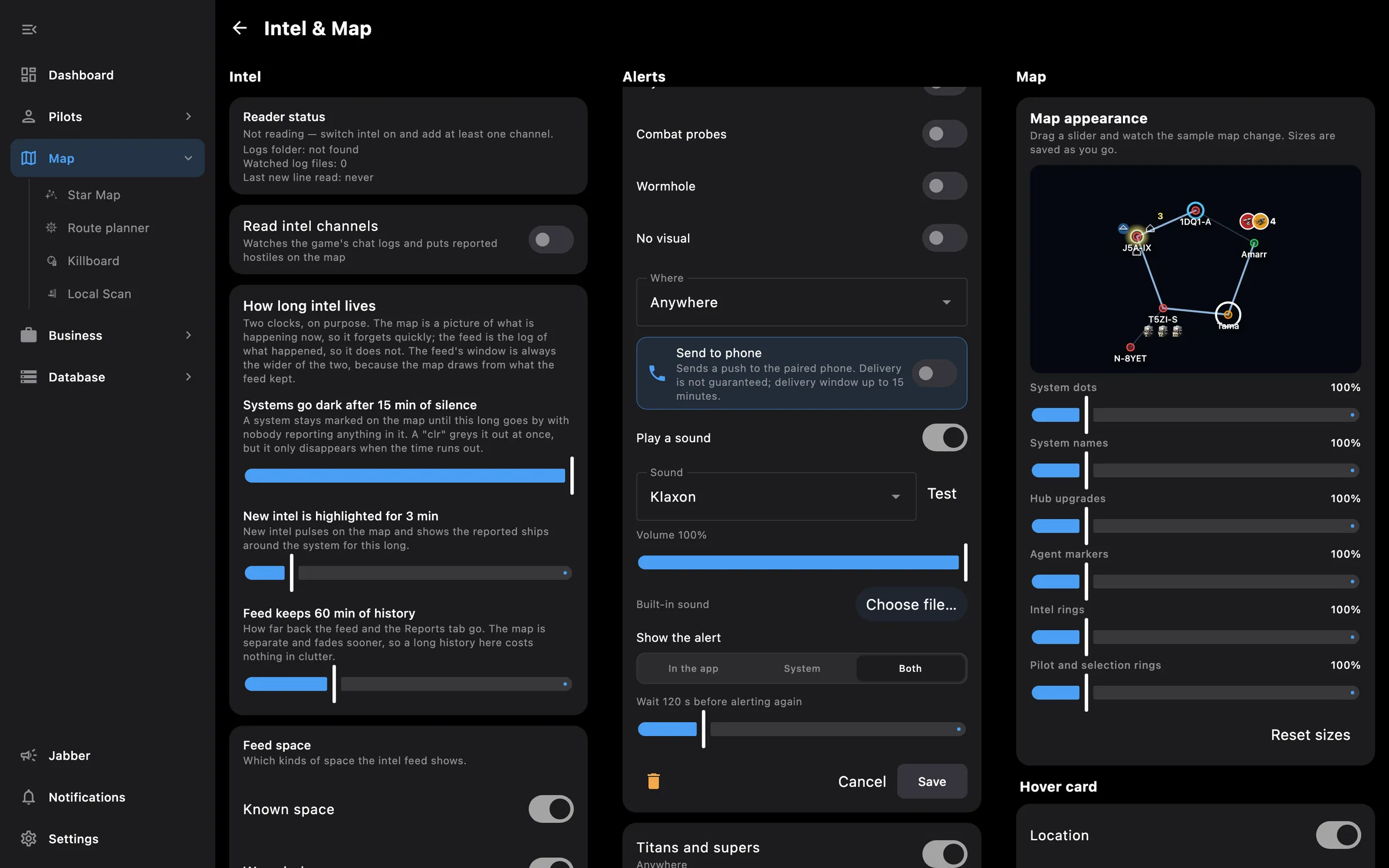
On the PC, Eve Empire reads your intel channels as they are written and turns each line into a report: who, where, in what, and how far from you. Reports land in a feed beside the star map and on the map itself, and your own rules decide which ones get your attention.
Keep the intel channels open in the game: the app reads the chat logs EVE writes. A home system in Intel settings is used for distances when none of your pilots is online.
Works without any access. Grant these to a pilot to get more:
You pick the areas when you log a pilot in and can add more later on the Access screen. How access works →
On the phone — the phone does not read chat logs. While Eve Empire runs on your PC, rules marked Send to phone arrive as push notifications, even with the app closed, and the phone keeps a list of what it received.
On the PC — the full feature: the feed beside the map or in its own window, the alert popup over the game, sounds, system notifications and the Mute button.
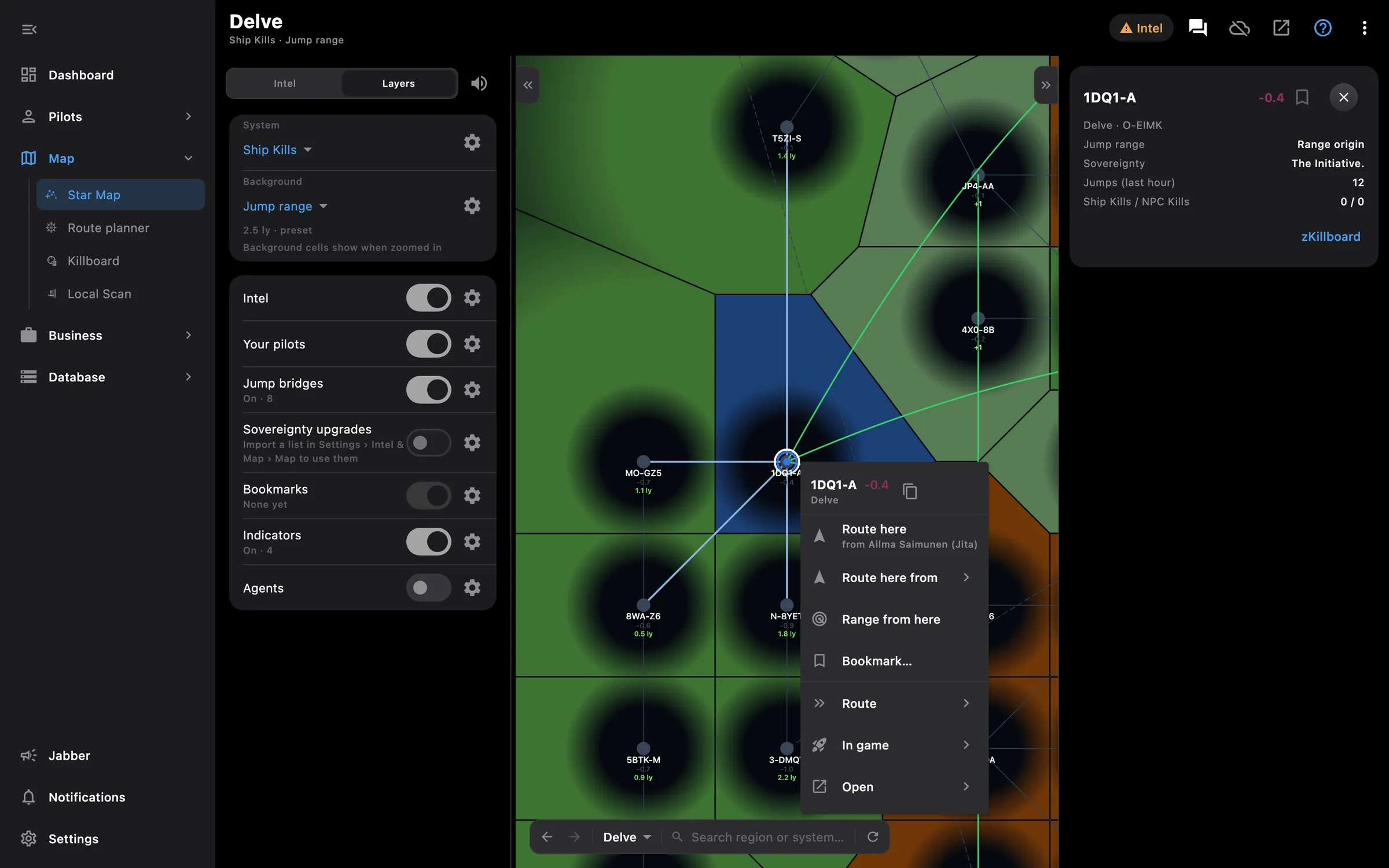
Sovereignty, activity, kills, jump ranges, bridges, assets and bookmarks on one map
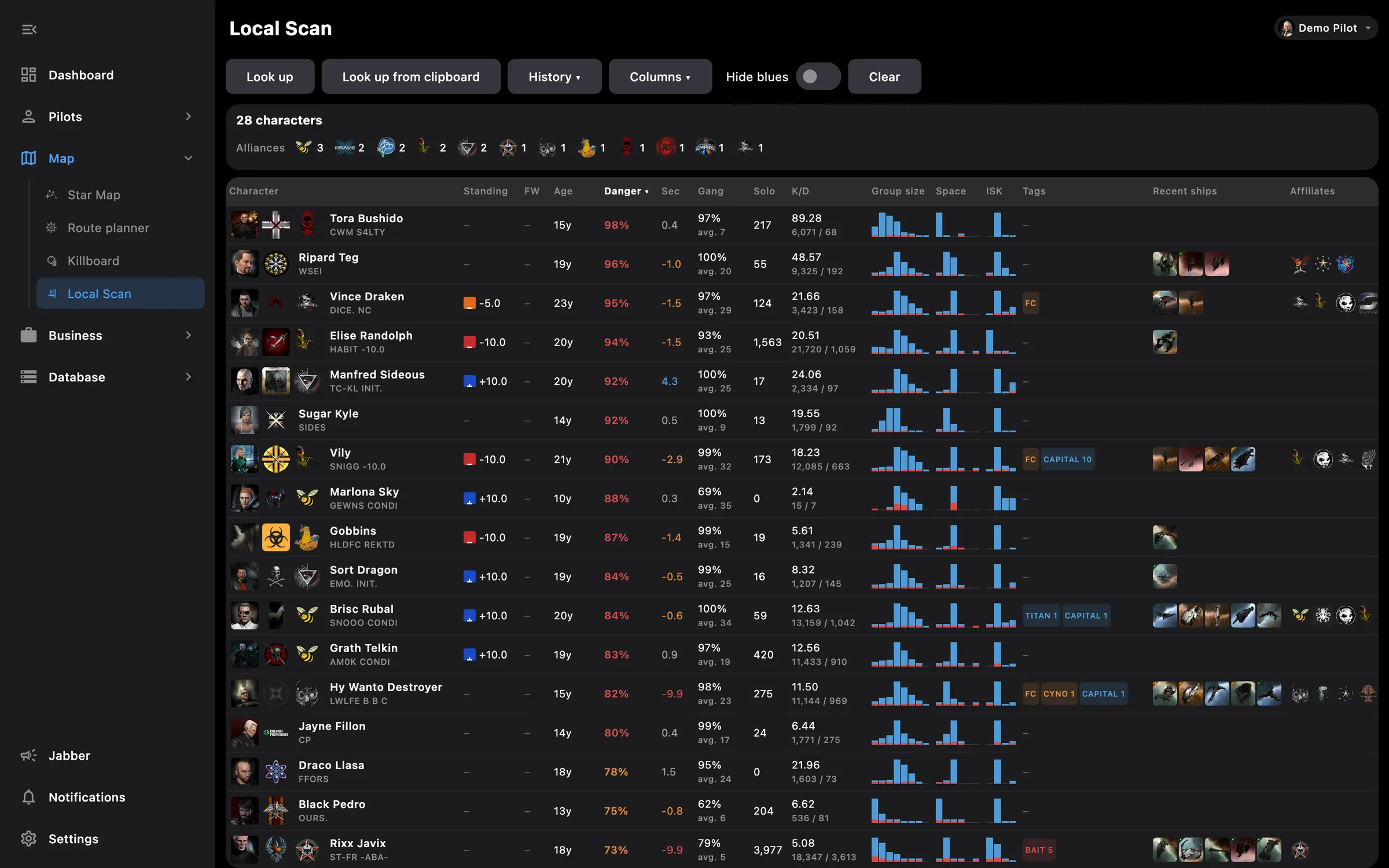
Paste local, see who is dangerous and who is a friend
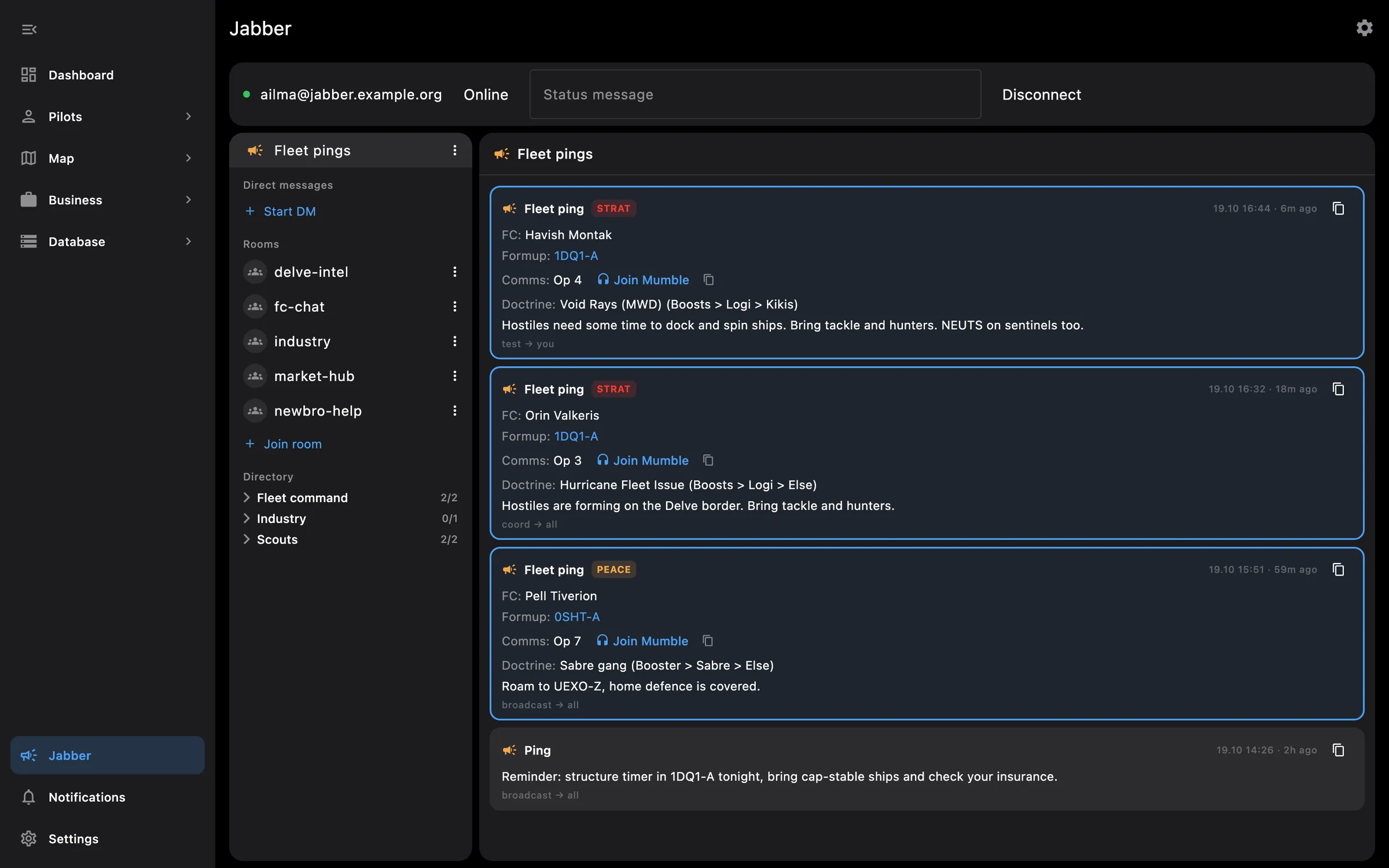
Jabber and fleet pings on the PC, alerts pushed to your phone
Something missing? Recent changes are in the patch notes, and you can ask on Discord.