← All features

Star map

Sovereignty, activity, kills, jump ranges, bridges, assets and bookmarks on one map
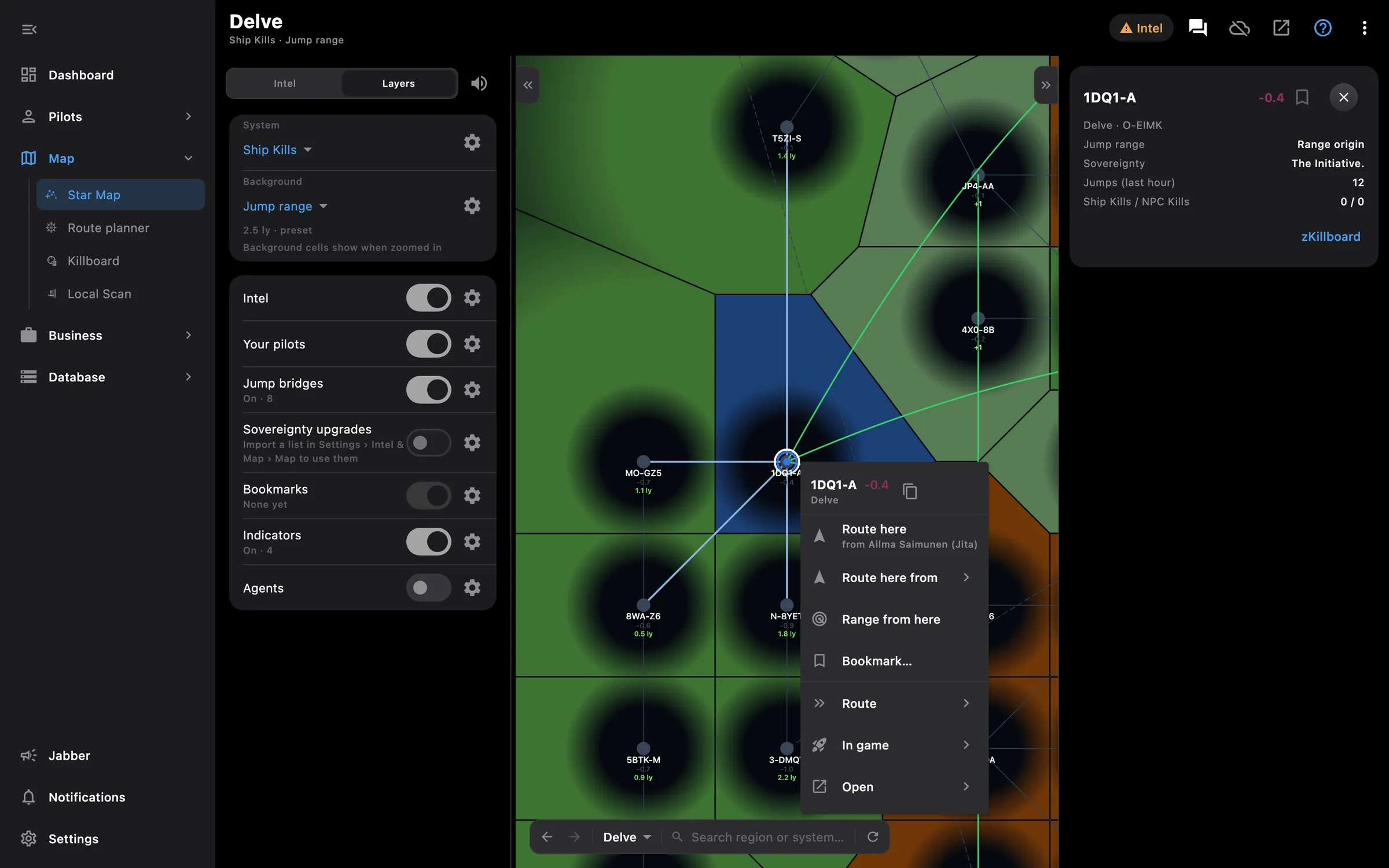
Jump range from a nullsec system with the context menu open
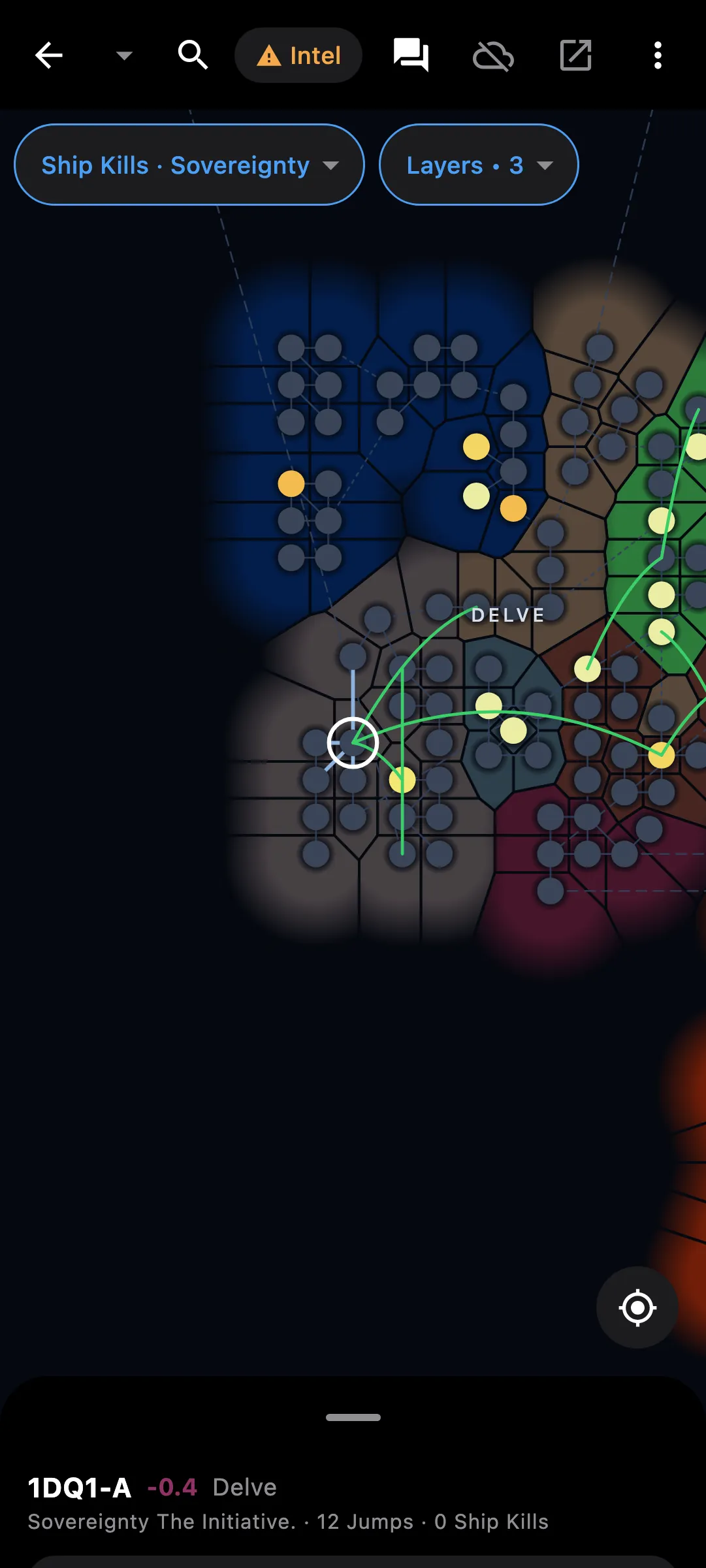
Star map on a phone

What you get

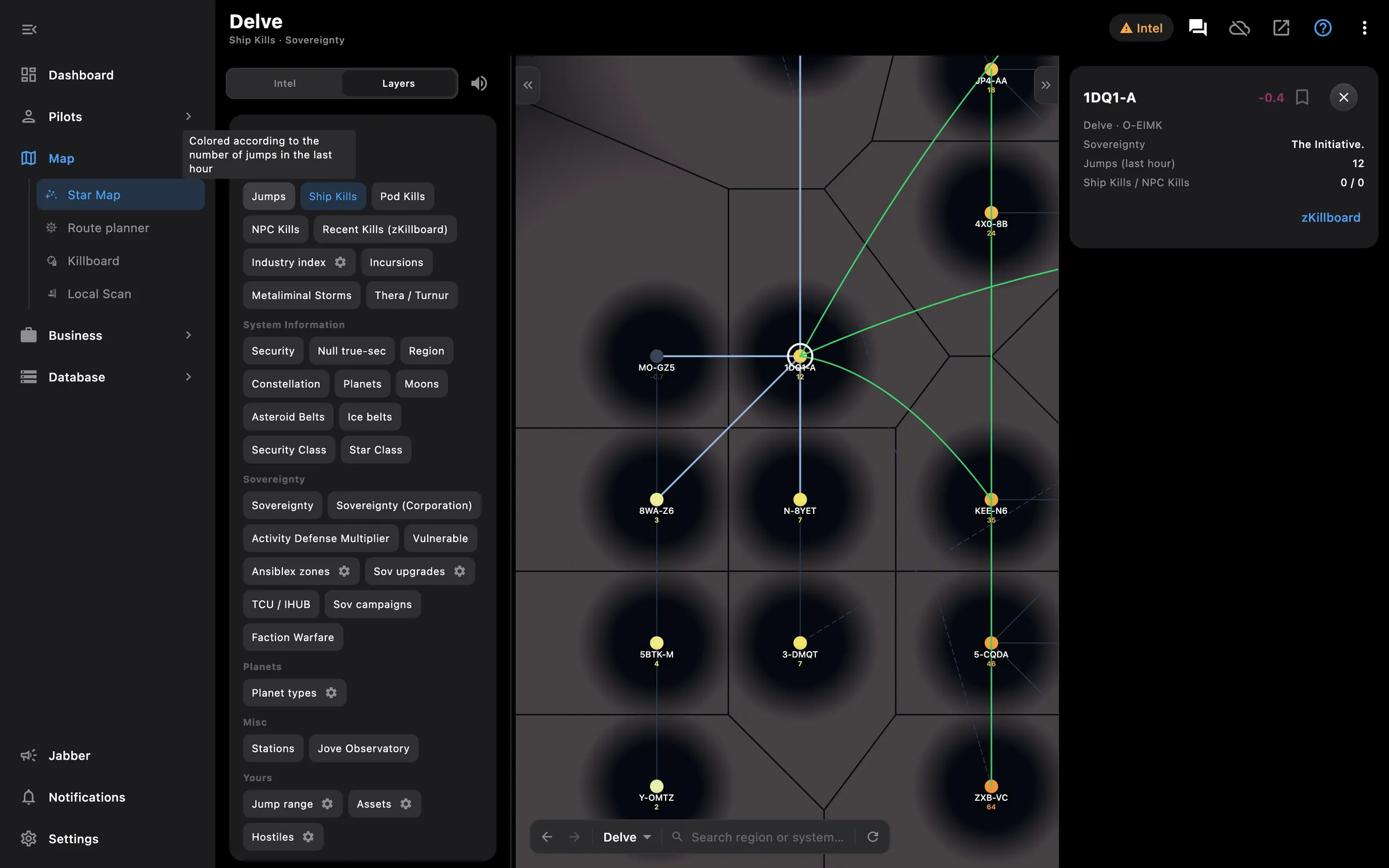
New Eden at a glance. Colour the systems and the space around them separately, so you can read two things at once — who owns the region and where people are dying. The whole universe or one region at a time, on the phone and the PC.

  • Sovereignty in each alliance's own colours, activity, kills, hostiles, industry indices, sov upgrades, planet types
  • Your jump bridges and Ansiblex zones, your assets, bookmarks and agents
  • Sovereignty hub upgrades from your alliance's list, with a search for where to mine, rat or explore
  • Lists of wormholes, incursions, storms and fresh kills, plus Thera and Turnur connections
  • Follow a pilot as they jump; search any system right on the map and bookmark it
  • Right-click (long-press on phones) for routes, jump range and in-game waypoints
  • A hover card with the lines you choose, and sizes for dots, names and markers you set yourself
  • Open the map in its own window on the PC

Access needed

Works without any access. Grant these to a pilot to get more:

  • Location and ship — Where the pilot is, the ship and online status
  • Assets — Everything the pilot owns
  • Fleet and waypoints — Fleet, in-game windows and waypoints

You pick the areas when you log a pilot in and can add more later on the Access screen. How access works →

How to use it

  1. Open the Map section; the whole universe is drawn, and your online pilots are marked
  2. In Layers, pick one colour for the system dots and another for the space around them
  3. Type in the search bar to find a system, or a word such as ratting or mining to find hub upgrades
  4. Tap a system for its card; right-click or long-press it for a route, a jump range or an in-game waypoint
  5. Switch on the lists of wormholes, incursions, storms and kills to see where things are happening

Phone and PC

On the phone — pinch to zoom, long-press for the menu, and the Intel, Layers and System panels open as sheets from compact chips.

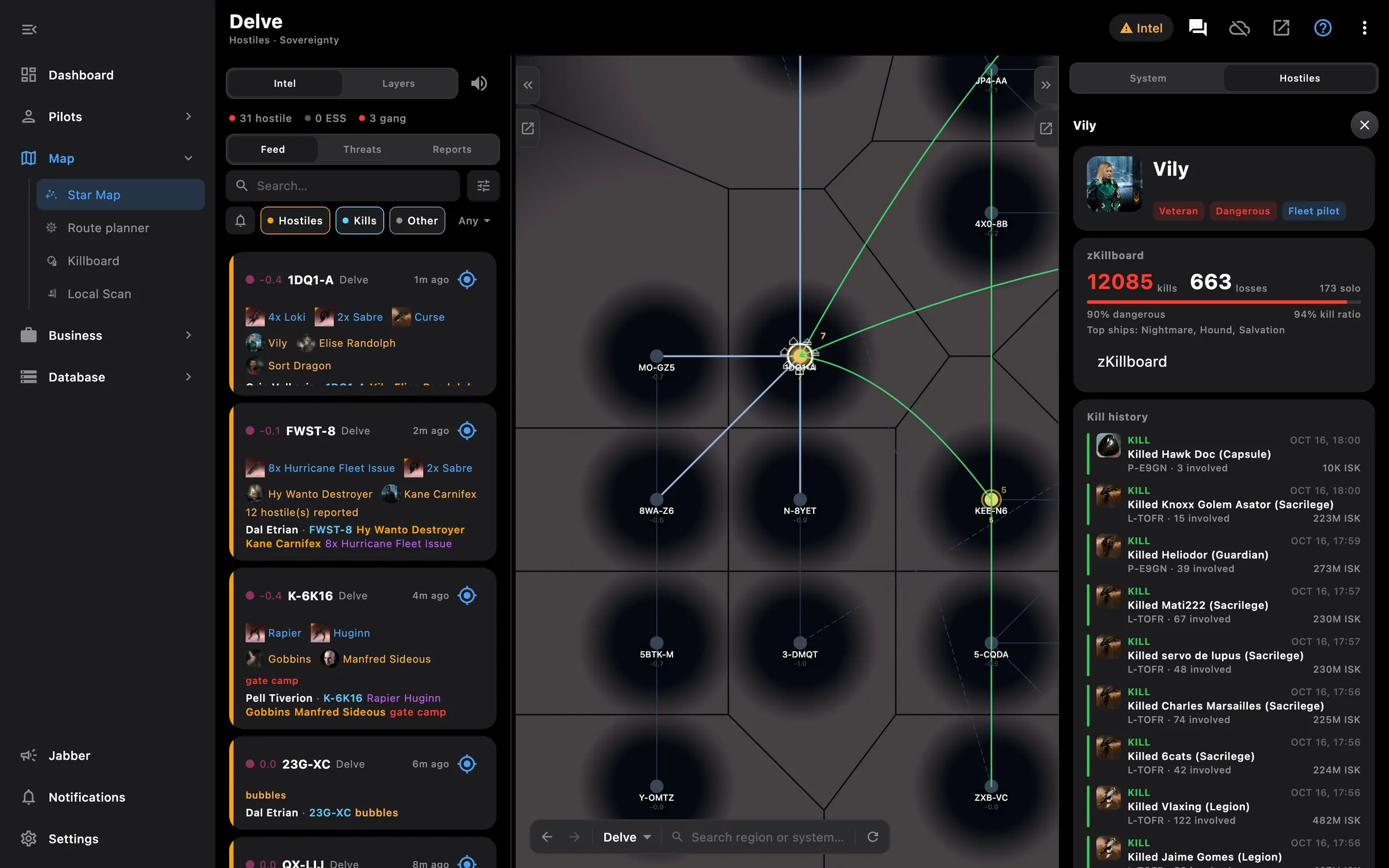
On the PC — Intel and Layers dock on the left, System, Hostiles and Route on the right, every system has a hover card, and the map can be torn off into its own window.
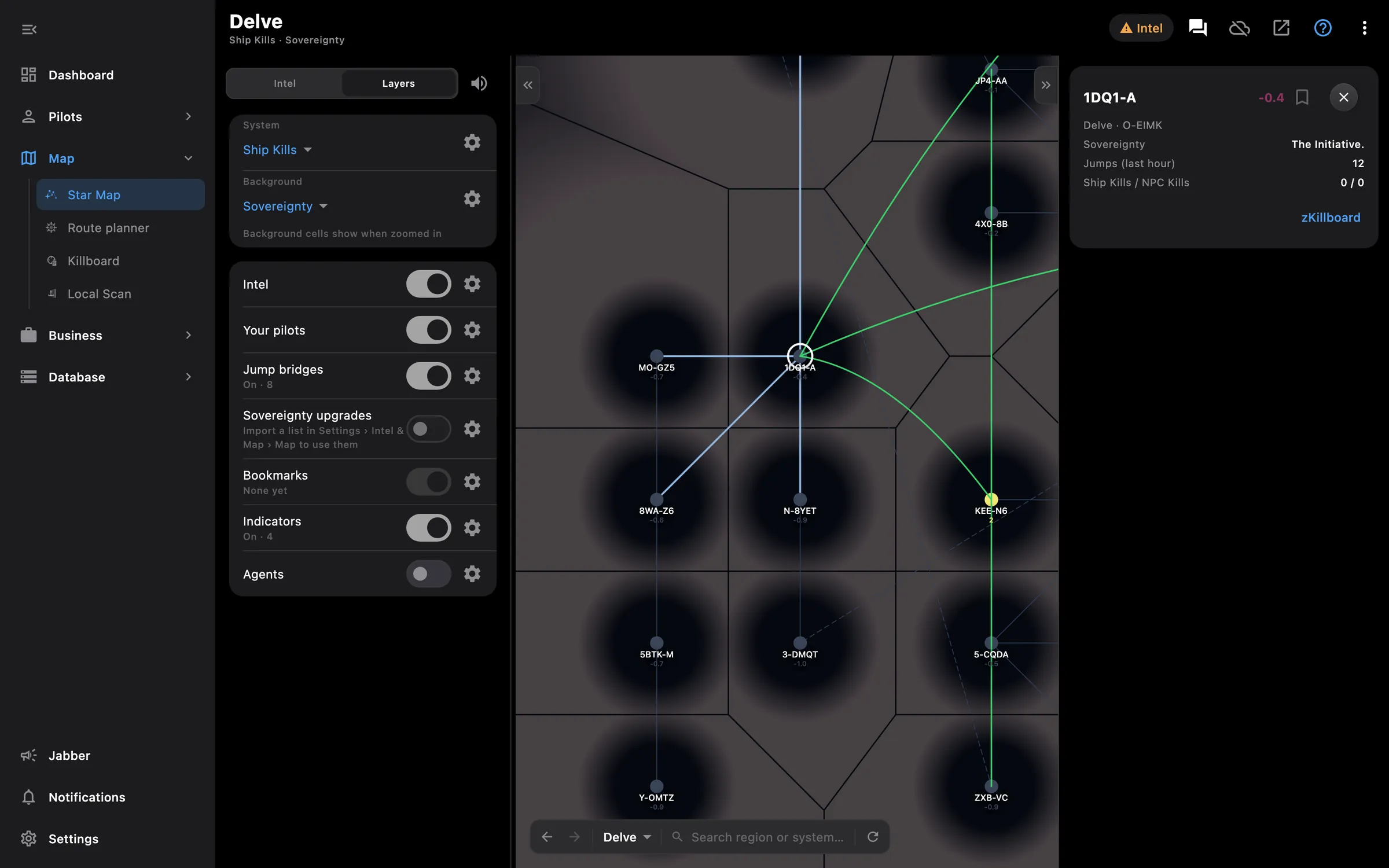
More screenshots

map desktop

See also

Something missing? Recent changes are in the patch notes, and you can ask on Discord.