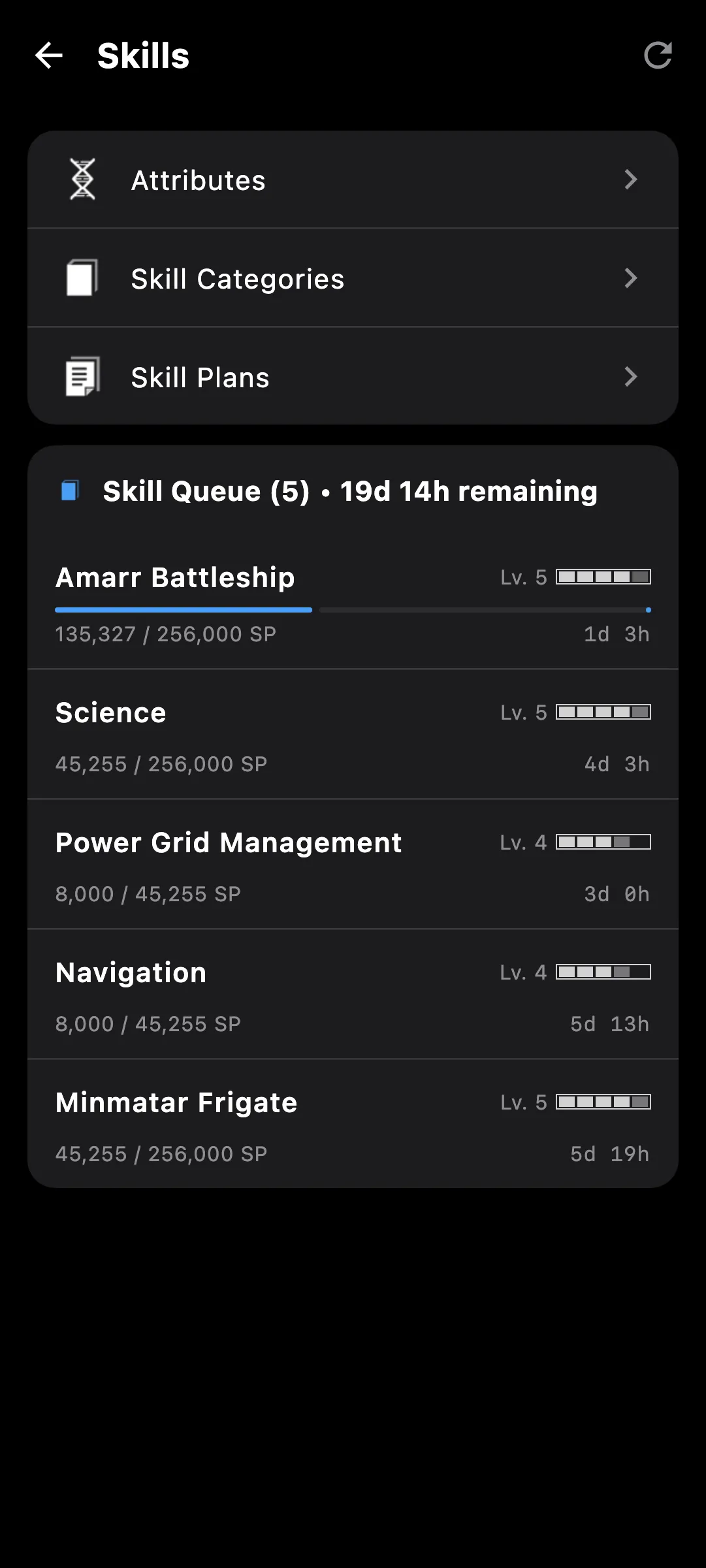
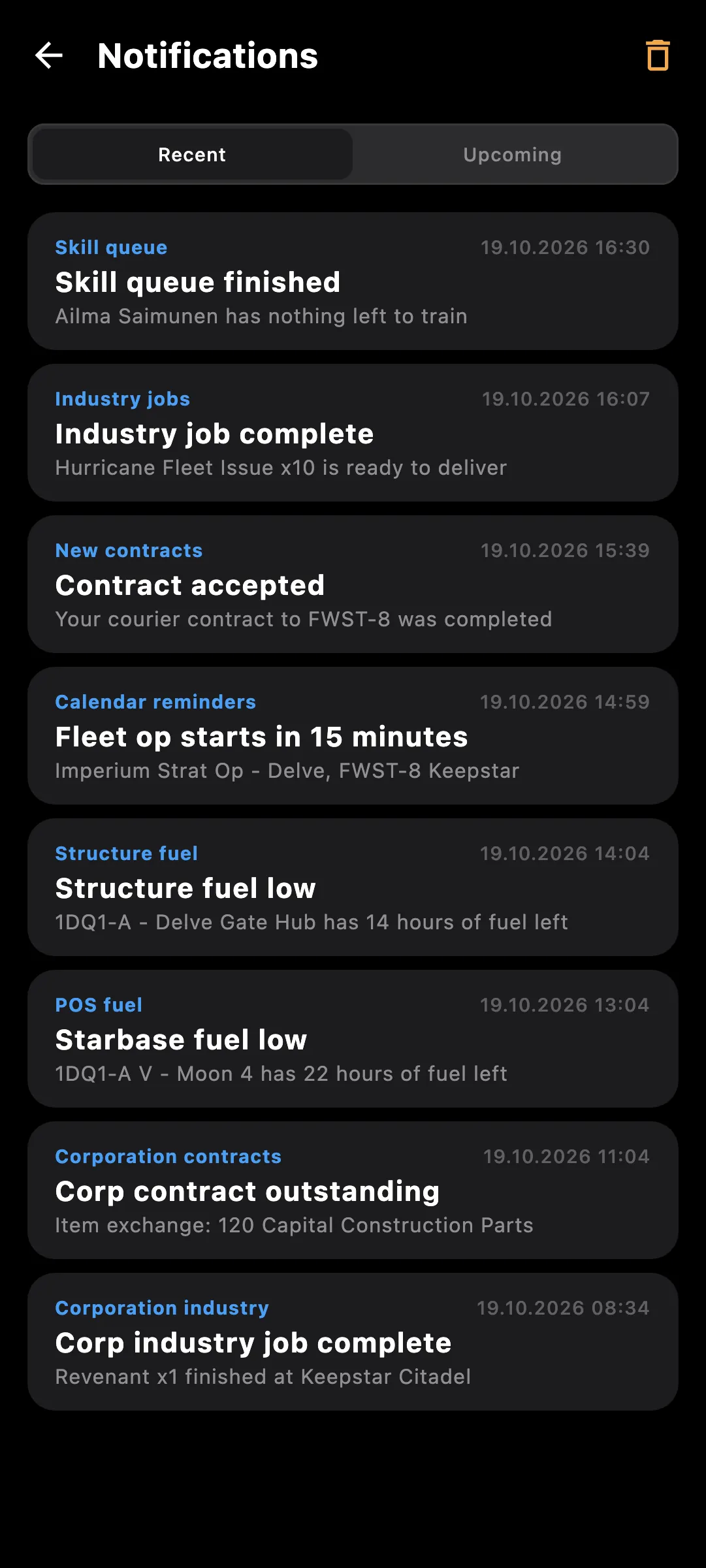
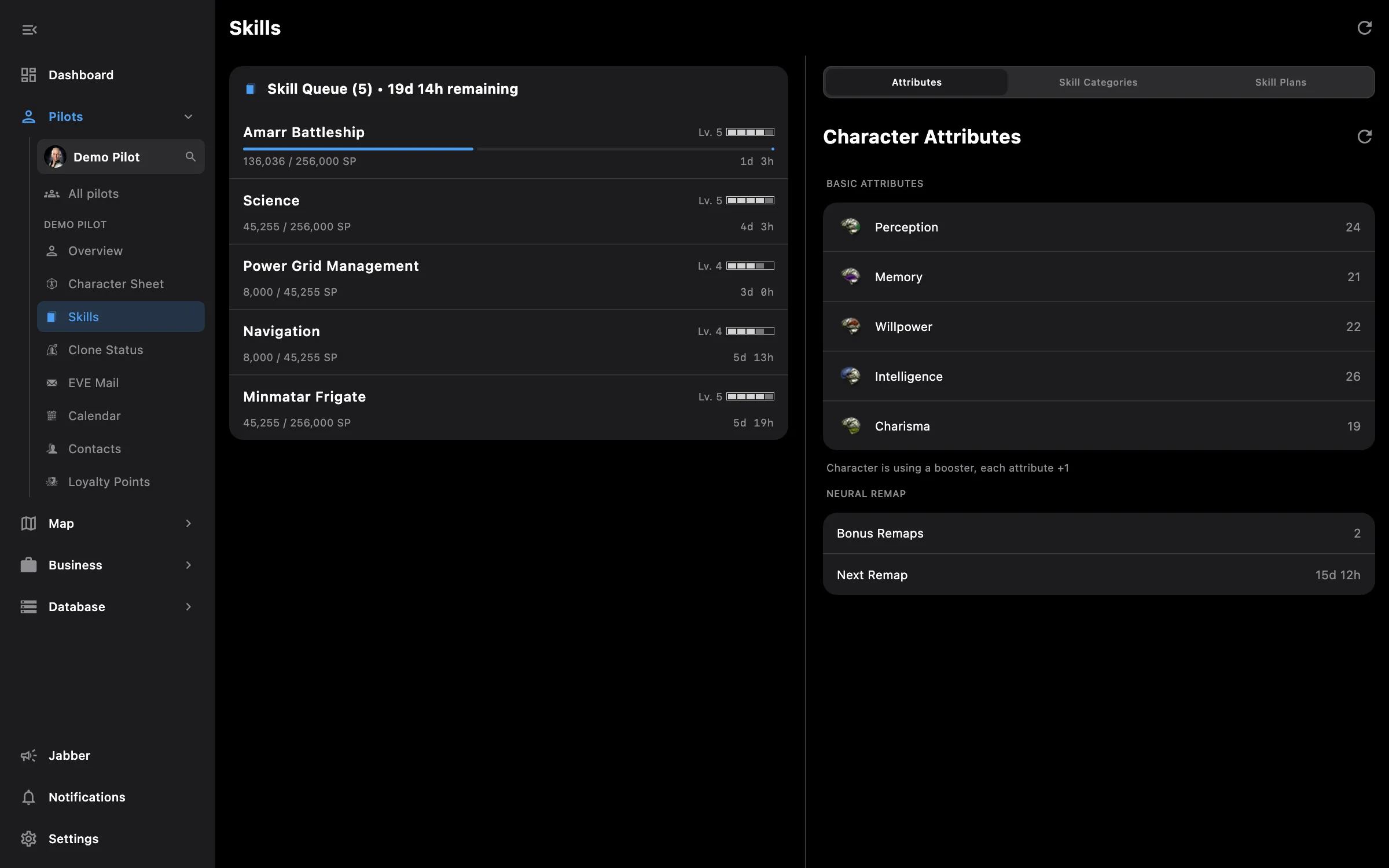
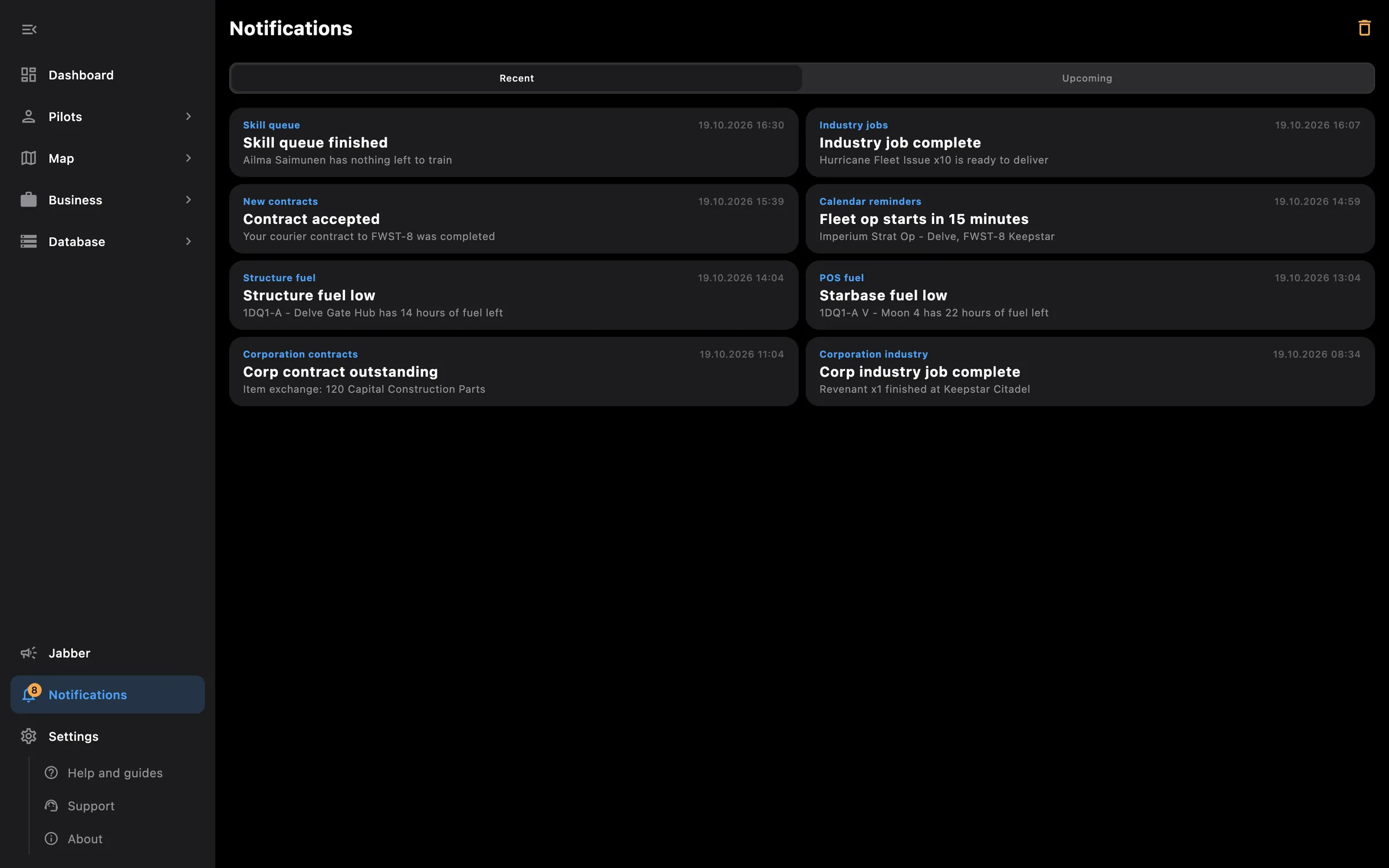
Every pilot you fly has its own page, one click away from the others. What cannot be summed across pilots lives here: skills, clones, mail, contacts, loyalty points, the calendar and the notifications EVE sends that pilot.
Tip: tap a skill anywhere, in the queue, a group or a fit, to open its page and see what it unlocks.
This screen needs these access areas for each pilot you want included:
You pick the areas when you log a pilot in and can add more later on the Access screen. How access works →
On the phone — the pilot's page is one long screen with its sections one after the other; Pilots is a tab in the bottom bar.
On the PC — Skills shows the queue and the skill lists side by side, Mail has the folder list beside the message, and the pilot switcher at the top of the side menu changes pilot without leaving the screen.
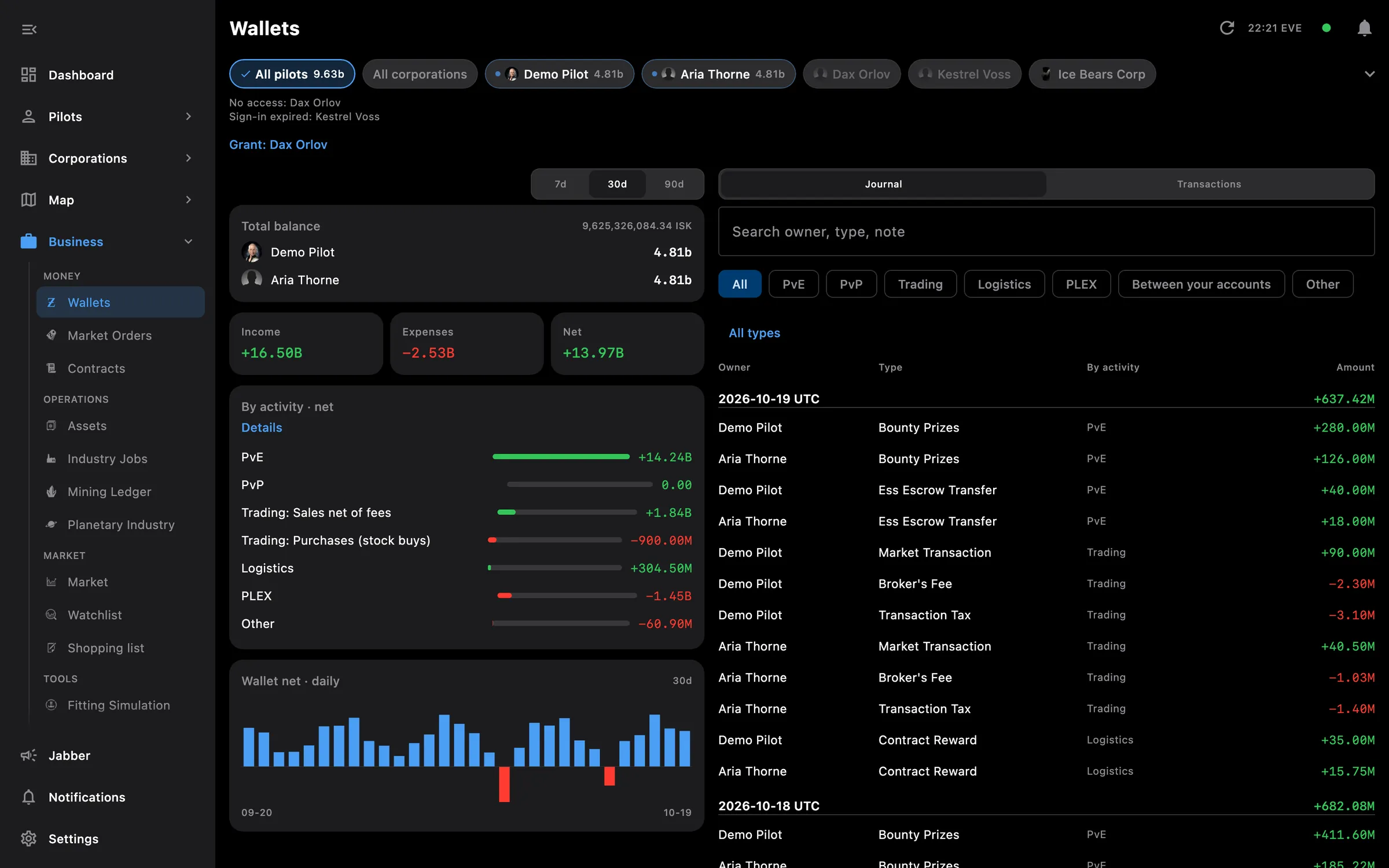
Wallets, orders, contracts, assets, industry, mining and planetary, everyone together

Pick what each pilot shares at login, widen it later on the Access screen
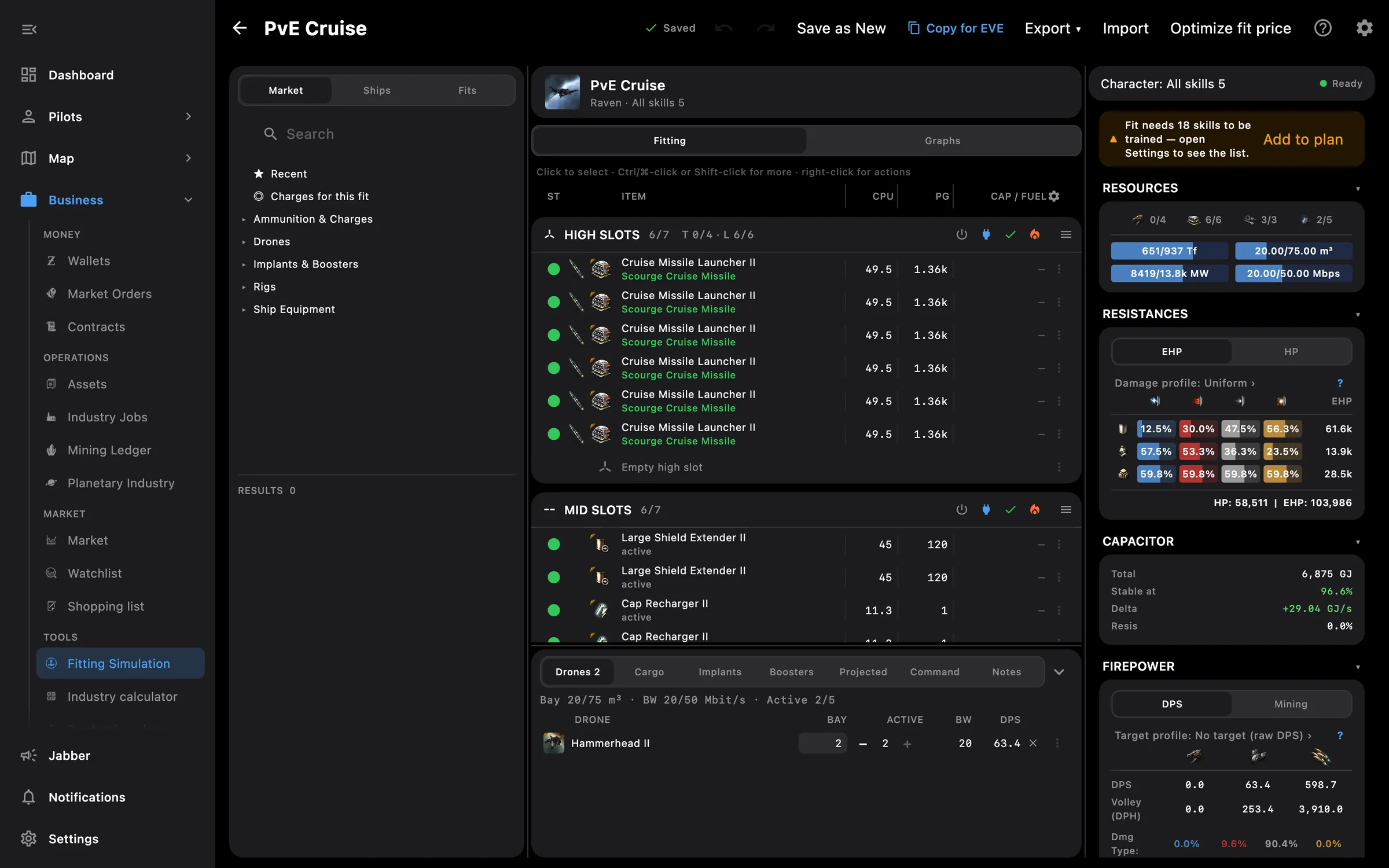
DPS, EHP, capacitor, eight graphs, projected effects and a price optimizer
Something missing? Recent changes are in the patch notes, and you can ask on Discord.