← All features

Built for the PC

Several windows, wide tables with a detail pane, keyboard import

What you get

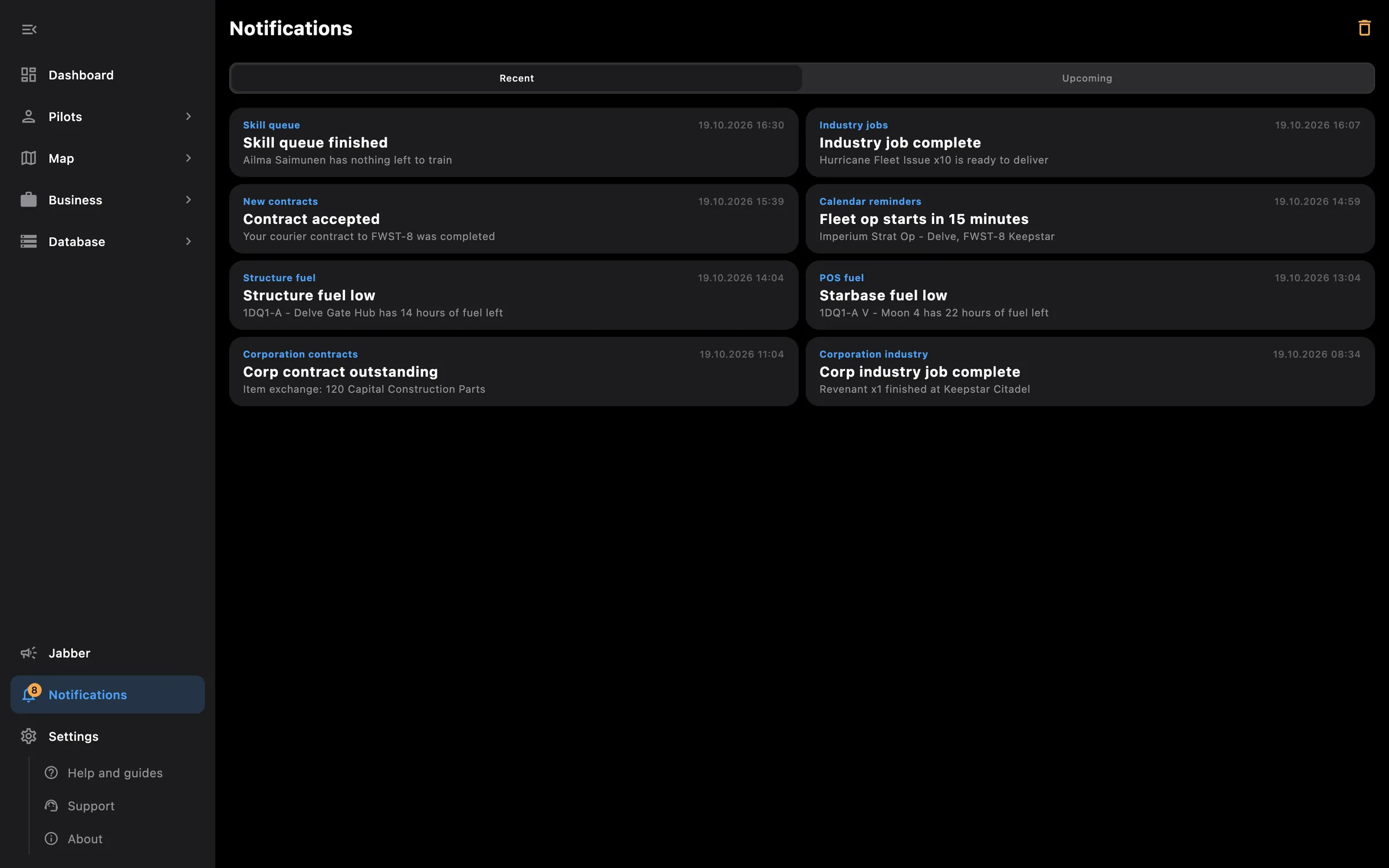
The Windows, macOS and Linux apps use the screen: a side menu that collapses to icons, several windows at once, and wide tables with a detail pane. The phone keeps its own layouts; the PC gets more columns, hover cards, right-click menus and keyboard shortcuts.

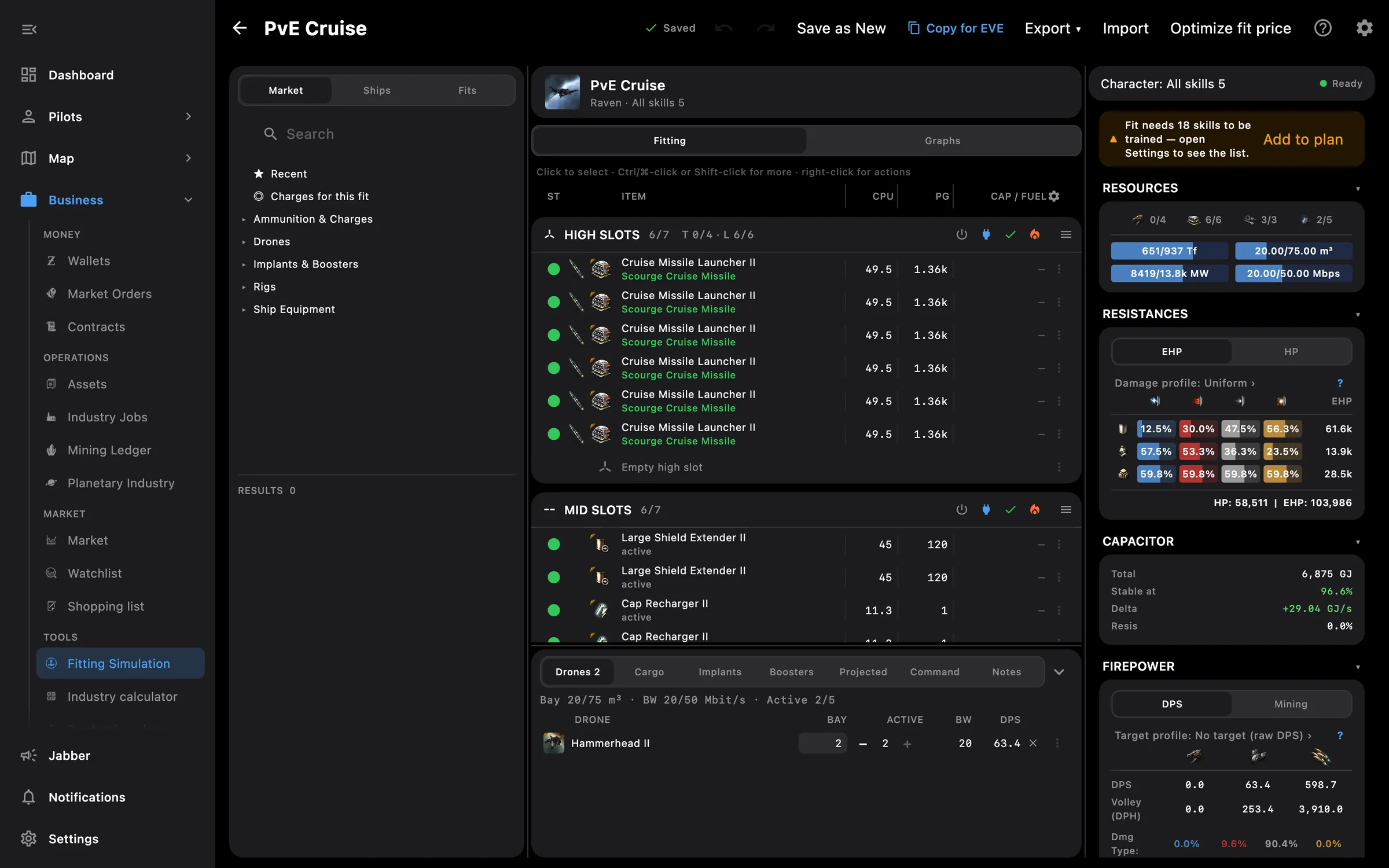
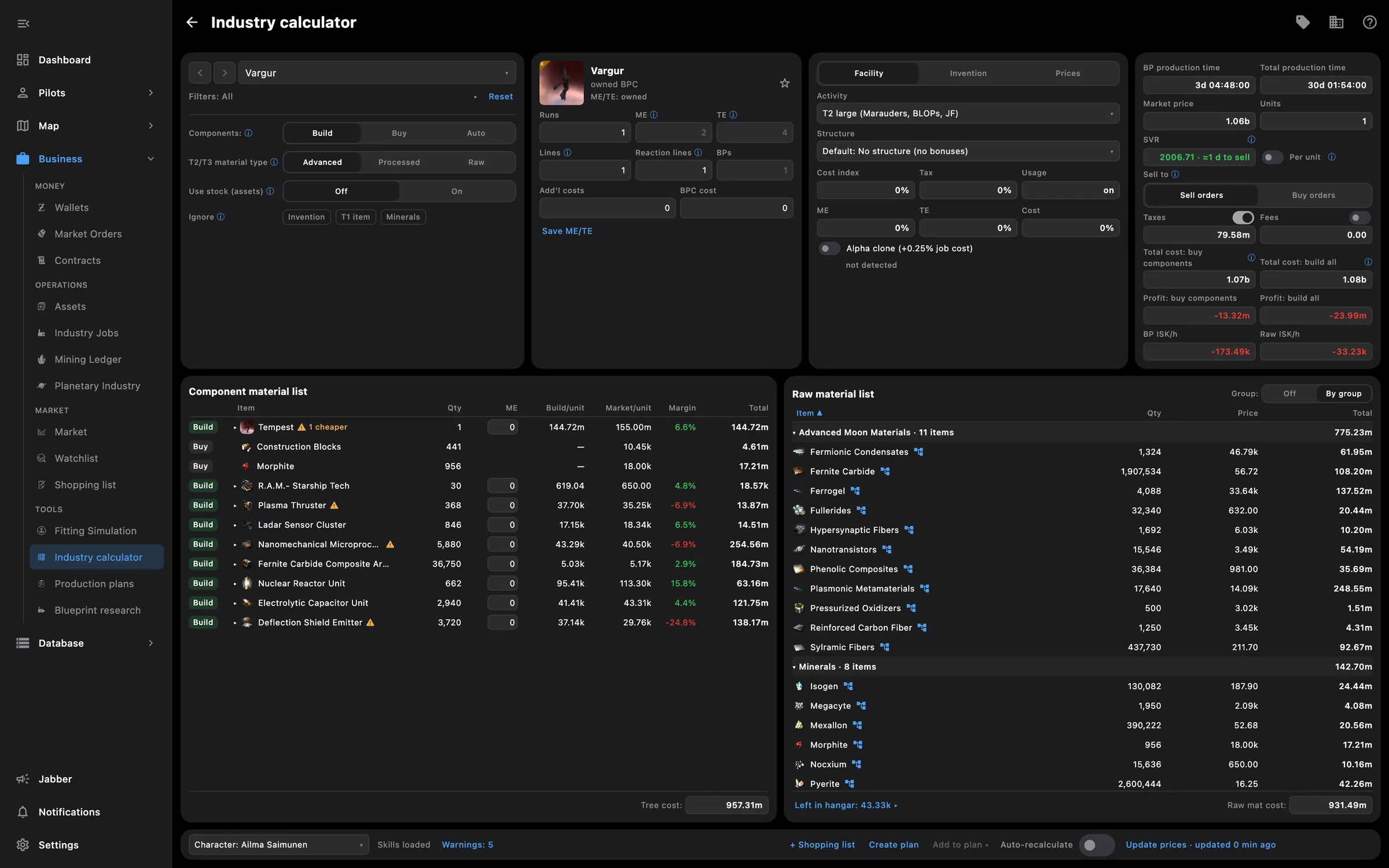
  • Market, Fitting, Industry calculator, Production plans, Shopping list and Blueprint research in their own windows
  • Detach the intel feed, the map or a pilot panel into its own window
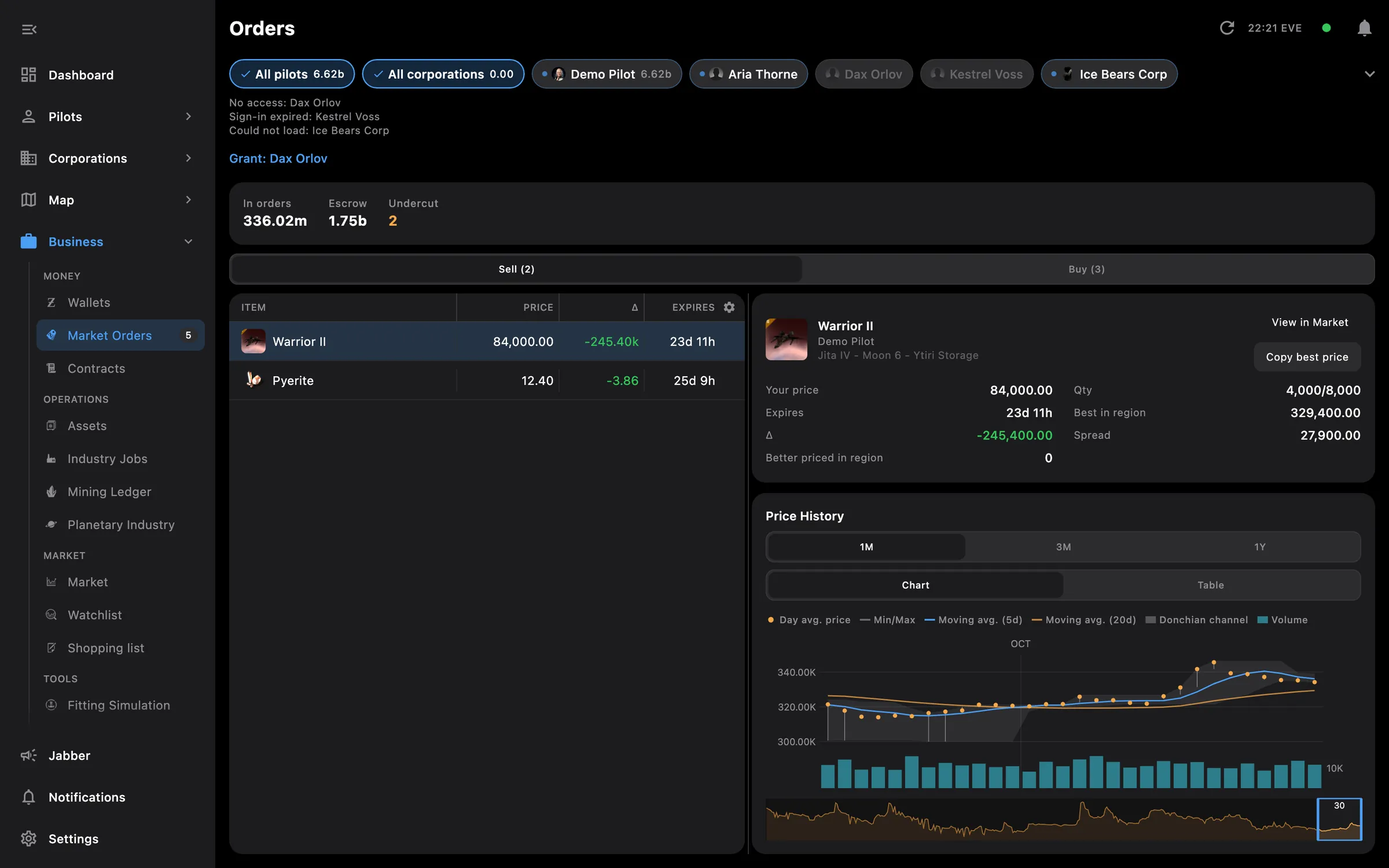
  • Orders, Contracts, Assets and Mail with a detail pane beside the list, when there is room beside the side menu
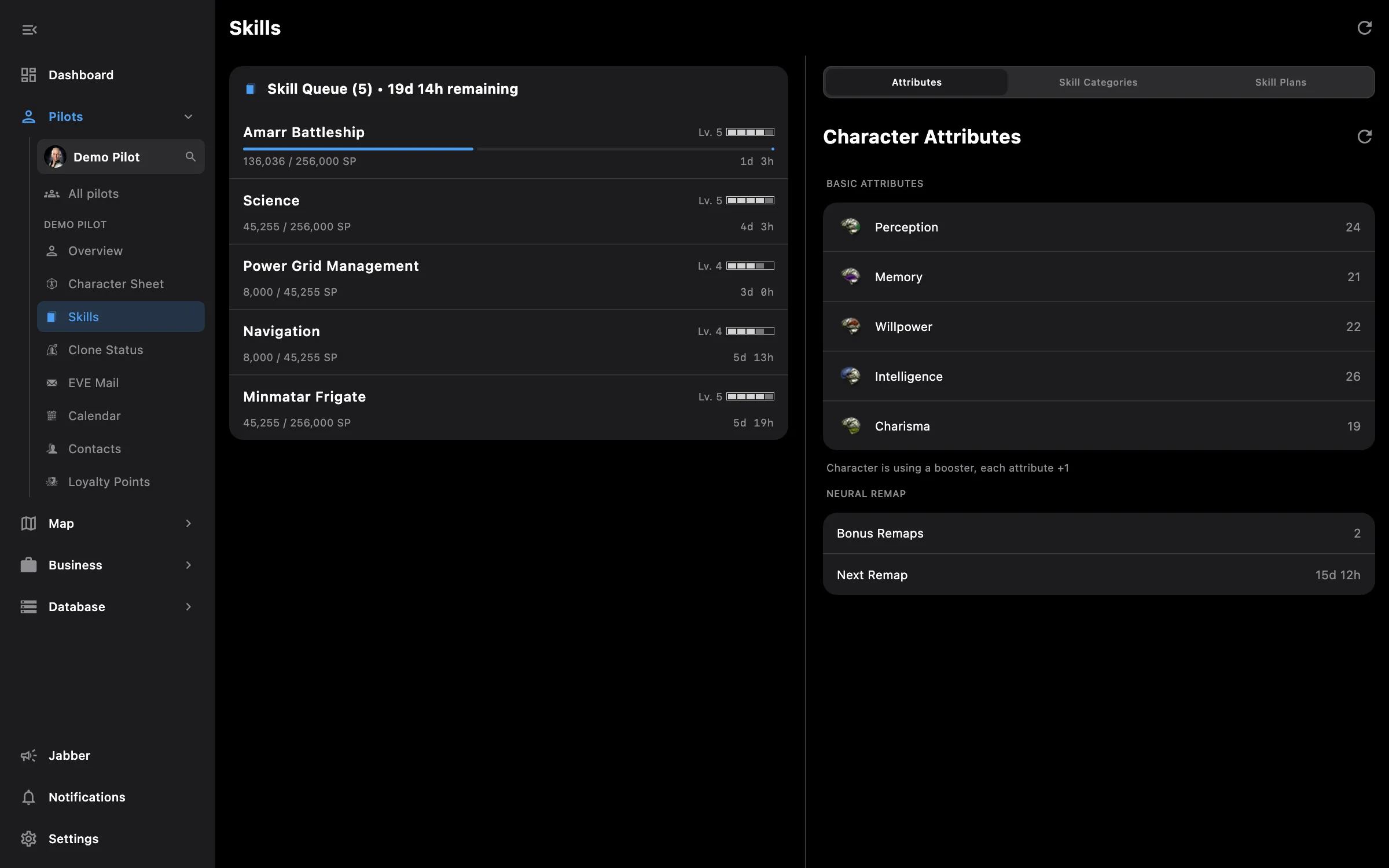
  • Skills with the queue and the lists side by side
  • Fitting: market, fit and stats side by side, resizable columns, right-click menus, shortcuts and undo
  • Fitting: Optimize fit price, command sources with skills and mindlinks, a detailed hover card per module
  • Intel: alerts as a popup that stays over the game, up to five stacked, or as a system notification
  • Intel: a Mute button silences every alert sound with one click
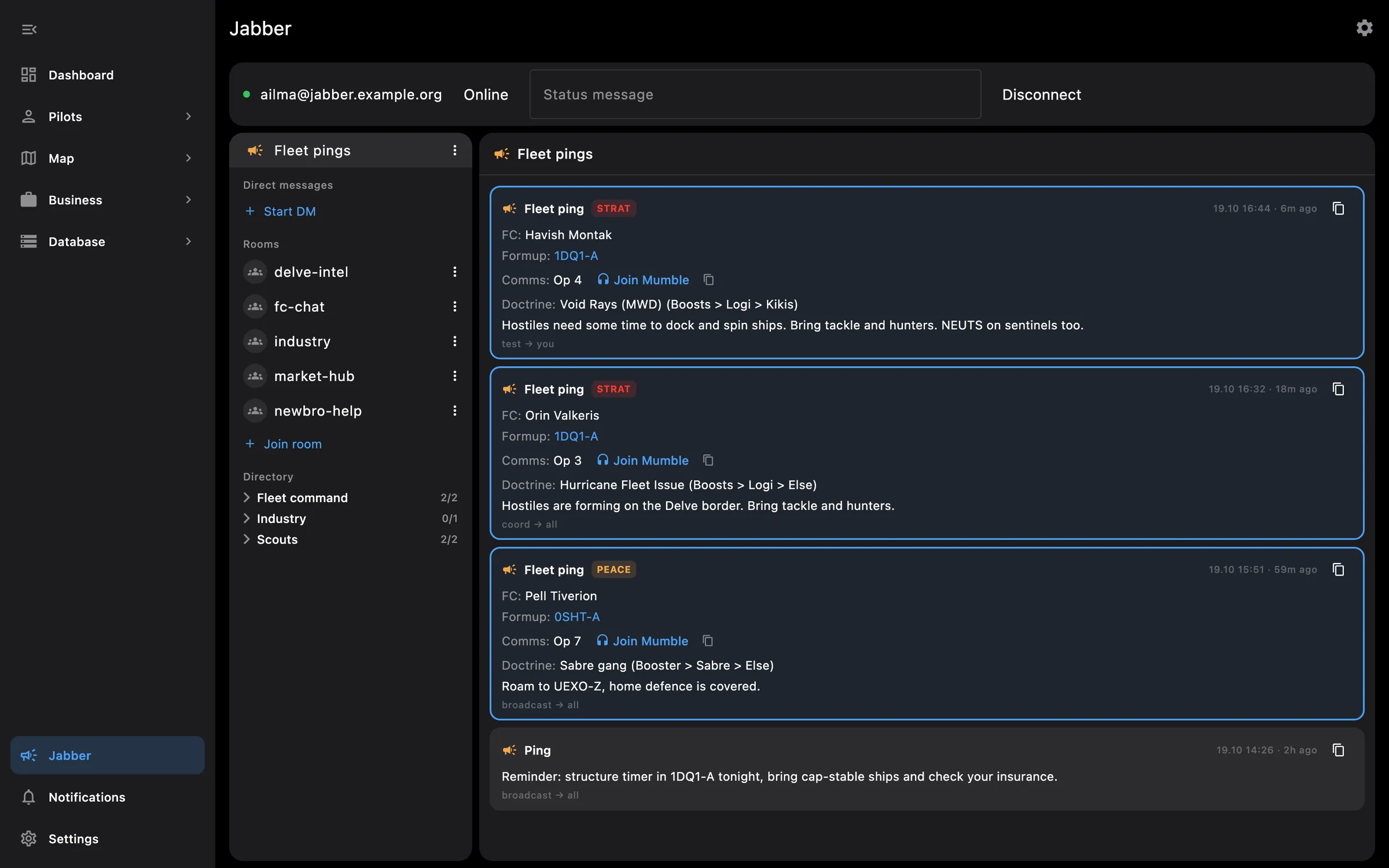
  • Jabber chat and fleet pings run on the PC and forward to your phone
  • Closing the window can close the app or minimise it, and the app checks for a new version at launch

Tip: the button at the top of the side menu collapses it to icons; the active section's pages stay under its icon.

Access needed

Needs no access to your EVE account.

You pick the areas when you log a pilot in and can add more later on the Access screen. How access works →

How to use it

  1. Open Market, Fitting or one of the industry tools from Business and Tools; each opens in its own window
  2. Press the toggle at the top of the side menu to collapse it to icons, or expand it again
  3. On the star map, use the detach button on the intel panel to put the feed or the map in a separate window
  4. In the fitting window, copy an EFT or DNA fit anywhere and press Ctrl+V to import it
  5. In Settings, Appearance, choose whether the close button closes the app or minimises it

Phone and PC

On the phone — the same screens live under a bottom bar with five sections and open one at a time, full screen; separate windows, hover cards and shortcuts are PC only.

On the PC — everything on this page. Windows comes as an installer that lets you choose the folder, Linux as a .deb package, and on macOS intel can ask for access to the game's log folder.
More screenshots

See also

Something missing? Recent changes are in the patch notes, and you can ask on Discord.