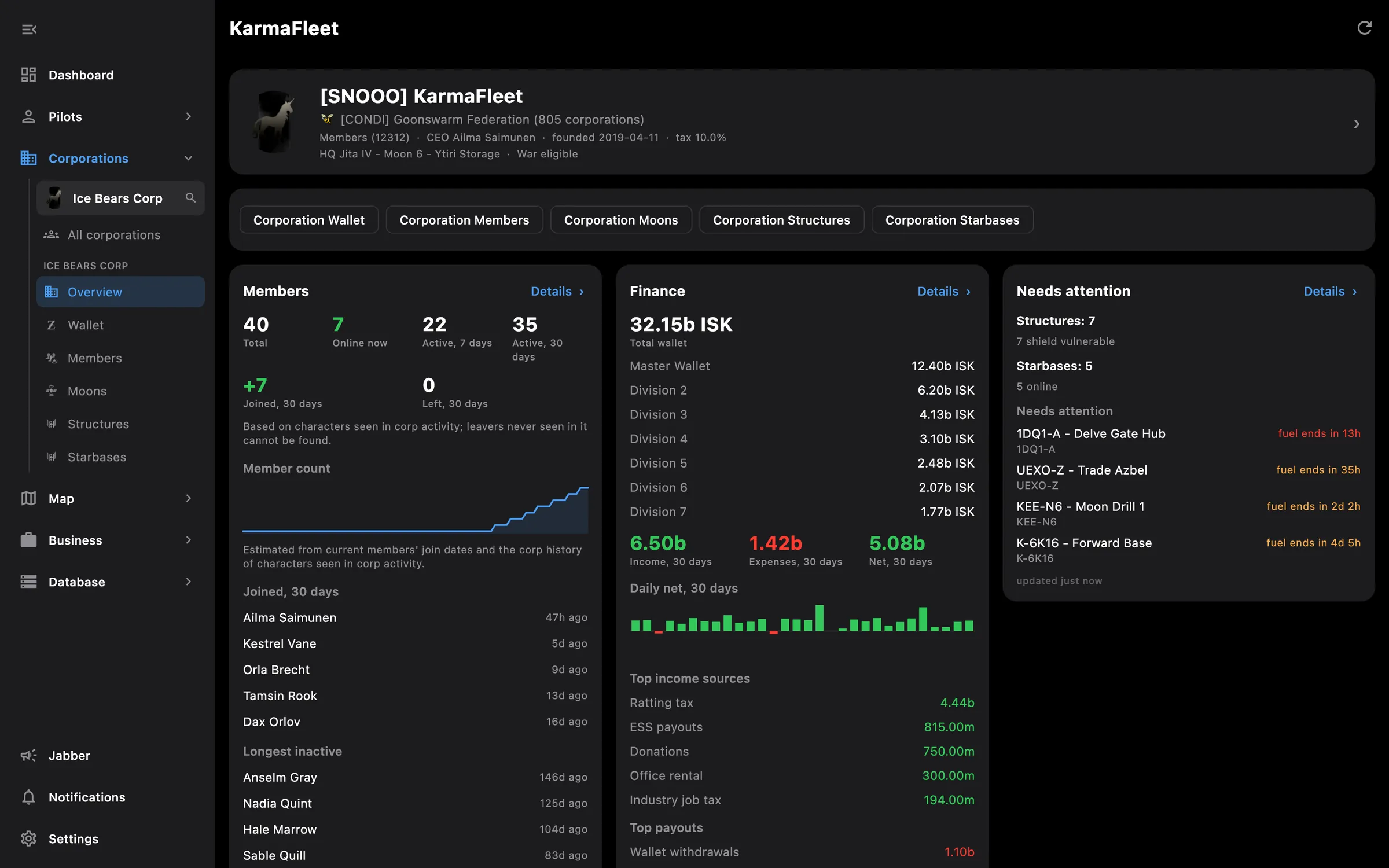
← All features

Dashboard

Result, net worth, wealth over time and a price watchlist for every pilot and corporation
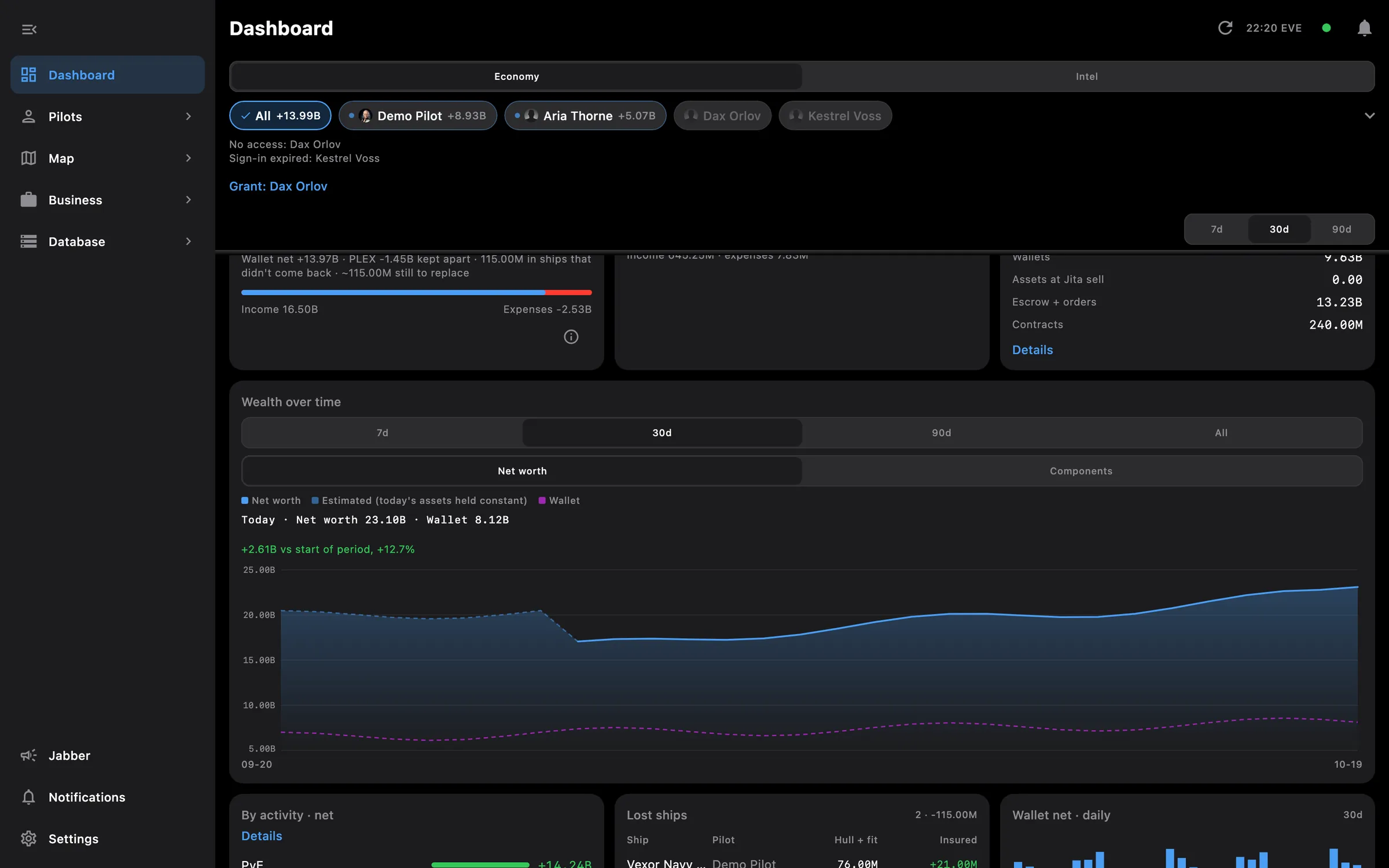
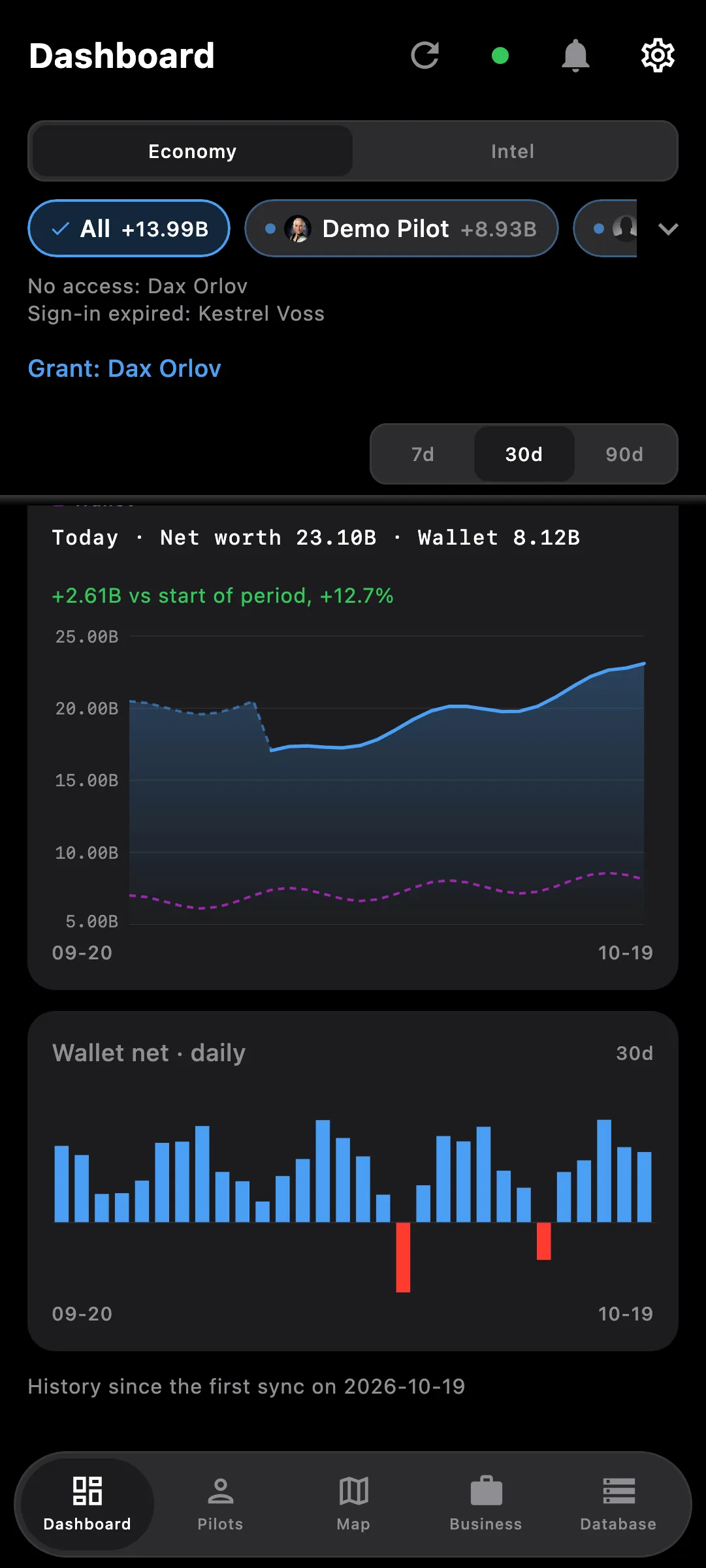
Dashboard scrolled to wealth over time, activity breakdown, lost ships and wallet net
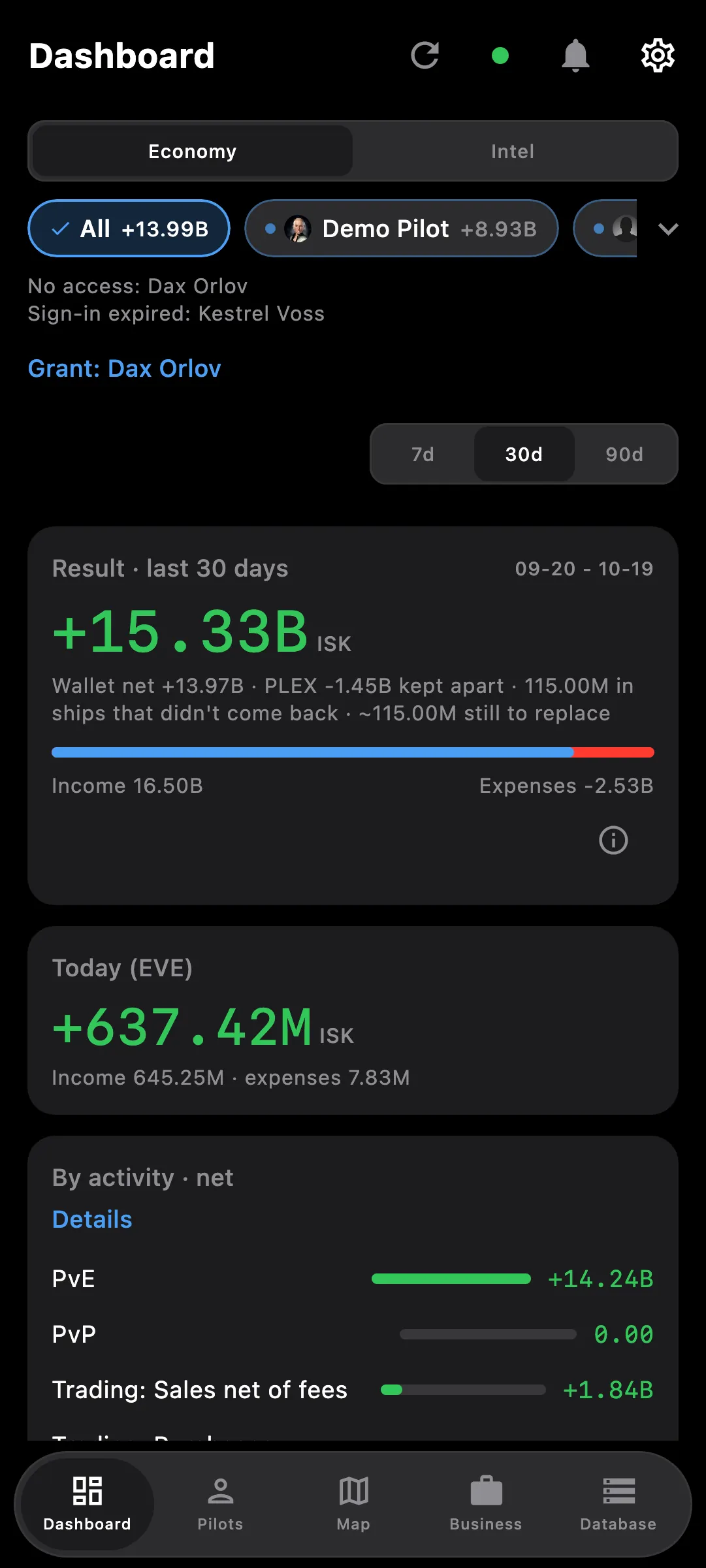
Dashboard on a phone: net worth over time and daily wallet net

What you get

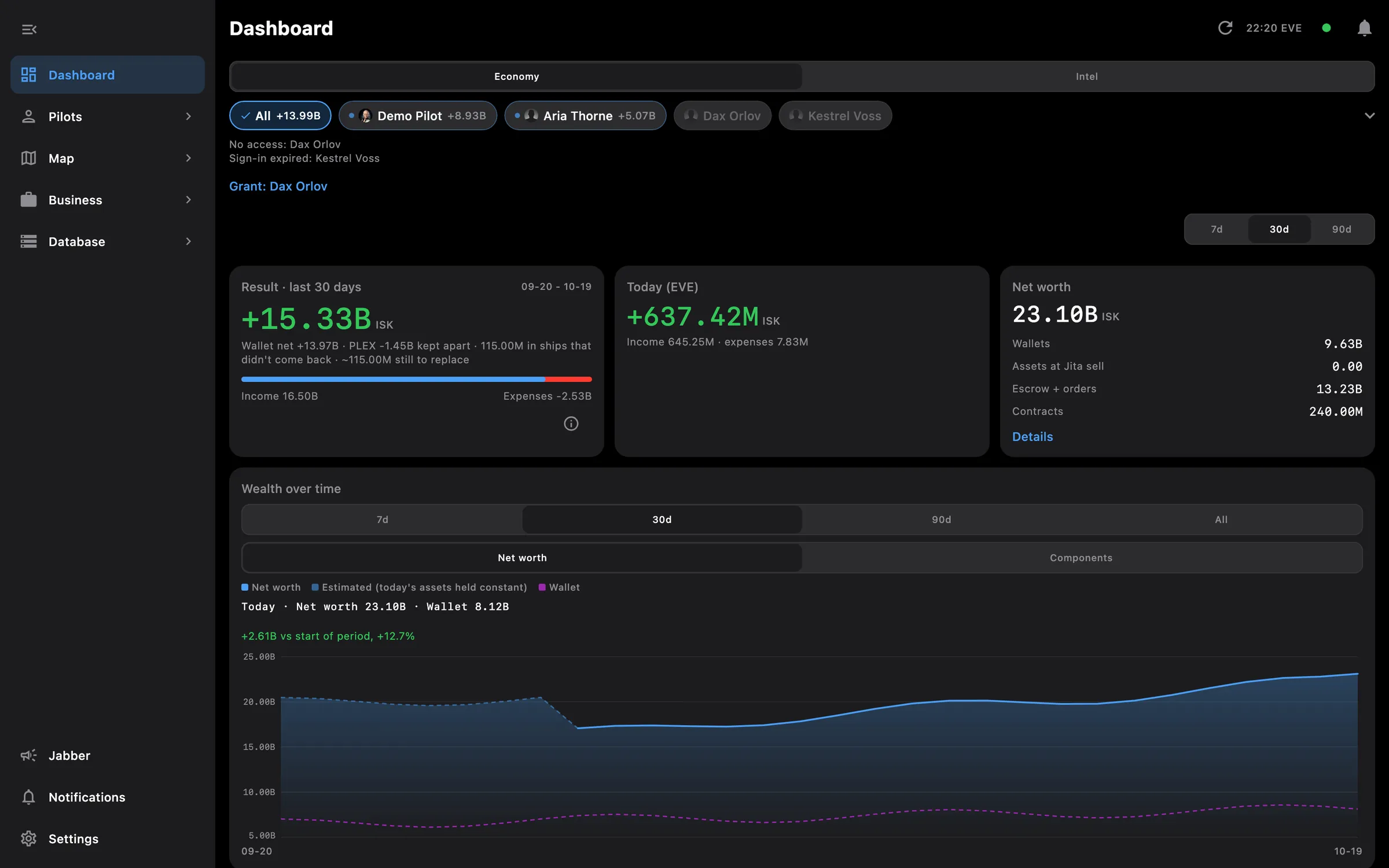
Open the app and see where you stand: one economy view for every pilot and corporation you have added, with an Intel tab next to it for what is happening around them. Chips at the top choose who is included, and the period is 7, 30 or 90 days.

  • Result for the period, today so far, and net worth split into wallets, assets, orders and contracts
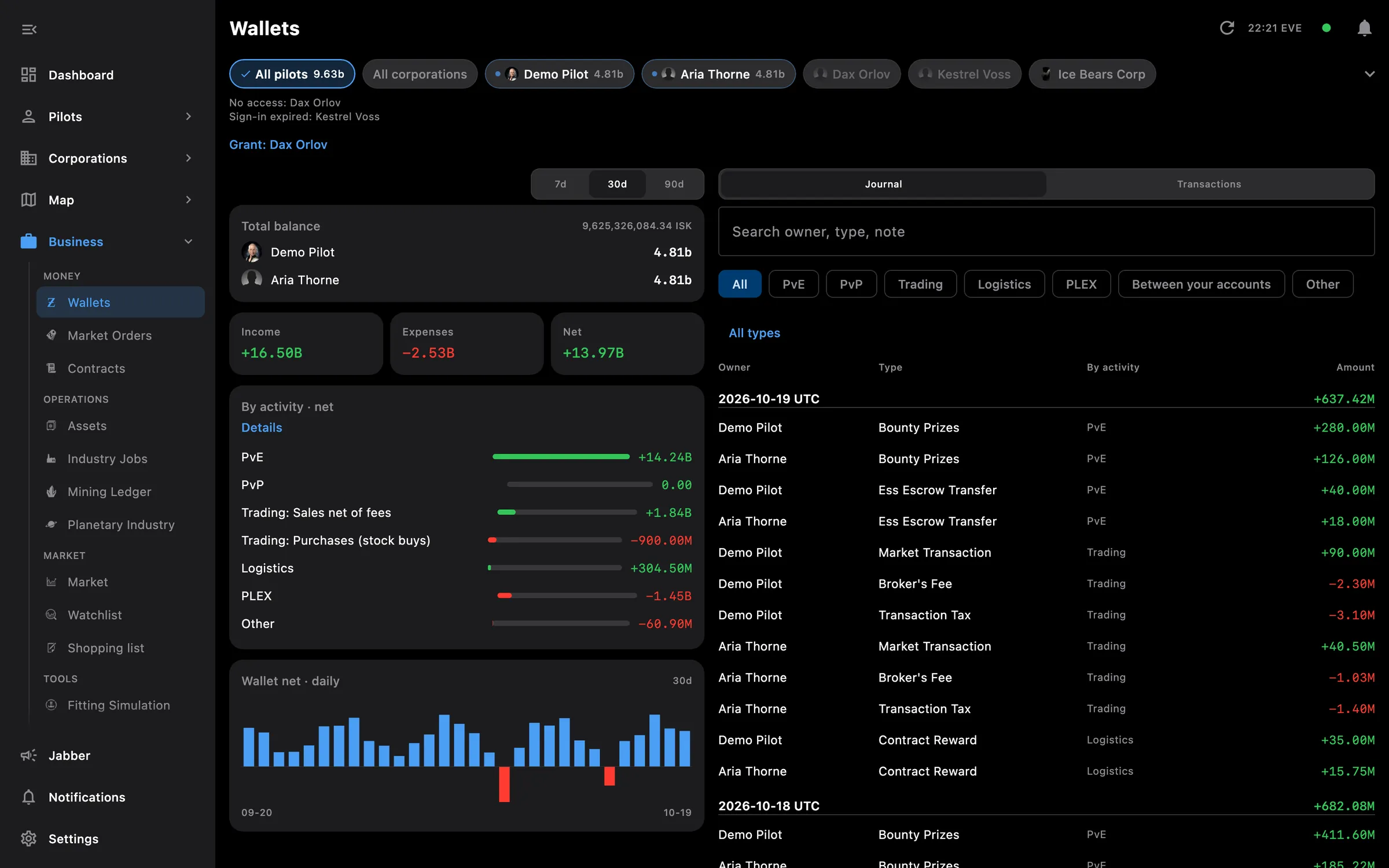
  • Wealth over time, and a breakdown of income and expenses by activity, corporation wallets included
  • Lost ships with what was insured
  • A Needs attention card: alerts that fired in the last day and what is due in the next
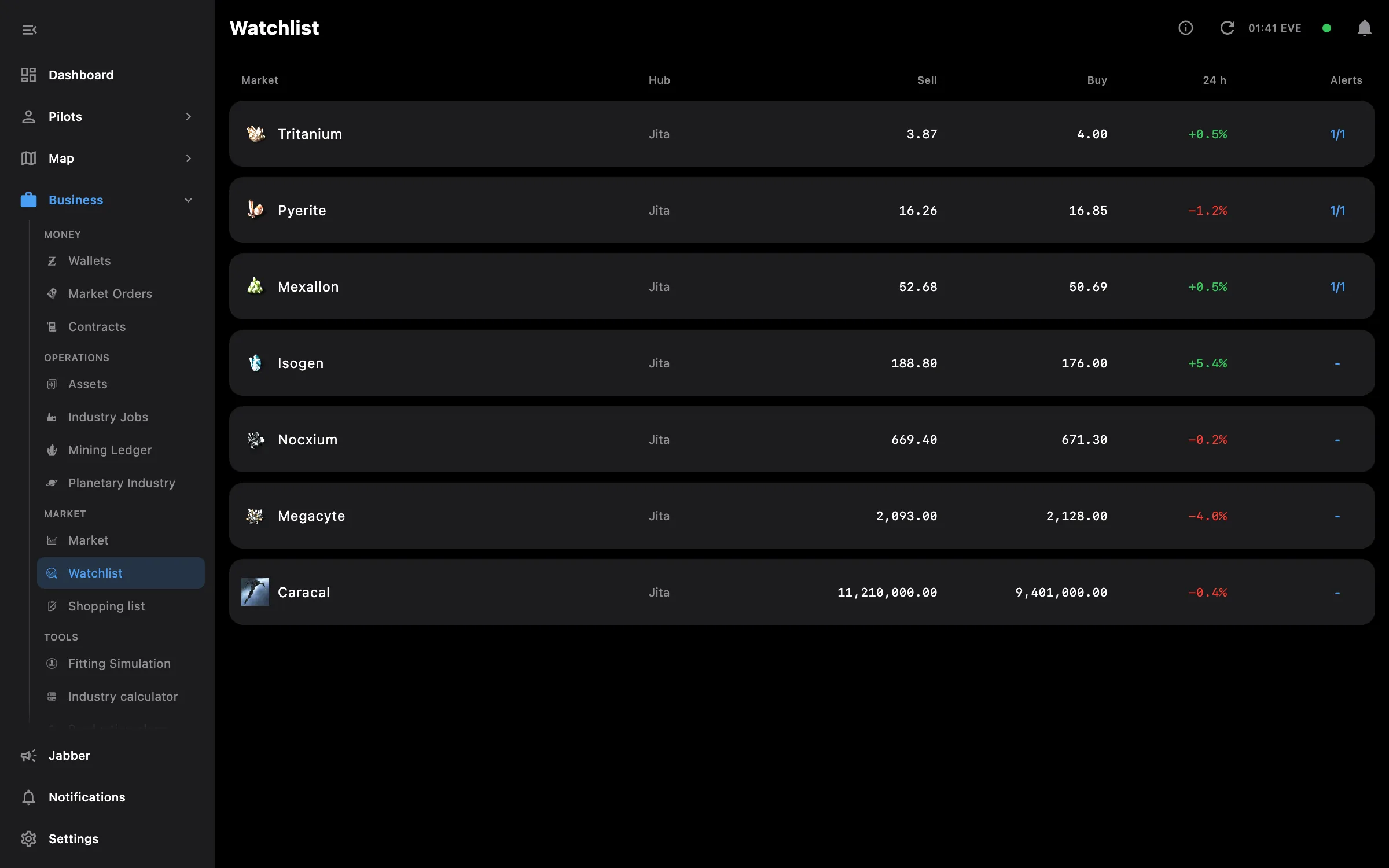
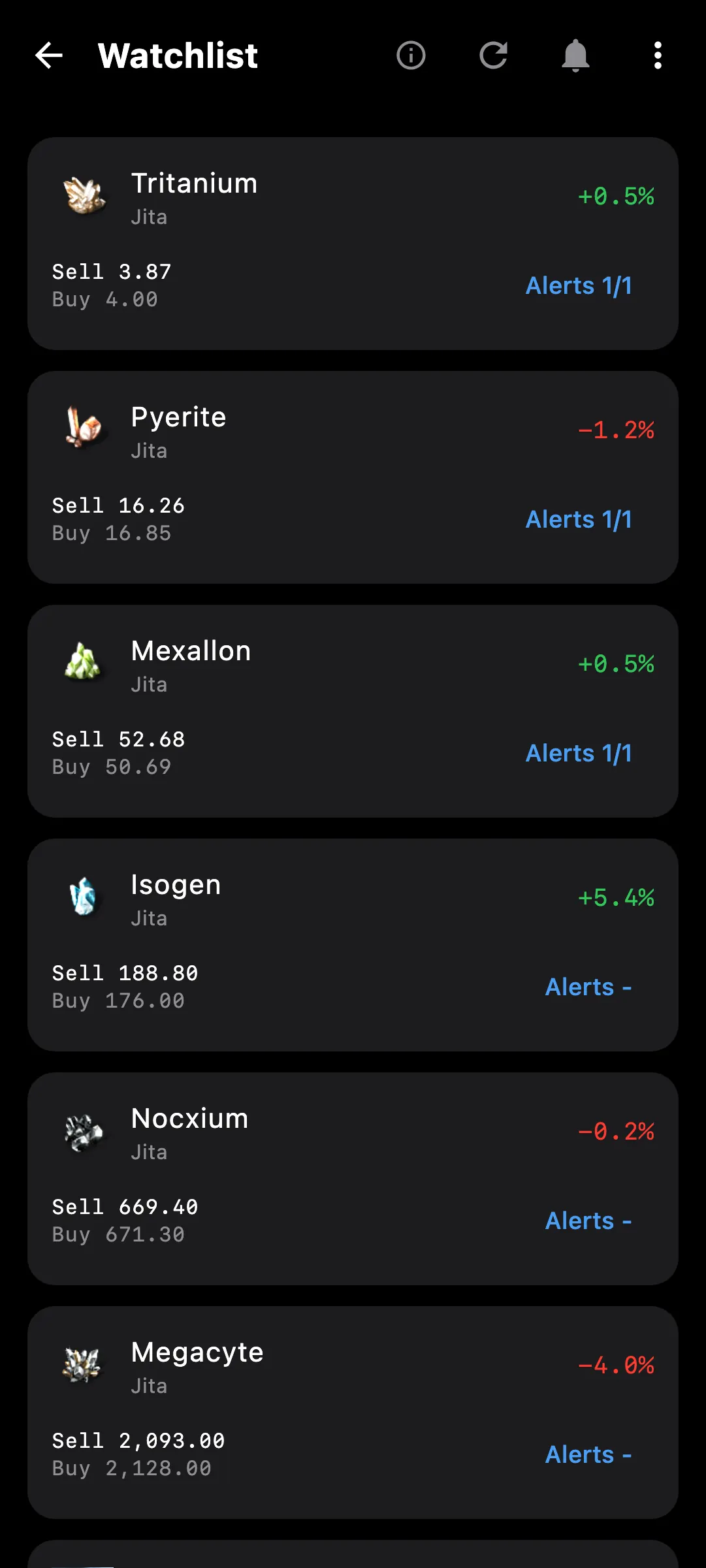
  • A watchlist of market prices with alerts, and when each alert last fired
  • Colonies that need you, by urgency
  • Intel tab: where your pilots are, what was reported near them, and a timeline of intel, kills and pings
  • Navigation in five places — Dashboard, Pilots, Map, Business, Database: a side menu on the PC, a bottom bar on the phone. The old layout stays in Settings

Access needed

This screen needs these access areas for each pilot you want included:

  • Wallet — ISK balance, journal and transactions
  • Assets — Everything the pilot owns
  • Market orders — Open orders and structure markets
  • Contracts — Courier, item and auction contracts
  • Industry and mining — Jobs, mining ledger and blueprints
  • Killmails — The pilot's kills and losses

You pick the areas when you log a pilot in and can add more later on the Access screen. How access works →

How to use it

  1. Open the app; the Dashboard is the first screen
  2. Use the chips at the top to include all pilots, all corporations or a single one
  3. Switch the period between 7, 30 and 90 days; Today so far is always shown
  4. Tap a Needs attention row to open the alert, or the card's header for the whole inbox
  5. Open the Intel tab for your pilots' locations and what was reported near them

Phone and PC

On the phone — the cards stack in one column, tables are sized to the screen, and the five sections sit in the bottom bar.

On the PC — the cards form a grid, and the sections live in the side menu with Settings in the top bar.
More screenshots

Dashboard on desktop: result, net worth and wealth over time for all pilots, with the side menu
Dashboard on a phone with the bottom bar
watchlist desktop
watchlist phone

See also

Something missing? Recent changes are in the patch notes, and you can ask on Discord.