← All features

Mining simulator

Ore, ice, moon ore and gas: yield and ISK per hour for one ship or a whole fleet
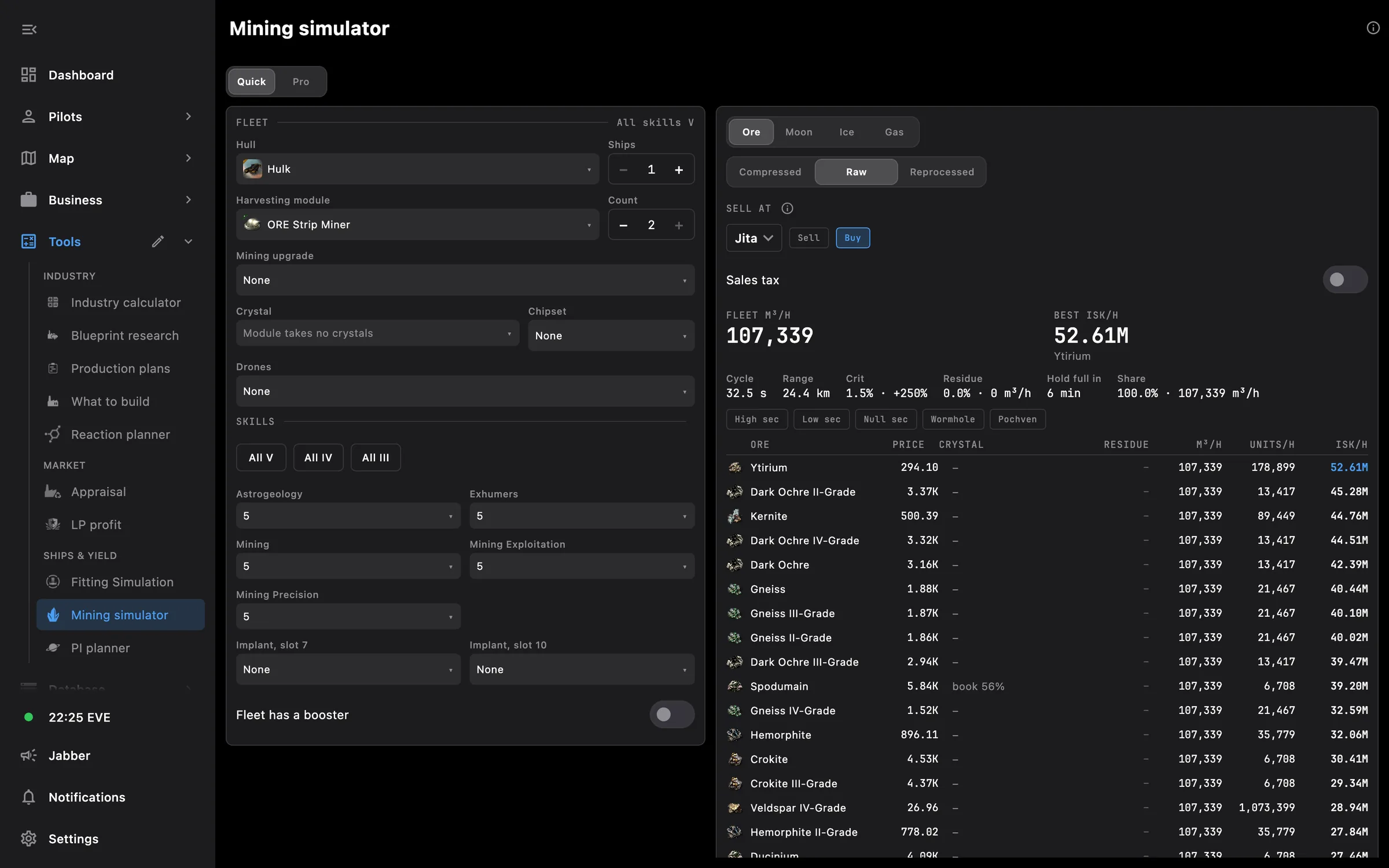
Mining simulator: fleet on the left, yield and ISK per hour for every ore on the right
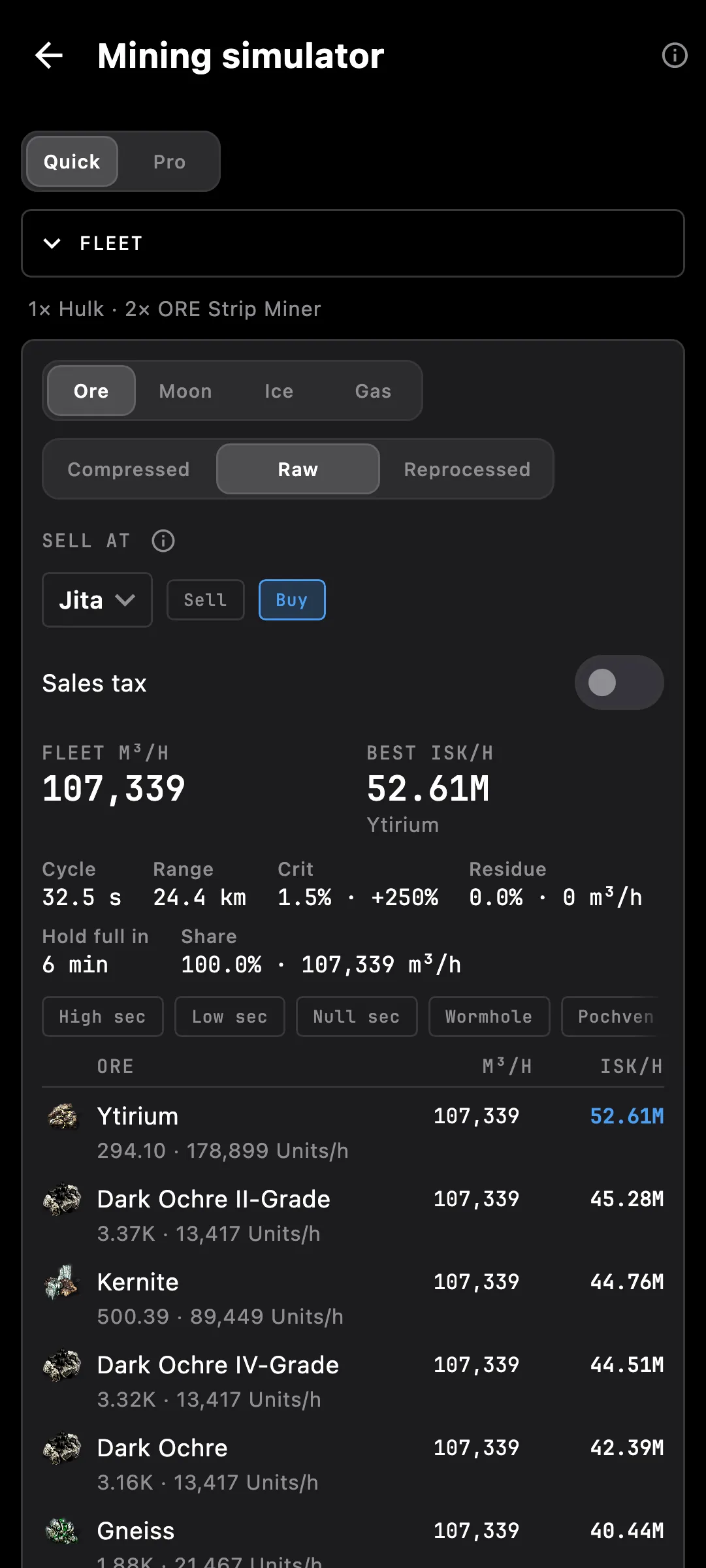
Mining simulator on a phone

What you get

Is the Hulk worth it over the Covetor? What does the Orca boost really add? Set up a ship or a whole fleet and see what every ore pays per hour, before anyone undocks.

  • Quick: one hull, its fit and the skill levels you set, to compare ships and fits in seconds
  • Pro: a fleet built from your own pilots and virtual ones, each row with its own hull, modules, rigs, drones and implants
  • A booster: Porpoise, Orca, Outrider or Rorqual with bursts, charges, industrial core and mindlink
  • Ore, moon ore, ice and gas tables with m³ per hour, units per hour and ISK per hour, the best one on top
  • Value the haul raw, compressed or reprocessed, with your own reprocessing setup
  • Crystals by grade, residue, critical hits, cycle time, range and how fast the hold fills, per row
  • Filter ores by where you mine: high, low, null, wormhole or Pochven
  • Hauling trips, sales tax and broker fee when you want the real income
  • Real pilots: what a pilot cannot use yet is greyed out with the missing skill named
  • Abyssal modules: type the rolled values and see what they add
  • Saved fleets you can reopen and change

Hull and module bonuses come straight from the game data, so new ships and modules appear with the next update. Prices come from the Prices page; pick the hub and buy or sell orders right in the results.

Access needed

Works without any access. Grant these to a pilot to get more:

  • Skills — Skills and the training queue

You pick the areas when you log a pilot in and can add more later on the Access screen. How access works →

How to use it

  1. Open Mining simulator in Tools
  2. In Quick, pick a hull, its mining modules and the skill levels; in Pro, add ships, pilots and a booster
  3. Choose Ore, Moon, Ice or Gas and how to value it: raw, compressed or reprocessed
  4. Read the table: the best ISK per hour is on top, with m³ and units per hour for every ore

Phone and PC

On the phone — the fleet folds into one line above the results, and each ore takes two lines so nothing is cut.

On the PC — the fleet and the results sit side by side, and the simulator opens in its own window.

See also

Something missing? Recent changes are in the patch notes, and you can ask on Discord.